OpenClaw vs ChatGPT: What's the Difference?
On this page
Comparing OpenClaw vs ChatGPT only makes sense once you stop treating both products as “AI assistants.” ChatGPT is optimized for prompt-response work: writing, analysis, brainstorming, coding help, research, and general chat. OpenClaw is optimized for agent workflows: persistent context, channels, tools, and an environment where the agent can stay active between interactions.
That means the decision is really about operating model. Do you want a chat product you open when needed, or an agent stack you configure to keep working across messaging and other tools? That distinction puts this article closer to personal AI assistant and AI agent platform territory than a normal chatbot roundup.
OpenClaw vs ChatGPT: The Quick Comparison
| Feature | BrainRoad (OpenClaw) | ChatGPT |
|---|---|---|
| Type | Hosted personal agent setup built on OpenClaw | Conversational AI product |
| Setup | BrainRoad hosts setup so you can skip self-hosting | Instant sign-up in web or app |
| Price | $29/month on BrainRoad | Free / Go $8 / Plus $20 / Pro $200 |
| Channels | Designed for agent workflows across messaging, email, and calendar setups | Web and app chat experience |
| Runs 24/7? | Can be configured as a persistent agent workflow | Primarily session-based chat |
| Memory | Persistent agent context depends on your setup | Memory features inside ChatGPT plans |
| Model choice | Can be paired with multiple model providers | OpenAI models inside ChatGPT |
| Data posture | Open-source stack with self-hosted or hosted deployment choices | Hosted by OpenAI |
| Best fit | You want a personal agent or automation workflow | You want the best general-purpose chat tool |
ChatGPT Pricing vs OpenClaw Hosting
OpenAI’s current public pricing lists ChatGPT Free, Go at $8/month, Plus at $20/month, and Pro at $200/month. BrainRoad’s hosted OpenClaw setup starts at $29/month. Those numbers matter, but only after you match them to the product category.
ChatGPT Plus and Pro buy you more capability inside ChatGPT. BrainRoad buys you a hosted path into an OpenClaw-based personal agent setup. That is not a clean apples-to-apples comparison, because one product is primarily a chat experience and the other is primarily an agent environment.
What You Actually Get With Each Option
Feature-by-Feature: What Separates an Agent From a Chatbot
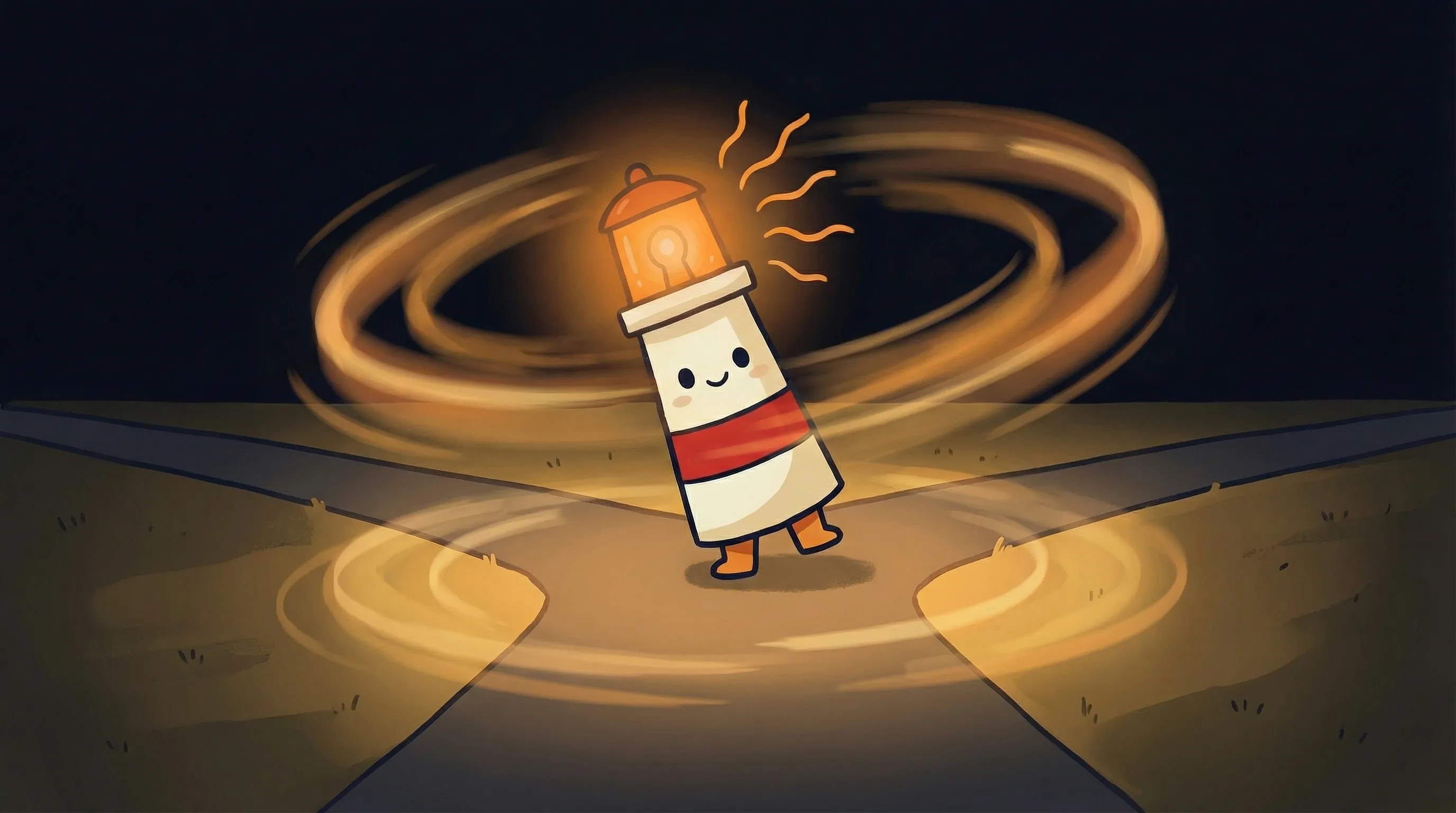
 Some tools cast a wide glow. Others cut right through the fog. Beacon’s here to help you see the difference.
What ChatGPT Doesn’t Tell You About Automation
Here’s the thing that took me a long time to articulate clearly: ChatGPT is a tool you use. OpenClaw is a service that runs for you. That sounds like marketing fluff until you sit with the implication.
ChatGPT’s model — even at $200/month Pro — is fundamentally reactive. You open it. You type. It responds. You do something with the response. The moment you close the tab, it stops. There’s no version of ChatGPT that messages your client at 11 PM because an email came in that needed a reply. There’s no version that monitors your calendar, identifies a scheduling conflict, and resolves it before you wake up.
OpenClaw was built for that gap. Its docs position WhatsApp as a production-ready channel, and the personal-assistant quick start centers on running the agent as a persistent service with a gateway and workspace. BrainRoad’s own product pages frame the hosted experience around email, messaging, and calendar workflows. That’s enough to make the category difference clear: OpenClaw is about agent runtime and channel orchestration, not just better chat.
OpenAI also keeps expanding ChatGPT. The current plan matrix includes Go at $8, Plus at $20, and Pro at $200, with OpenAI saying Plus and Pro remain ad-free while it plans to test ads in Free and Go in the US. But those plan changes still sit inside a chat product. They do not turn ChatGPT into the same kind of personal-agent stack OpenClaw represents.
Where The Break Usually Happens
Teams usually start this comparison because ChatGPT is already useful, but still too session-based for the work they want to hand off. They are tired of re-opening the tool, re-pasting context, and carrying outputs into inbox or calendar themselves.
That does not mean ChatGPT is the wrong product. It means the workflow has moved beyond what a chat-first product is designed to optimize. Once that happens, an agent runtime becomes the more relevant category.
How They Stack Up: Honest Ratings
The Honest Pros and Cons
Pros
- Can run as a persistent agent instead of a prompt-response tool
- Can be paired with multiple model providers
- Open-source stack with self-hosted or hosted deployment choices
- Fits teams that want messaging, email, and calendar workflows in one agent layer
Cons
- Newer platform with a smaller user community than ChatGPT's massive base
- Requires some initial setup even with BrainRoad's wizard — not instant like opening chatgpt.com
- Fewer casual one-off use cases — overkill if you just want to brainstorm occasionally
The worst case: you test the agent workflow for a month and decide chat-first tooling is still enough. The best case: you realize the missing layer in your stack was not a better chatbot, but a system that can keep working after the conversation ends. If that problem sounds familiar, it’s worth testing directly.
Try the Personal-Agent Path
If ChatGPT is useful but still too session-based for your workflow, test a hosted BrainRoad agent and see what changes when the system keeps running after you close the tab.
Start Free TrialWhen to Use ChatGPT vs When to Use OpenClaw (Decision Guide)
If you’re still not sure, here’s the short version. If you need the best general-purpose chat experience, use ChatGPT. If you need an agent stack that can stay active across your workflow, evaluate OpenClaw. You can self-host it or use BrainRoad to skip the infrastructure work. Both products can belong in the same stack, but they solve different layers of the problem. For more on what that agent layer looks like in practice, see our guides to personal AI assistants and best AI agents.
OpenClaw vs ChatGPT: What This Means for Your AI Setup
- ChatGPT is the world’s leading conversational AI chatbot — best for zero-setup, one-off tasks, writing, research, and learning. It is NOT a personal AI agent.
- OpenClaw is an open-source agent stack designed for persistent workflows across tools and channels, with self-hosted and hosted deployment paths.
- BrainRoad hosts OpenClaw for $29/month with a GUI wizard — no terminal, no configuration headaches, just your agent running on managed infrastructure.
- OpenAI’s current public pricing lists ChatGPT Free, Go at $8/month, Plus at $20/month, and Pro at $200/month. OpenAI has said ad testing is planned for Free and Go in the US, while higher tiers remain ad-free.
- OpenClaw supports any AI engine (GPT, Claude, Gemini, Llama, MiniMax), giving you flexibility ChatGPT’s locked GPT-family approach can’t match.
- The key product distinction is simple: ChatGPT is chat-first, while OpenClaw is agent-first.
Frequently Asked Questions: OpenClaw vs ChatGPT
Is OpenClaw a ChatGPT alternative?
Sort of — but calling it an alternative undersells what it is. ChatGPT is a conversational AI chatbot you visit in a browser. OpenClaw is a personal AI agent that runs continuously on your own hardware (or hosted infrastructure like BrainRoad), connects to messaging platforms like WhatsApp and Telegram, and takes autonomous actions like handling email and scheduling. They overlap in conversational capability but serve fundamentally different use cases.
Is OpenClaw free to use?
OpenClaw itself is open-source and free to download and self-host. You’ll pay for the AI engine powering it (the cheapest option, MiniMax M2.5, runs about $10/month). If you want it hosted and managed without touching a terminal, BrainRoad runs OpenClaw for $29/month with a GUI setup wizard included.
Does ChatGPT work 24/7 like an agent?
No. ChatGPT is reactive — it only responds when you open it and type something. The moment you close the tab, it stops. OpenClaw runs as a persistent service on your own hardware, monitoring your email, calendar, and connected platforms around the clock without you being present.
Which AI model does OpenClaw use?
OpenClaw supports multiple AI engines — you can configure it to run on GPT (the technology behind ChatGPT), Claude (Anthropic’s model), Gemini (Google), Llama (Meta’s open-source model), MiniMax, and others. ChatGPT is locked to OpenAI’s GPT model family only.
Is my data private with OpenClaw vs ChatGPT?
With OpenClaw self-hosted or on BrainRoad, your data stays on your own infrastructure — it never touches OpenAI’s servers. With ChatGPT, all conversations are processed on OpenAI’s cloud servers. If data privacy is a priority (regulated industries, sensitive client data, personal information), OpenClaw is the clear choice.
Does ChatGPT now show ads?
OpenAI said in January 2026 that it plans to begin testing ads in ChatGPT Free and Go in the US. Plus, Pro, Business, Enterprise, and Education remain ad-free. Check the latest pricing page if that matters to your buying decision.