Replace Your Kanban Board With an AI-Powered Project State System
On this page
Here’s the thing about Kanban: the board isn’t broken. The model is.
Kanban assumes you want to spend time managing your project management system. It assumes that dragging a card from ‘In Progress’ to ‘Done’ is a natural part of your workflow — a reflex as automatic as hitting save. It’s not. You’re deep in a problem, you fix it, and you move to the next thing. The card sits in ‘In Progress’ for three days. Nobody notices, because you’re the only one who cares, and you already know it’s done.
I’ve watched this pattern kill context for years. Not the project — the history. The board tells you a feature shipped. It doesn’t tell you why you scrapped the first approach, who raised the objection that changed the architecture, or what was blocking you for that weird two-week stretch in November. Three months later, you’re staring at a decision you made and you genuinely cannot reconstruct the reasoning. That’s the actual problem. I’ll come back to why that matters more than the standup automation — but first, the setup.
This is the AI automation pattern I keep coming back to: replace the thing that requires discipline with something that captures context naturally. The event-driven project state system from the OpenClaw use case library does exactly that.
Why Kanban Breaks for Solo Developers and Small Teams
Kanban boards made sense in a world where the overhead of card management was shared across a team. Your PM moved cards. Your scrum master updated statuses. You showed up to standup and described your state verbally while someone else captured it.
Solo developers and small teams don’t have that. You ARE the PM. You’re also the one shipping. The board update competes with the actual work — and the actual work always wins. So the board becomes a fossil. Accurate as of two weeks ago. Useless for anything except proving you planned something.
The deeper problem is what Kanban doesn’t capture at all: the ‘why.’ Cards track state — ‘In Progress’, ‘Done’, ‘Blocked.’ They don’t track decisions, pivots, or the reasoning behind them. As the Nuclino team has written, Kanban simply doesn’t work well when you’re the only one updating it and the context lives in your head.
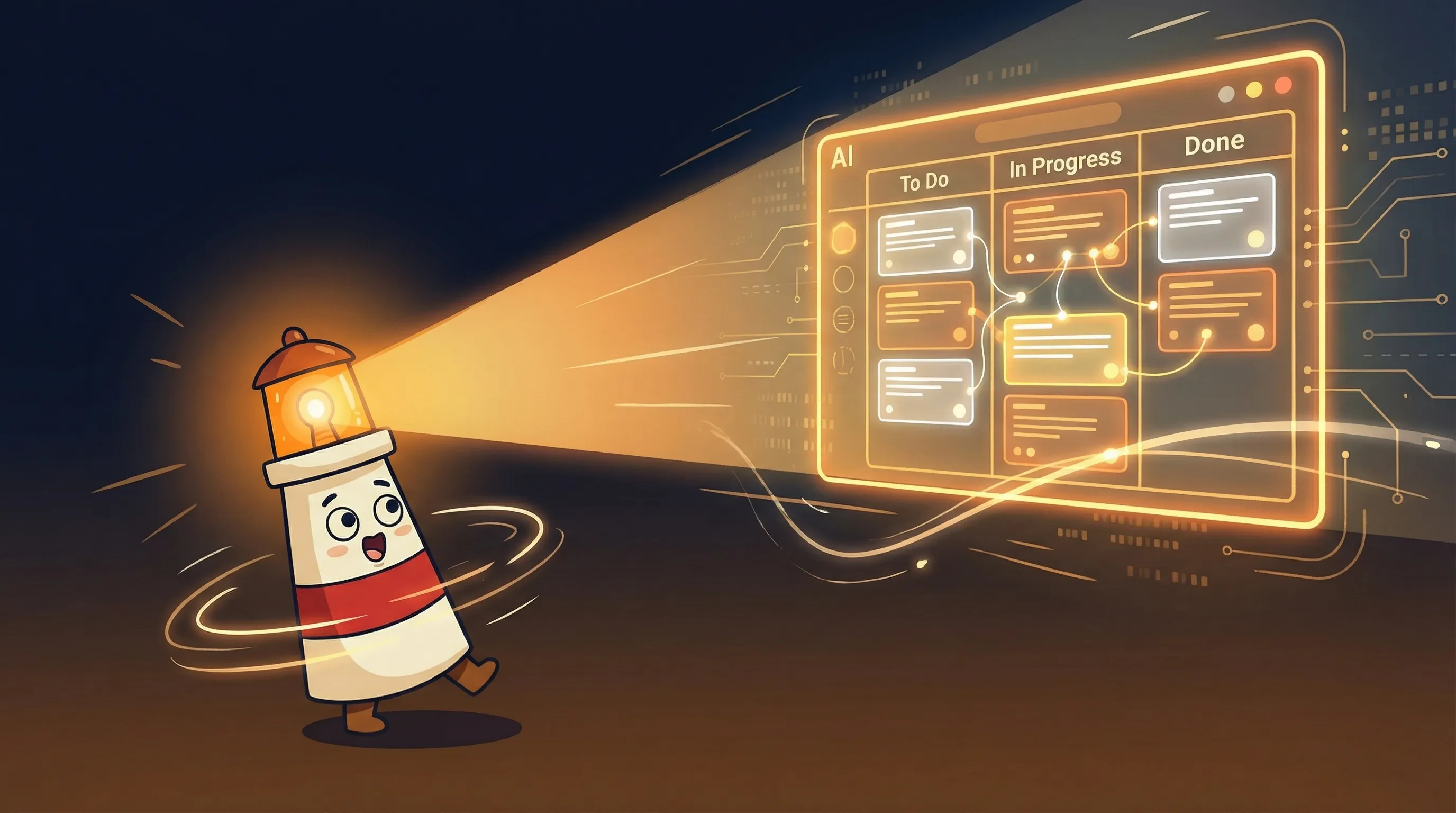
The event-driven approach inverts this. You don’t update the board — you describe your work, and the system captures everything automatically.
How the Event-Driven Model Actually Works
Instead of maintaining a board, you maintain a conversation. You tell your AI agent what’s happening — in plain language, the way you’d update a teammate on Slack — and the system handles the record-keeping.
- Progress events: ‘Finished the auth flow, starting on the dashboard’ → logs a progress event, updates current phase
- Blocker events: ‘Blocked on the Stripe webhook, waiting on API docs’ → creates a blocker entry, marks project as blocked
- Decision events: ‘Decided to use Postgres instead of SQLite for this one’ → logs the decision with full context
- Pivot events: ‘Pivoting away from the mobile-first approach’ → captures the reasoning, logs the pivot
Every one of these events hits a database with a timestamp, context, and project linkage. When you ask ‘Where are we on the dashboard?’ you get the full history: what’s done, what’s next, what’s blocking progress, and why any pivots happened. The standup summary writes itself — literally. A cron job at 9 AM pulls yesterday’s events and commits and posts them to a Discord channel.
This is what agentic AI actually looks like in practice — not a chatbot you query, but a system that captures context as a side effect of your normal workflow.
Building the Project State Database
The schema is deliberately minimal. Three tables. Postgres or SQLite both work — use Postgres if you’re running multiple projects or want the query flexibility, SQLite if you want zero infrastructure overhead.
CREATE TABLE projects (
id SERIAL PRIMARY KEY,
name TEXT UNIQUE,
status TEXT, -- 'active', 'blocked', 'completed'
current_phase TEXT,
last_update TIMESTAMPTZ DEFAULT NOW()
);
CREATE TABLE events (
id SERIAL PRIMARY KEY,
project_id INTEGER REFERENCES projects(id),
event_type TEXT, -- 'progress', 'blocker', 'decision', 'pivot'
description TEXT,
context TEXT,
timestamp TIMESTAMPTZ DEFAULT NOW()
);
CREATE TABLE blockers (
id SERIAL PRIMARY KEY,
project_id INTEGER REFERENCES projects(id),
blocker_text TEXT,
status TEXT DEFAULT 'open', -- 'open', 'resolved'
created_at TIMESTAMPTZ DEFAULT NOW(),

*Sticky notes and swim lanes can't see what's coming. Beacon can.*
resolved_at TIMESTAMPTZ
);
The events table is the heart of it. Every interaction logs here with a type — progress, blocker, decision, or pivot — and a free-text context field. That context field is where the value lives. It’s not just that a decision happened — it’s WHY, captured at the moment you made it, not reconstructed three months later.
The blockers table tracks open vs. resolved with timestamps on both ends. This gives you a clean history of what stopped you and how long it sat there — useful data when you’re estimating future work.
Wiring Up the AI Agent
Once the database is in place, you configure your AI agent — OpenClaw works well here — with a system prompt that maps natural language to database operations. Here’s the core prompt from the OpenClaw use case library:
You are my project state manager. Instead of Kanban, I'll tell you
what I'm working on conversationally.

When I say things like:
- "Finished [task]" → log a "progress" event, update project state
- "Blocked on [issue]" → create a blocker entry, update project status
  to "blocked"
- "Starting [new task]" → log a "progress" event, update current phase
- "Decided to [decision]" → log a "decision" event with full context
- "Pivoting to [new approach]" → log a "pivot" event with reasoning

When I ask:
- "What's the status of [project]?" → fetch latest events, blockers,
  current phase
- "Why did we decide [X]?" → search events for decision context
- "What's blocking us?" → list all open blockers across projects

Every morning at 9 AM, run a cron job to:
1. Scan git commits from the past 24 hours (via gh CLI)
2. Link commits to projects based on branch names or commit messages
3. Post a daily standup summary to Discord #project-state:
   - What happened yesterday (events + commits)
   - What's planned today (based on current phase)
   - What's blocked (open blockers)

When planning a sprint, spawn a sub-agent to analyze each project's
state and suggest priorities.
The Discord integration is straightforward — create a #project-state channel, configure the agent to post there. The channel becomes your persistent standup record. Every morning’s summary shows up automatically. You don’t attend it; you read it when you’re ready.
The git integration is where it gets interesting. The agent uses the GitHub CLI (gh) to scan commits from the past 24 hours and link them to projects based on branch names or commit messages. Your actual code changes become part of the project history — not a separate artifact you have to manually reconcile.
The Part Nobody Mentions: Decision History Is Worth More Than Status
I promised I’d come back to this. Here it is.
The automated standup is a nice feature. The status tracking is useful. But neither of those is what makes event-driven project management fundamentally different from Kanban. The real value is the decision log — and it’s almost never what people lead with when they describe this pattern.
Every project accumulates decisions that feel obvious when you make them and mysterious six months later. Why did we move from REST to GraphQL on this API? Why is this service architectured the way it is? Why did we drop that feature in v2? Kanban has no answer. It shows you states, not reasoning. The event log captures the reasoning at the moment it exists — when you’re in the middle of the decision and can articulate it clearly.
This changes what you can ask. ‘Why did we pivot on [feature]?’ returns the actual context from when the pivot happened — the blocker that triggered it, the decision event that followed, the commits that implemented the new direction. You’re not reconstructing history from memory. You’re querying it.
Parallel sub-agent execution matters here. Running agents sequentially — analyze project A, then B, then C — collapses into single-threaded latency. Running them simultaneously means sprint planning analysis that might take 30 minutes sequentially finishes in roughly 10. This is similar to what tools like Vibe Kanban (9,400 GitHub stars) figured out for AI coding agents: parallel execution with isolated workspaces removes the bottleneck entirely.
Where This Setup Falls Apart
I’ve built variations of this. Here’s what breaks:
- Inconsistent event language. The agent is pattern-matching your natural language to event types. If you sometimes say ‘wrapped up the auth flow’ and sometimes ‘auth is done,’ the mapping gets fuzzy. You need a few sessions to calibrate — or explicit rules in your prompt about phrasing.
- Branch name discipline. Git integration works by matching commit messages and branch names to project names. If your branch names are
fix-bug-3instead ofdashboard/fix-pagination-bug, the linker has nothing to work with. Worth cleaning up your branching conventions before you set this up. - The cold start problem. Your first few queries return thin history. The system gets more useful as the event log grows. Expect two to three weeks before the ‘why did we decide X?’ queries return genuinely useful context.
- Discord noise. If you’re running many projects, the morning standup post gets long fast. Consider filtering the standup to active and blocked projects only — completed ones don’t need daily airtime.
- No visual board for stakeholders. If you have clients or non-technical stakeholders who expect a Kanban board, this system has no native UI. You’re either generating reports on demand or keeping a lightweight board in parallel for external consumption.
How to Know It’s Working
- Your Discord #project-state channel has a standup post every morning at 9 AM without you doing anything
- Running
SELECT * FROM events WHERE event_type = 'decision' ORDER BY timestamp DESCreturns actual reasoning, not just ‘decided something’ - Querying ‘What’s blocking us?’ returns open blockers with creation timestamps — you can see how long things have sat
- Git commits from the past 24 hours show up in the standup summary linked to the correct project
- You can answer ‘Why did we approach X this way?’ by asking the agent instead of trying to remember
- The projects table shows accurate statuses — active, blocked, or completed — that reflect what you actually told the agent, not what someone remembered to update
Your Week-One Setup Checklist
- Stand up the database. Run the three-table schema above in Postgres (recommended) or SQLite. If you’re using Postgres, spin up a local instance or use a free tier on Supabase — budget $0-10/month for a small instance.
- Install the GitHub CLI. Run
gh auth loginand verify it can list commits from your active repositories. The cron job depends on this working cleanly. - Create #project-state in Discord. Set up a webhook URL for the channel — you’ll drop this into the agent config so it knows where to post.
- Configure your AI agent with the system prompt above. If you’re using OpenClaw via BrainRoad, paste the prompt into the agent configuration. Test it with a simple message: ‘Starting on the auth flow for Project X.’ Verify the event appears in your database.
- Set the 9 AM cron job. Schedule it to call the agent’s standup trigger endpoint. Give it 48 hours before you evaluate the output — the first two mornings may be sparse while the event history builds.
- If your team has project managers or external stakeholders: Keep a lightweight Kanban board (Linear or GitHub Projects) running in parallel for the first 30 days. Migrate fully once you’re confident the event log covers everything they need.
- After one week: Query the agent with ‘Why did we decide [something from this week]?’ If you get back coherent context, the system is working. If you get back nothing useful, check that your event language is consistent and the context field is being populated.
For more real-world examples of AI agents running automated workflows like this, the agentic AI examples roundup covers 15 production setups worth studying.
What This Changes About How You Work
- Kanban requires discipline to maintain. Event-driven project state requires you to describe your work — something you’re already doing in Slack, commit messages, and daily standups.
- The decision log is the highest-value output. Status tracking is table stakes; queryable decision history is what makes this irreplaceable.
- Git integration makes commits first-class project events — your code changes become part of the project narrative automatically, not a separate artifact.
- The setup requires a weekend to get right. The database schema takes an hour; calibrating the agent’s event-type mapping takes a few real work sessions.
- This isn’t a team tool by default. It’s built for solo developers and small teams. If you need external visibility, plan for a parallel lightweight board while you transition.
Frequently Asked Questions
Do I need to run this on a server, or can it run locally?
It can run locally. SQLite works fine instead of Postgres, and you can run the cron job with your system’s native scheduler. The Discord integration and GitHub CLI both work from a local machine. The main reason to move to a server is if you want the standup to post reliably at 9 AM even when your machine is off.
What if I use GitLab or Bitbucket instead of GitHub?
The setup as written uses the GitHub CLI for commit scanning. GitLab and Bitbucket both have CLIs and APIs that can do the same thing — you’d need to swap out the gh commands for their equivalents. The database schema and agent prompt don’t change.
Can I use Slack instead of Discord for the standup posts?
Yes. Slack’s incoming webhooks work the same way as Discord’s. Update the agent config with your Slack webhook URL and channel name. The standup format is plain text, so it renders fine in either platform.
How does this handle multiple projects running simultaneously?
The database schema is built for this — every event references a project_id, and every query can filter by project. When you ask ‘What’s blocking us?’ it returns open blockers across all projects. The sprint planning sub-agent spins up parallel analysis for each active project simultaneously, which is where the time savings compound.
Is there a UI, or is it entirely chat-based?
It’s entirely chat-based. There’s no visual board — you interact with the system through your AI agent, and the standup summary goes to Discord. If you need a visual artifact for clients or stakeholders, you’ll need to generate reports on demand or maintain a lightweight board like GitHub Projects in parallel.
Sources
- OpenClaw Project State Management Use Case
- Kanban Boards in 2026: AI-Powered Task Prioritization — Asrify
- Vibe Kanban: Manage AI Coding Agents in Parallel — ByteIota
- Flux: A Kanban Board That Speaks MCP — Paddo.dev
- Event Sourcing Pattern — Martin Fowler
- Why Kanban Doesn’t Work for Me — Nuclino Blog
- Best AI Project Management Tools — BridgeApp