Turn Your AI Agent Into a Second Brain You Can Text
On this page
You have tried Notion. It became a project in itself — pages nested inside pages, templates you spent a weekend building, and a tagging system that made perfect sense until you had 400 notes. You tried Apple Notes. It is now a graveyard. Somewhere in there is the name of a book someone recommended at dinner two years ago. You will never find it.
I spent years telling people to fix their note-taking habits. Better apps. Better discipline. Better folder structures. I was wrong about all of it. The problem was never the app. It was never the organizational system. It was the friction model — and I did not see it clearly until I watched the same pattern repeat itself enough times to feel embarrassing.
There is a reason you text your friend an idea the second you have it but open Notion zero times that same day. Texting is zero friction. Notion is work. In a minute I will show you exactly why that distinction matters more than anything else about your second brain — and how to build one that works the same way texting does. First, the problem.
Why Every Note App Eventually Turns Into a Graveyard
According to APQC survey data, knowledge workers lose nearly 3 hours every week just searching for information they already have. Total information-related friction runs over 8 hours a week. That is a full workday, gone — not because the information does not exist, but because it is buried somewhere in a system nobody can bear to maintain.
The pattern is almost universal. You start a new note app excited. You use it religiously for two weeks. Then life gets busy. Organizing feels like homework. You start dumping things in without tagging. The dump gets too big to search by eye. You stop opening the app. The cycle repeats with the next tool.
Obsidian — one of the most thoughtful note-taking tools built — crossed 1.5 million active users in early 2026, growing 22% year over year. Even Obsidian’s own CEO, Steph Ango, admits the ‘second brain’ metaphor is flawed. He calls the tool an ‘exosuit’ — something that should feel like a direct extension of you, not a passive external archive you have to visit. That reframe matters. A brain does not require you to file things correctly before it will remember them.
The failure mode is not lack of features. A well-tagged pile of notes is still just a pile. Any system that requires active maintenance will eventually collapse — usually right when you are too busy to maintain it.
What an AI Second Brain Actually Does Differently
If you’re exploring personal AI assistants, the second brain use case is one of the most immediately useful — and the most underrated. Here is what makes it different from every app you have abandoned.
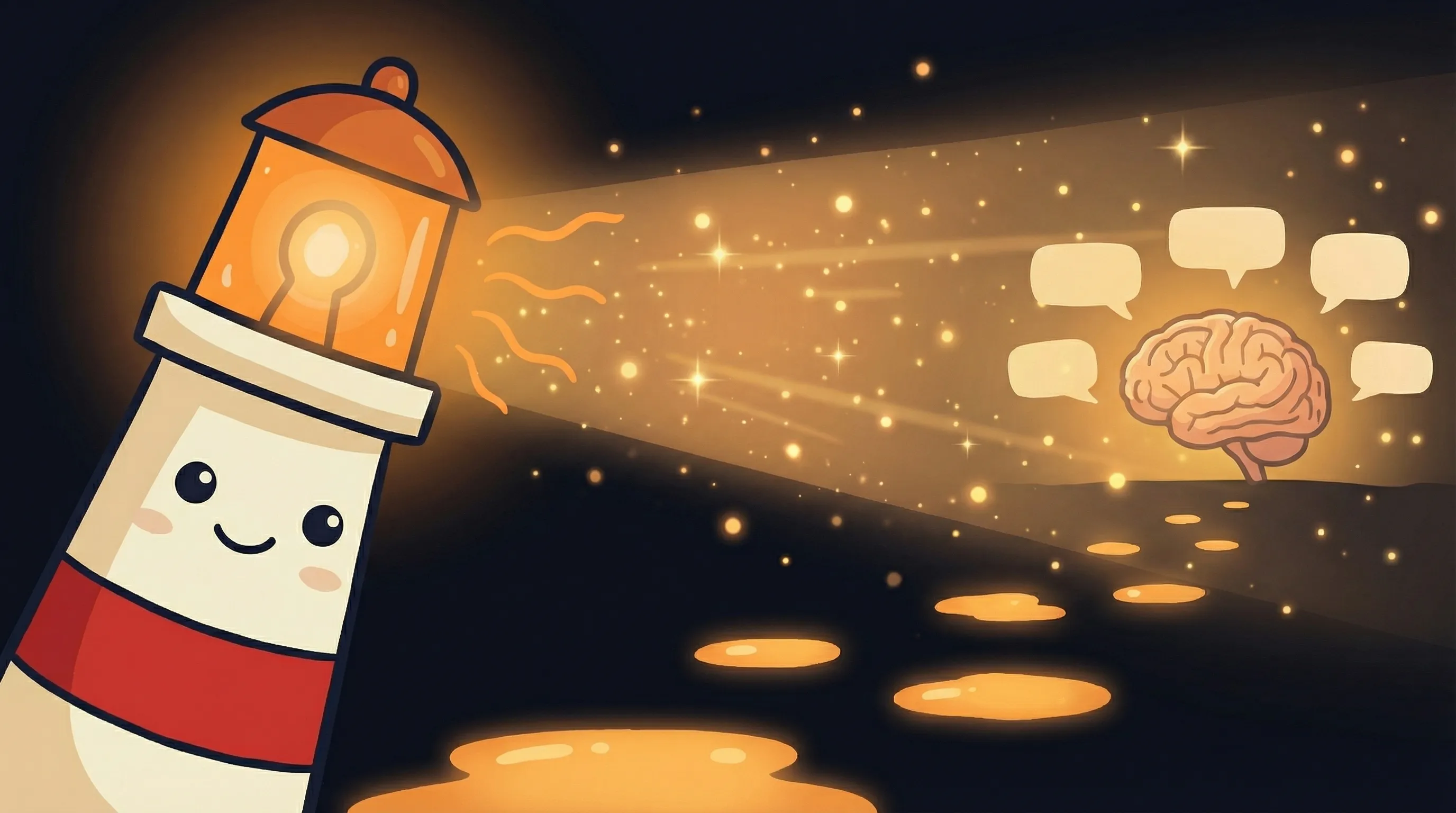 Some ideas are too good to keep in your head — let Beacon help you build one that’s always on call.
A standard AI like ChatGPT or Claude starts fresh every conversation. You explain yourself again on Monday the same way you did on Friday. There is no memory, no context, no accumulation. You are the memory. That is exhausting.
An AI second brain built on a platform like OpenClaw does something fundamentally different. It keeps everything. Every message you have ever sent it. Every link, book recommendation, idea, reminder, and stray thought. And it does not require you to organize any of it. You capture. It stores. You search when you need something. That is the entire model.
- Text anything from your phone — a book title, a link, a name — and it is permanently stored
- No folders. No tags. No organizational decisions required at capture time
- A searchable dashboard lets you find anything across all your notes and conversations
- The memory is cumulative — the longer you use it, the more powerful it becomes
- Works from Telegram, iMessage, or Discord — wherever you already communicate
The AI can also act proactively — sending you reminders, surfacing things you saved weeks ago, and connecting dots between ideas you forgot you had. It is not a passive archive. It is closer to a colleague who reads everything and never forgets a word.
How to Set Up Your AI Second Brain (The Actual Steps)
This setup uses OpenClaw, which handles the storage, memory, and messaging integration. You do not need to write code or manage servers. The entire thing is built through conversation.
- Connect your OpenClaw agent to your messaging platform of choice. Telegram and Discord are the most reliable starting points. iMessage works if you are on a Mac. The setup wizard in OpenClaw walks you through this — it takes about 10 minutes.
- Start using it immediately. Do not configure anything else first. Just text your bot something you want to remember right now. The faster you start, the faster the habit forms.
- After a few days of use, build your searchable dashboard. Send your agent this prompt — or something close to it: ‘I want to build a second brain system where I can review all my notes, conversations, and memories. Build it with Next.js. Include a searchable list of all memories and conversations, a global search shortcut (Cmd+K), the ability to filter by date and type, and a clean minimal UI.’ OpenClaw will build and deploy the entire web app for you.
- Navigate to the URL it gives you. That is your second brain dashboard — a searchable index of everything you have ever sent your agent.
- From here, the only habit you need is: when you think of something, text it. You are done.
What can you text? Anything. ‘Remind me to read Designing Data-Intensive Applications.’ ‘Save this link — interesting piece on local AI models.’ ‘John recommended the Italian place on 5th.’ The system does not care about format. It stores the meaning, not the structure.
The Part Nobody Talks About: Why Capture Beats Organization Every Time
Here is the counterintuitive truth I promised in the opening: the reason your second brain failed before had nothing to do with how well-designed it was. It failed because the capture moment had friction, and friction kills habits faster than anything else.
Think about what happens when you have an idea at 11 PM. Opening Notion means unlocking your phone, finding the app, navigating to the right section, picking a template or page, typing the idea, and maybe adding a tag. That is six steps for one thought. Texting your agent is two steps — open Messages, send. By the time most people finish the Notion flow, they have already half-forgotten the idea.
The AI second brain flips the model. Organization happens at retrieval, not at capture. You never decide where something goes. You just send it. When you need it, you search. The AI handles the rest — it can search by meaning, not just keywords, which means ‘that book about distributed systems John mentioned’ actually finds what you are looking for even if you never typed those exact words.
This is also why the cumulative nature of the memory matters. Every note you have ever sent makes the next search more useful. A traditional note app does not get better over time — it just gets bigger. An AI memory system gets genuinely smarter about what you care about. That is a completely different tool.
You can read more about how people actually use personal AI agents day-to-day — the second brain pattern shows up repeatedly as one of the highest-retention use cases.
Where This Approach Falls Apart
This is not magic, and it is not perfect. Here is what I have seen break.
- Search quality depends on specificity. If you sent 400 vague one-liners over six months, the search gets noisy. Being slightly more descriptive at capture time — even one extra word — pays dividends at retrieval.
- You still have to build the retrieval habit. The capture habit forms fast because texting is natural. The retrieval habit is harder. Most people forget they can search the dashboard and keep re-saving things they already have. Check it once a week to start.
- Messaging platform reliability matters. If your Telegram integration goes down at 2 AM, you cannot capture until it is back. Keep a backup method — even a voice memo app on your phone — for when the connection drops.
- It does not replace structured project management. For active work with deadlines, dependencies, and team coordination, you still want a proper tool. The second brain handles the fuzzy personal knowledge layer — ideas, references, things to revisit. It is not a task manager.
- Privacy considerations. Everything you text your agent is stored persistently. Think about what that means for sensitive information — confidential business details, personal medical notes, financial specifics. Be deliberate about what you capture.
Signs Your Second Brain Is Actually Working
After about two weeks, you will start to notice the system is doing something useful. Here is what to look for:
- You text your agent without thinking about it — the habit is automatic, not deliberate
- You successfully retrieve something you captured weeks ago by searching a rough description
- You catch yourself NOT opening a note app because texting feels faster and more natural
- Your dashboard has at least 30-50 entries and the search is returning relevant results
- The agent surfaces something you forgot you saved, and it is actually useful in that moment
If search results feel irrelevant or you cannot find things you know you captured, the problem is almost always capture phrasing — add one more descriptive word next time. If you stop using it entirely, the friction went up somewhere. Identify the step that feels like work and eliminate it.
Your Monday Morning Setup Checklist
This takes about 20-30 minutes to get running. Here is the exact sequence.
- Sign up for BrainRoad and launch your first OpenClaw agent — the onboarding wizard handles the initial configuration. If you already have an agent running, skip to step 2.
- Connect your preferred messaging platform. Telegram is the fastest to set up (under 5 minutes). Discord works well if you use it daily. iMessage requires a Mac with the desktop client running.
- Send your first 5 captures right now. Do not wait. Text your agent a book you want to read, a link you have been meaning to save, a name you keep forgetting, a recipe, an idea. Anything. Just fill the first 5 slots.
- If you have been using it for at least 3 days and have 20+ captures, prompt your agent to build the Next.js dashboard. If you have fewer than 20 captures, keep texting for another week before building the dashboard — it is more useful with real content in it.
- Set a recurring calendar event for 15 minutes every Friday to open the dashboard and search for something. This builds the retrieval habit deliberately until it becomes automatic.
- Budget $20-40 per month for API usage as your memory volume grows — light users stay well under $20, heavier daily users might hit $40. Monitor your usage dashboard in the first 30 days to calibrate.
- Review what you have captured after 30 days. Anything you have never searched for, you probably did not need to capture. Adjust your capture habits accordingly — less noise, more signal.
What This Changes About How You Think
- Knowledge workers lose nearly 3 hours per week just searching for information they already have — an AI second brain with persistent memory is the most direct fix for this problem.
- The core failure mode of every note app is friction at capture, not at retrieval. Zero-friction capture (texting) beats perfect organization every time.
- OpenClaw’s memory system is cumulative — it gets more useful the longer you use it, unlike traditional apps that just get bigger and harder to search.
- You can go from zero to a fully searchable second brain dashboard in under 30 minutes, with no code, no folder structure, and no tagging system required.
- This approach does not replace structured project tools — it fills the fuzzy personal knowledge layer that those tools were never designed for.
Frequently Asked Questions
Do I need to know how to code to build the searchable dashboard?
No. You prompt your OpenClaw agent to build it for you in plain English. It writes the code, builds the app, and gives you a URL. You just navigate to it. The most technical thing you do is copy and paste a prompt.
What messaging platforms does this work with?
Telegram, iMessage, and Discord are the main options. Telegram is the easiest to set up and the most reliable for this use case. iMessage works well if you are on a Mac with the desktop client running. Discord is a good choice if it is already where you spend time daily.
What happens to my captures if I stop paying for the platform?
This depends on the platform and your export options. Before committing to any setup, confirm that you can export your memory data in a readable format. OpenClaw built on BrainRoad gives you access to your conversation history. Check the export options before you start so you are not locked in.
Is this different from just asking ChatGPT to remember things?
Yes, significantly. ChatGPT and Claude start fresh every session — they have no memory between conversations. An AI second brain built on a platform with persistent memory retains everything you tell it across every conversation, indefinitely. It knows you on Monday the same way it knew you six months ago.
How is this different from just saving things to Apple Notes or Notion?
The capture experience is the same — it feels like texting. The retrieval experience is completely different. Instead of browsing folders or hoping you tagged something correctly, you search by meaning. ‘That book about distributed systems John mentioned’ actually finds the right note even if you never typed those exact words. The AI understands context, not just keywords.
Sources
- OpenClaw Second Brain Use Case — awesome-openclaw-usecases
- I Stopped Managing My Notes — sellem.me
- Obsidian AI Second Brain: Complete Guide 2026 — NxCode
- How to Build an AI Second Brain That Actually Remembers You — Copana
- Build Your AI Second Brain with OpenClaw — clawctl.com
- How to Build a Second Brain with AI in 2026 — Taskade
- Best 15 Second Brain Apps in 2026 — Buildin.AI