How to Connect Your AI Agent to 400+ Apps Using n8n Workflows
On this page
I spent a weekend testing a setup where my AI agent had direct access to a handful of API keys — Slack, Notion, a GitHub token. Clean environment variables, tidy skill files. The kind of thing that looks responsible until you realize the agent is reasoning through a deterministic ‘send this Slack message’ task and burning through AI processing budget to do something that should take zero thought. Then I accidentally committed the wrong file. The keys weren’t exposed — I caught it — but the near-miss clarified something.
The agent doesn’t need credentials. It just needs a URL to call. That realization is the whole game, and I’ll get to it in a minute — but first, the problem worth understanding.
This pattern comes from Simon Høiberg, who laid out three specific reasons why letting your AI agent handle API interactions directly is the wrong architecture. I’ve been running with his approach for a while now. It works. The setup involves n8n — a visual workflow tool with 400+ pre-built app connections — sitting between your agent and every external service. If you’re evaluating an AI automation setup and you haven’t thought about credential isolation yet, this is the article to read first.
Why Direct API Access Breaks Down
When you give an AI agent direct access to external APIs, three problems compound on each other quickly.
The first is visibility. When your agent calls Slack directly through a skill file or shell script, there’s no easy way to inspect what actually happened. Did it send the message? Did it attach the right channel? Did it retry three times? You’re left reading logs — if you thought to set them up.
The second is credential sprawl. Every API key lives in the agent’s environment. One bad commit, one misconfigured .gitignore, and those keys are gone. This isn’t hypothetical — it’s the most common way API keys leak.
The third is the expensive one: wasted reasoning. Your agent uses the technology behind ChatGPT to think through every step. Sending a Slack message is deterministic — it’s the same steps every time. There’s no reasoning required. But if the agent is handling it directly, it’s burning AI processing budget on a task that should cost nothing.
The Proxy Pattern: How n8n Sits Between Your Agent and Everything Else
The fix is a proxy pattern. Your agent never calls Slack, Gmail, or GitHub directly. Instead, it calls a webhook URL — a simple HTTP endpoint — and n8n handles everything from there: credentials, logic, rate limiting, approval gates, logging.
Here’s how the flow works in practice:
- You tell your agent what you need — ‘create a workflow that sends a Slack message when a new GitHub issue is labeled urgent’
- The agent builds the workflow in n8n via n8n’s API, including an incoming webhook trigger
- You open n8n’s visual interface, add your Slack token and GitHub token manually — one time
- You lock the workflow so the agent can’t modify how it interacts with those APIs
- From now on, the agent calls
http://n8n:5678/webhook/my-workflowwith a JSON payload — it never sees the API key
That’s it. The agent knows one URL. n8n knows the credentials. The external service never interacts with the agent at all.
n8n has 400+ pre-built app connections — Slack, Gmail, Notion, GitHub, Google Sheets, Airtable, HubSpot, and hundreds more. Most external services you’d want to connect already have n8n nodes, which means your agent doesn’t need to write custom API call logic. It just needs to know the webhook URL.
The Part Everyone Gets Wrong: Your Agent Doesn’t Need Credentials
Here’s the counterintuitive part I promised to get back to.
Most people think about AI agent security as ‘how do I protect the credentials my agent uses.’ The right question is ‘how do I build a system where my agent doesn’t use credentials at all.’
A webhook URL is not a credential. It’s an endpoint. If it leaks, you rotate the webhook — not a Slack token, not a GitHub personal access token, not an OAuth secret tied to a production account. The blast radius of a leaked webhook URL is a fraction of the blast radius of a leaked API key.
The other thing people miss: locking matters as much as the proxy pattern itself. Once you build and test a workflow, lock it. Without locking, the agent can silently modify how it interacts with the external API. You might come back a week later to discover your ‘send a Slack message’ workflow now also posts to Twitter because the agent decided that seemed useful. Lock after testing. That’s the build → test → lock cycle, and skipping the lock is where this pattern breaks down.
Two Ways to Set This Up
There’s a fast path and a manual path. Start with the fast path unless you have a specific reason not to.
Option 1: The Pre-Configured Docker Stack (Recommended)
A community-maintained Docker Compose setup called openclaw-n8n-stack pre-wires everything. OpenClaw runs on port 3456, n8n runs on port 5678, and they share a Docker network so OpenClaw can call http://n8n:5678/webhook/... directly without any extra configuration.
git clone https://github.com/caprihan/openclaw-n8n-stack.git
cd openclaw-n8n-stack
cp .env.template .env
# Add your Anthropic API key to .env
docker-compose up -d
That gives you OpenClaw and n8n running and talking to each other, plus a shared Docker network and a set of pre-built workflow templates — including multi-model fact-checking, email triage, and social monitoring. If you want to see this up and running inside of 10 minutes, this is how.
Option 2: Manual Setup with AGENTS.md Convention
If you’re integrating into an existing setup, install n8n separately (npm install n8n -g or run it via Docker), configure OpenClaw to know the n8n base URL, and add an instruction block to your AGENTS.md file. This file tells your agent how to behave — think of it as standing orders.
## n8n Integration Pattern
When I need to interact with external APIs:
1. NEVER store API keys in my environment or skill files
2. Check if an n8n workflow already exists for this integration
3. If not, create one via n8n API with a webhook trigger
4. Notify the user to add credentials and lock the workflow

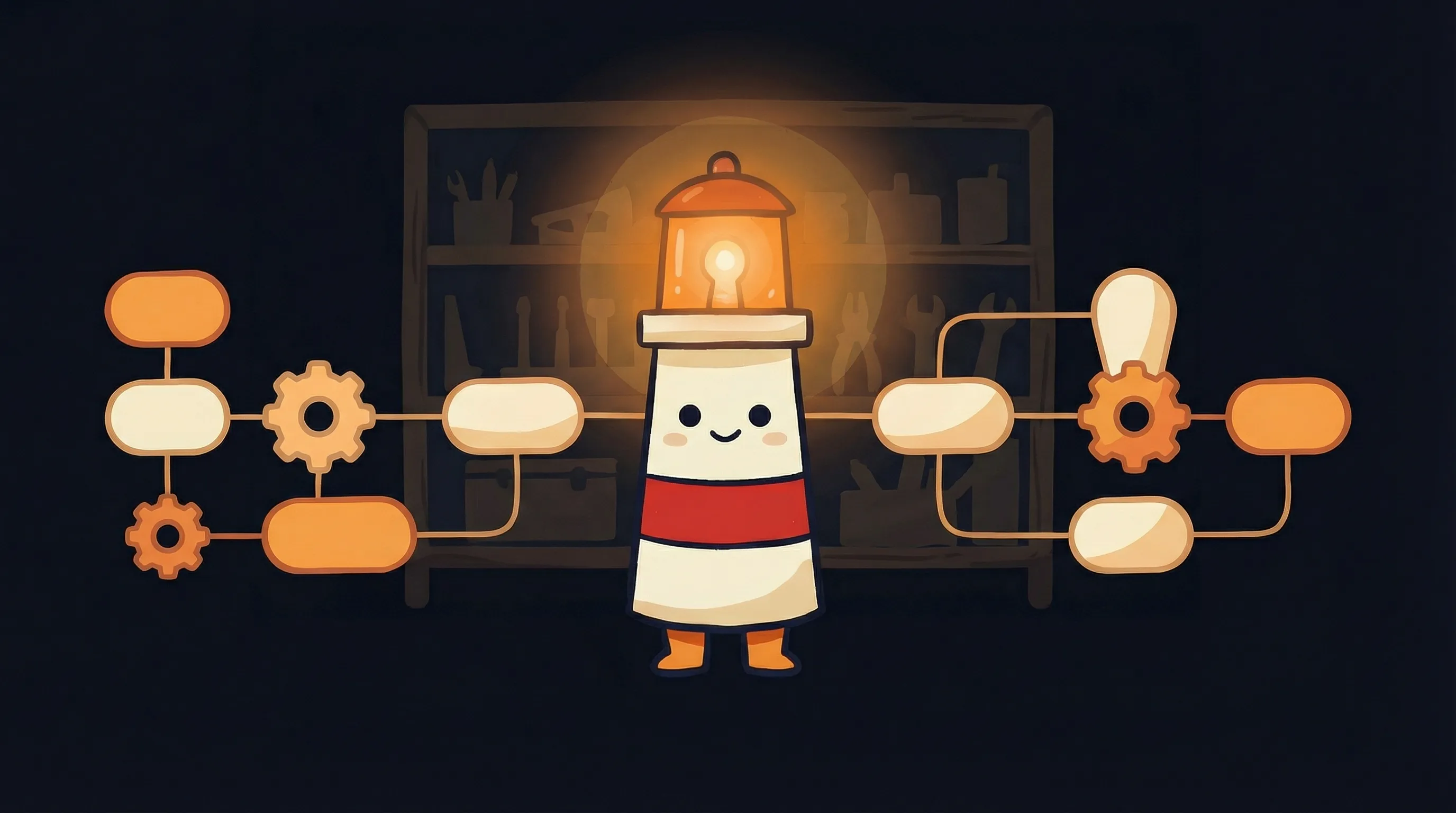
*Some connections only take the right light to bring together — and with n8n, 400+ apps are suddenly within reach.*
5. For all future calls, use the webhook URL with a JSON payload
Workflow naming: openclaw-{service}-{action}
Example: openclaw-slack-send-message
Webhook call format:
curl -X POST http://n8n:5678/webhook/{workflow-name} \
-H "Content-Type: application/json" \
-d '{"channel": "#general", "message": "Hello from OpenClaw"}'}
The naming convention matters. openclaw-slack-send-message is self-documenting. Six months from now, you’ll know exactly what that workflow does without opening it. The agent also follows this convention consistently, which means you won’t end up with a graveyard of identically-named or mystery workflows.
This is also the pattern that connects naturally to broader AI automation workflows — once n8n is wired in, you can chain agent-triggered actions with any of n8n’s 400+ app connections without the agent needing to know anything about the downstream services.
Where This Pattern Gets Complicated
- Webhook URL rotation: If you ever need to rotate a webhook URL (security audit, workflow restructure), you need to update the agent’s knowledge of that URL — either in AGENTS.md or wherever it’s stored. There’s no automatic propagation.
- Workflow versioning: n8n doesn’t have built-in version control. If you unlock a workflow to make changes, you’re overwriting the previous version. Keep a backup export habit before any modifications.
- The lock discipline: Locking requires manual action every time you build a new workflow. It’s easy to forget after testing and move on. An unlocked workflow is one the agent can silently modify — which defeats the whole security model.
- n8n credential scope: You add credentials manually in n8n’s UI. If you have multiple workflows that use the same Slack token and that token rotates, you update it once in n8n’s credential store — but you need to remember all the workflows using it.
- Docker network dependency: The Docker stack approach assumes both OpenClaw and n8n are on the same network. If you’re running them on separate servers or in different cloud environments, you’ll need to expose n8n’s webhook endpoint and handle authentication on the webhook itself.
How to Know It’s Working
- Your agent returns the webhook URL (e.g.,
http://n8n:5678/webhook/openclaw-slack-send-message) after building a workflow — not a confirmation that it sent the Slack message directly - n8n’s execution log shows successful runs with input payload and response data for every agent-triggered call
- The workflow shows as ‘locked’ in n8n’s UI — the agent cannot modify it without you unlocking it first
- No API keys appear anywhere in your OpenClaw environment variables or skill files for the integrated services
- You can trigger the webhook manually from the terminal and see the result in both n8n’s execution log and the external service
Your Monday Morning n8n Setup Checklist
- Clone the openclaw-n8n-stack repo (
git clone https://github.com/caprihan/openclaw-n8n-stack.git), copy.env.templateto.env, and add your Anthropic API key — this takes under 5 minutes - Run
docker-compose up -dand confirm OpenClaw is accessible on port 3456 and n8n on port 5678 before doing anything else - If you’re on an existing setup (not using the Docker stack), add the AGENTS.md integration block from Option 2 above — this is the instruction set your agent will follow for every future API integration
- Pick one integration to test first — Slack is the easiest. Ask your agent to create a workflow that posts a test message to a channel. Watch it build the workflow in n8n’s UI.
- Open n8n’s credential store, add your Slack token manually, and trigger the workflow once to confirm it works end-to-end
- Lock the workflow immediately after a successful test — do not skip this step, even if you plan to come back and adjust it
- Check n8n’s execution log: you should see a record showing the JSON payload your agent sent and the response Slack returned. If this log is empty, the webhook call didn’t reach n8n — check your Docker network configuration.
- Budget 20-30 minutes per new integration for the build → test → lock cycle. After the first few, it gets faster.
What This Changes About Your Agent Architecture
- Your AI agent should handle decisions and reasoning — n8n should handle deterministic execution. These are complementary roles, not competing ones.
- n8n has 400+ pre-built app connections, which means most integrations your agent needs already exist — it’s about configuration, not custom code.
- The build → test → lock cycle is non-negotiable. An unlocked workflow means the agent can silently modify how it talks to external services — eliminating the security benefit.
- n8n logs every execution automatically. You get observability, a security boundary, and AI processing budget savings from a single architecture change.
- The fastest path to a working setup is the openclaw-n8n-stack Docker Compose repo — OpenClaw on port 3456, n8n on port 5678, shared network pre-wired.
Frequently Asked Questions
Does my AI agent need to know how to use n8n's API?
The agent needs access to n8n’s API to create workflows — but you don’t need to teach it manually. The AGENTS.md convention lays out the pattern: check if a workflow exists, create one via n8n’s API if not, use the webhook URL for all future calls. Once that instruction block is in your AGENTS.md, the agent follows it automatically for every new integration.
What happens if a webhook URL gets leaked?
A leaked webhook URL is a much smaller problem than a leaked API key. You rotate the webhook in n8n — it takes about 30 seconds — and update the URL in your agent’s AGENTS.md or skill configuration. The underlying API credentials (your Slack token, your GitHub key) stay in n8n’s credential store and are never exposed. The blast radius is contained.
Can I add approval gates so the agent can't send external calls without human review?
Yes. You can add a human approval step inside any n8n workflow before the external API call executes. n8n pauses the workflow, sends you a notification (email, Slack, whatever you prefer), and waits for your confirmation. This is useful for high-stakes actions — sending customer emails, updating production data, posting publicly — where you want a human checkpoint before the call goes out.
Do I need Docker to use this pattern?
Docker is the fastest path, especially with the openclaw-n8n-stack repo. But it’s not required. You can install n8n globally with npm install n8n -g and run it separately. The key requirement is that OpenClaw can reach n8n’s webhook endpoint — same server, local network, or exposed via a reverse proxy with authentication. The Docker stack just handles all of that automatically.
How is this different from just using n8n's built-in AI Agent node?
n8n’s AI Agent node lets you build agents inside n8n itself — useful for structured, workflow-driven tasks. The OpenClaw + n8n pattern is different: OpenClaw is your primary agent (handling open-ended reasoning, memory, and complex decisions), and n8n sits between it and external APIs as an execution layer. They’re solving different problems. OpenClaw handles the intelligence; n8n handles the plumbing.
Sources
- OpenClaw + n8n Workflow Orchestration (awesome-openclaw-usecases)
- openclaw-n8n-stack Docker Compose setup
- OpenClaw + n8n: The Definitive Guide (futurehumanism.co)
- Building an AI-Powered Agent in n8n (anmol-gupta.medium.com)
- How to Build an n8n AI Agent Workflow (theowllogic.com)
- n8n Webhook Trigger Documentation
- Simon Høiberg on the OpenClaw + n8n pattern (X/Twitter)
Related Articles

AI front desk software for small business: missed calls, follow-ups, and owner approval
AI Phone Receptionist vs AI Follow-Up Assistant: Which Should a Small Business Hire First?