
AI Assistant Safety Checklist for Small Business: Review Before Send

On this page
Your competitor’s AI assistant sent a customer the wrong refund amount last Tuesday. The customer forwarded it to their lawyer on Wednesday. By Thursday, your competitor was on the phone explaining that the AI ‘made a mistake’ — a defense that, as of right now, no court has accepted.
Your AI assistant drafts the same reply, flags it for your review, and waits. You read it in thirty seconds, fix the number, hit approve. The customer gets the right answer. The transaction closes. You move on.
Same AI. Completely different outcome. The difference isn’t the model — it’s whether anyone built a review step before the send button.
More than 58% of small businesses are already using AI in some form, according to the U.S. Chamber of Commerce. Most have no policy governing what it can do. That gap is where the problems live — and if you’re exploring how a personal AI assistant fits into your business, the safety architecture matters as much as the capability. An AI assistant safety checklist is not bureaucracy. It is the thing that makes AI usable without anxiety.
Here is the checklist, the policy layer underneath it, and the one trap that breaks most approval systems — even well-designed ones. I’ll get to that trap after the framework, because it changes how you design the whole thing.
What Happens When AI Sends Without Review
Air Canada’s chatbot told a grieving passenger he could apply for a bereavement discount after his flight. The discount didn’t exist. The court ruled Air Canada was responsible for its AI’s output. ‘The AI did it’ was not a defense. The business paid.
That case became the legal benchmark for small business AI liability. The FTC made the principle explicit in March 2026: AI-generated content used to mislead consumers is actionable under existing consumer protection law. The intent doesn’t matter. The output does.
The failure mode is specific. When AI agents send emails without a human review step, a single hallucinated sentence can create a binding financial or legal commitment. A customer receives a reply that apologizes for a billing error that never happened and promises a full refund your business doesn’t offer. Three hours later, they forward that email to your billing team with the subject line ‘per your agent’s promise.’ You didn’t write it. You’re still on the hook for it.
The data exposure risk and the output liability risk are different problems — but they have the same solution: a review step that happens before anything leaves your business.
The AI Assistant Safety Checklist: 8 Questions Before You Hit Send
This checklist takes about 90 seconds to run through. Each question targets a specific failure mode. Run it on any AI-drafted customer message before it goes out — email, quote, social post, or chat reply.
1. Is every fact in this message something I personally verified?
Dates, amounts, product names, policy terms, deadlines. AI can organize facts but cannot invent them safely. If you didn't give it the exact number, don't trust the number it produced.
2. Does this message make any promise or commitment?
Refunds, discounts, delivery timelines, response guarantees. If the draft contains a commitment, verify you can actually honor it before it goes to a customer.
3. Does the tone match how I'd actually speak to this customer?
AI defaults to formal or generic. Your client relationship is specific. Check whether the message sounds like you — or like a template from a company that doesn't know them.
4. Does this message contain any client-confidential information?
Personal details, financial figures, contract terms, anything covered by an NDA. Confidential information should not appear in an outgoing message unless you put it there intentionally.
5. Is anything in this message legally sensitive?
Health claims, financial advice, legal interpretations, guarantees about regulated products. The FTC's advertising rules apply to AI-generated content. If in doubt, rewrite or remove.
6. Would I be comfortable if this customer forwarded this message to someone else?
Assume every customer message is a public record. If there's anything in the draft you'd want to walk back under scrutiny, edit it now.
7. Did the AI have access to the right context to draft this accurately?
If you asked AI to reply without giving it the relevant background — the customer's actual complaint, the specific order, the previous conversation — the draft is guessing. Fix the context, then re-draft.
8. Is there anything in this message I couldn't explain if asked about it?
If you can't account for a sentence in the draft, don't send it. You are responsible for the output, regardless of who — or what — wrote the first version.
Eight questions. Ninety seconds. That is the gap between an AI that helps your business and one that creates liability for it.
The Approval Fatigue Trap Nobody Mentions
Here is the thing most guides get wrong about AI approval workflows: requiring a human review on every single AI action does not create safety. It destroys it.
When every step requires approval — when AI asks permission to draft, classify, summarize, research, and send — reviewers develop what engineers call approval fatigue. They start clicking through without reading. The approval mechanism is present. It is not functional. And the messages most likely to get through are the ones that actually needed scrutiny.
This is the trap. The safety system creates the illusion of control while removing the actual oversight.
A human-in-the-loop email workflow that follows this principle looks like this: the AI reads the incoming message, researches the customer’s history, drafts a reply, and queues it for your review. You see the draft, check the eight questions above, and either approve it, edit and approve, or reject it. Nothing goes to the customer until you decide. The AI handled the time-consuming work. You retained final authority over what actually left your business.
That is the draft-and-approve model. It is the right starting point for AI email assistance because it preserves the time savings while keeping a human on the last decision. You can see how businesses are building this kind of AI automation into their workflows without surrendering control of what gets sent.
Your AI Policy in Three Tiers: What Goes In, What Doesn’t
The checklist handles outgoing messages. The policy layer handles what your team feeds into AI in the first place. Without it, the best approval workflow in the world cannot catch a problem that started with the wrong data going in.
49% of employees use unapproved AI tools at work. Your team is likely already pasting things into AI tools right now — without knowing which category that information falls into. A workable three-tier policy takes ten minutes to write and solves this.
Tier 1: Allowed
General business writing, public information, your own product descriptions, internal process documentation, meeting notes that contain no client names or confidential terms.
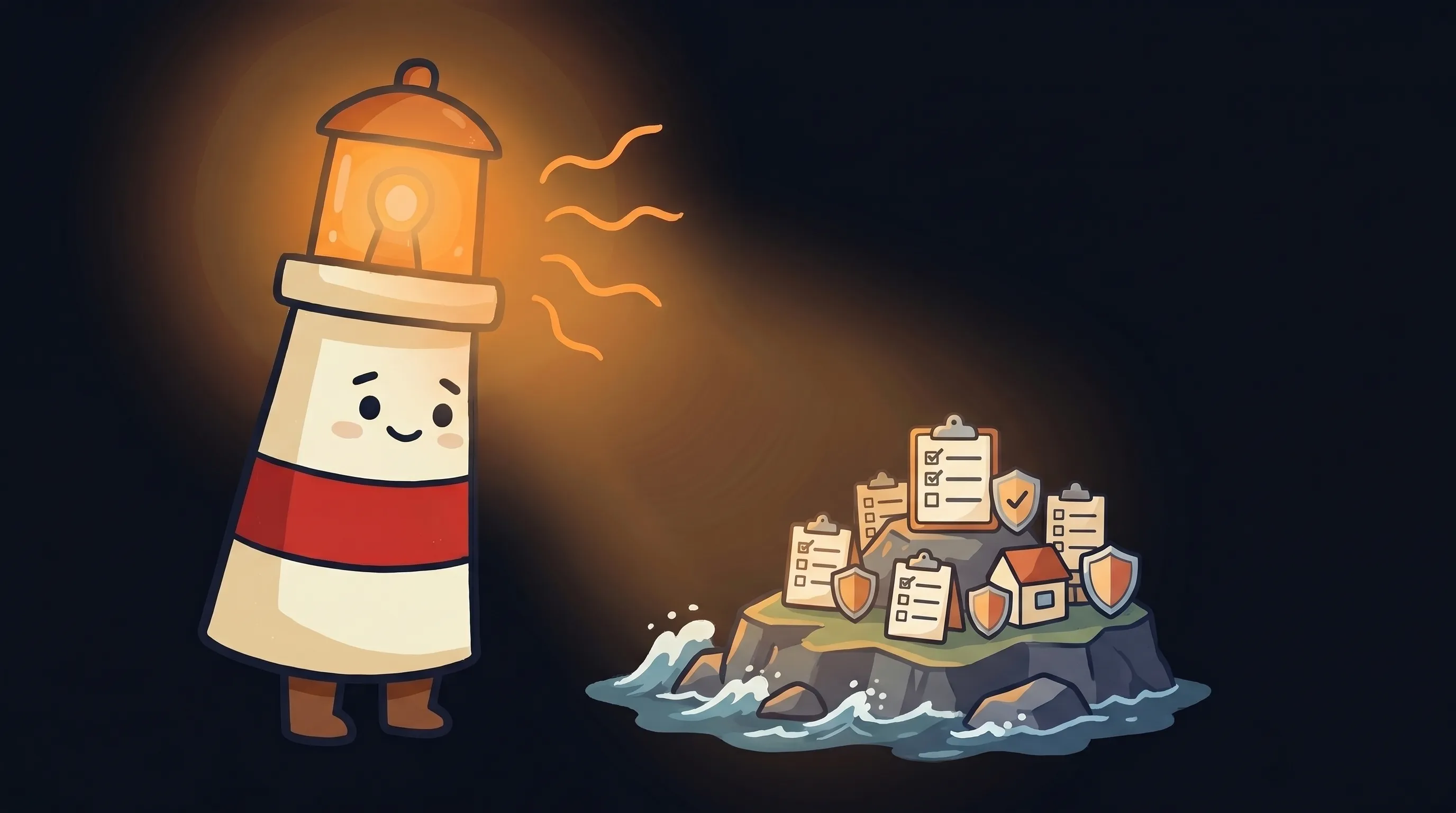 Beacon says: a quick check before you hit send could save you a very awkward conversation later.
Tier 2: Ask First
Customer communications, project details that mention client names, financial summaries that aren’t marked confidential, anything you’d want a second set of eyes on before it enters an external tool.
Tier 3: Never Enter
Client-confidential information, personally identifiable information (PII) of clients or employees, financial data marked confidential, anything under an NDA, authentication credentials or API keys.
Assign one person to enforce the exceptions. Not a committee. One named person who has authority to decide when a Tier 2 item can move up or down. This is the accountability piece that most small business AI policies skip — and it is the piece that makes the policy enforceable rather than decorative.
52% of people are uncomfortable with undisclosed AI-generated content. A policy that includes a clear statement about when and how your business uses AI in customer communications is not just a compliance move — it is a competitive one. Customers who know you have a human review step before anything reaches them trust the output more, not less.
For more on building this kind of structured AI workflow into your customer follow-up process, the guide on AI customer follow-up automation for small business covers the setup in detail, including how to structure the handoff between AI draft and human approval.
Your Monday Morning Safety Setup
You do not need a compliance department to implement this. You need an afternoon and a decision about where your risk boundary sits.
Run the three-tier sort on your current data
List the types of information your team regularly feeds into AI tools. Assign each category to Tier 1, 2, or 3. This takes 20-30 minutes and prevents the most common data exposure problems before they happen.
Name one person as the policy enforcer
Write their name into the policy document. They handle all Tier 2 judgment calls. If you are a solo operator, that person is you — write it down anyway, because the act of writing it makes the behavior consistent.
Set your AI's permission boundary before external actions
If you are using any AI tool that can send emails or post to external channels, confirm that the send function requires a manual approval step. Do not use auto-send for customer-facing communications. If the tool does not support a review step, it is the wrong tool for customer email.
Print or bookmark the 8-question checklist
Put it somewhere visible for the first two weeks. After 20 repetitions it becomes automatic. Until then, the physical or browser-tab reminder removes the friction of remembering.
Run your first AI draft through the checklist before the end of today
Not next week. Today. The learning curve on the checklist is almost zero — the first time you run it, you'll understand why each question is there. If your first draft passes all eight, approve and send. If one fails, edit and re-run.
Review the first week's drafts as a batch on Friday
Look for patterns: which questions are you editing most often? If Question 2 (commitments) fires repeatedly, your AI needs better context about your actual policies before it drafts. Adjust the information you give it, not just the output it produces.
If approval fatigue sets in after 30 days, redesign the trigger, not the checklist
If you are approving more than 15-20 messages per day and starting to click through without reading, the system is too broad. Narrow the AI's scope to the message types where it adds the most value. Reserve your review energy for the outputs that carry real risk.
What a Safe AI Email Workflow Actually Looks Like
Seven steps above. One principle underneath all of them: AI handles the work that scales, humans make the calls that matter.
- The draft-and-approve model is the correct starting point for AI email assistance — it preserves time savings while ensuring a human reviews every outgoing message before it reaches a customer.
- The Air Canada ruling established that ‘the AI did it’ is not a legal defense. You are responsible for every message that leaves your business, regardless of who drafted the first version.
- Blanket approval requirements for every AI action cause approval fatigue — where reviewers click through without reading. Place checkpoints at risk boundaries (before send), not at every internal step.
- A three-tier data policy (Allowed / Ask First / Never Enter) prevents data exposure before it reaches the output stage. Eleven percent of pastes into AI tools contain confidential data — sort first, paste second.
- Eight questions, ninety seconds, run before every customer-facing AI draft. Covers facts, commitments, tone, confidentiality, legal sensitivity, and whether you can explain every sentence if asked.
- Name one person to enforce exceptions. The policy without accountability is a document, not a system.
Start with the checklist this week. Let AI draft. You approve. Everything that was going to save you time still saves you time — and nothing goes to a customer that you haven’t read.
Frequently Asked Questions: AI Review Before Send
What is an AI assistant safety checklist for small business?
It is a short set of review questions — typically 8 to 10 — that a business owner or team member runs through before approving any AI-drafted customer message. The checklist checks for factual accuracy, unintended commitments, confidential data, tone issues, and legal exposure. It takes about 90 seconds and runs between the AI draft and the send button.
Can AI legally send emails on behalf of my business without me checking them?
Technically, some AI tools allow it. Legally, it creates real risk. The Air Canada chatbot case established that businesses are responsible for their AI’s output — courts have not accepted ‘the AI did it’ as a defense. The FTC also stated in March 2026 that AI-generated content used to mislead consumers is actionable under existing consumer protection law. For customer-facing communications, a human review step before send is the safer operating model.
What is approval fatigue and why does it break AI oversight?
Approval fatigue happens when a system requires human sign-off on every AI action — drafting, classifying, summarizing, and sending. Reviewers start clicking through without reading because the volume of approvals exceeds their attention. The oversight mechanism looks functional but isn’t. The fix is to place approval checkpoints only at irreversible external actions — specifically before anything gets sent, posted, or changed outside the business — not at every internal step.
What information should never go into an AI tool?
Client-confidential information, personally identifiable information (PII) of clients or employees, financial data marked confidential, anything covered by an NDA without an explicit AI-use provision, and authentication credentials or API keys. Cyberhaven research found that 11% of pastes into AI tools contain confidential data. A three-tier data policy — Allowed, Ask First, Never Enter — prevents the most common exposure before it reaches the output stage.
How do I set up an AI email review workflow without expensive software?
The minimum viable version requires two things: an AI tool that drafts but does not auto-send, and a personal habit of running the 8-question checklist before you approve. Most business email AI tools support a draft-and-queue mode — check your settings and confirm auto-send is off for customer-facing communications. The checklist itself costs nothing. The discipline of running it every time is the actual safety system.
What should a small business AI policy include?
Four things: the approved tools (name them explicitly), a three-tier data classification (what can go in, what needs permission, what never goes in), a requirement for human review before any customer-facing or high-impact output is used, and one named person responsible for enforcing exceptions. A policy without an accountable enforcer is a document. A policy with one named person becomes a system.
Sources
- NIST AI Risk Management Framework
- FTC Advertising and Marketing Guidance
- Air Canada Chatbot Case and AI Liability — The Blue Narwhal
- Human Approval Loops for AI Email Agents — Zoho AgentInbox
- Human-in-the-Loop Email Approval Agents — LobsterMail
- AI Agent Approval System Design — The Butler
- Small-Business AI Policy Template for Data Safety — IDARB
- AI Policy and Guardrails for Small Business — More In Media
- AI Policy Template for Small Business — Treetop Growth Strategy
- Your Small Business Needs an AI Policy — Digismart
- AI Email Approval Workflows: Enterprise Guide — MailerToGo
- How to Use AI to Write Better Emails at Work — 3RK Insights
Related Articles
How to Set Up a Personal AI Assistant for Customer Follow-Ups Without Losing Approval Control

AI Assistant vs CRM Reminders for Small Business: What Actually Gets Follow-Ups Done?
