
AI Chatbots for Customer Service
On this page
Your competitor’s support team responds in under 10 seconds, around the clock, on weekends, during holidays, and in the middle of the night. Your team responds in 3 hours — if they’re not swamped. Both teams are the same size. The difference isn’t headcount.
Over 987 million people now use AI chatbots. Thirty-seven percent of companies already deploy them for customer support. And yet — here’s the stat that should give you pause — 64% of customers say they’d prefer companies didn’t use AI for customer service at all, and 53% would consider switching brands if they felt a company was leaning on it too heavily. Both things are true simultaneously. The demand for instant answers is real. The resistance to feeling like you’re talking to a bot is also real. There’s something underneath that tension worth understanding before you deploy anything. I’ll get to it — but first, let’s make sure we’re clear on what this technology actually does.
Customer service automation has become one of the fastest-moving areas in AI automation. The tools have genuinely caught up to the promise. But the gap between a chatbot that works and one that destroys customer trust comes down to decisions most guides skip over entirely.
What AI Chatbots for Customer Service Actually Do
An AI chatbot for customer service is software that reads what a customer types — or says — figures out what they need, and responds. Not with a rigid script. With language that sounds like a person and answers that adapt to context.
That last part is the meaningful distinction. The older generation of chatbots followed decision trees: if the customer says “return,” show them the return policy. If they say “refund,” transfer to billing. They were fast, but brittle. Say the wrong word and the whole thing falls apart.
Modern AI chatbots — the kind built on the technology behind ChatGPT — understand natural language. They can handle a question phrased five different ways. They adapt their responses based on what was said earlier in the conversation. And they improve over time through feedback. The practical result: they can handle complex, open-ended conversations that would have routed straight to a human agent two years ago.
24/7 Availability
Handles conversations simultaneously across all channels — website, email, messaging apps — without staffing limits or shift changes.
Instant Response
Response times drop from 5–10 minutes to 2–3 seconds for routine questions. For the 90% of customers who consider instant service crucial, this matters enormously.
Autonomous Resolution
AI chatbots can autonomously resolve 60–83% of customer inquiries without routing to a human agent at all — handling password resets, order status, FAQs, and scheduling on their own.
Natural Language Understanding
Understands questions phrased in different ways, picks up context from earlier in the conversation, and adjusts tone accordingly — no rigid keyword matching required.
Lead Capture
Collects contact information conversationally during support interactions. A well-implemented chatbot can capture 2–3x more leads than traditional web forms.
The scale shift is significant. A human agent handles one conversation at a time. An AI chatbot handles thousands — simultaneously, without degrading.
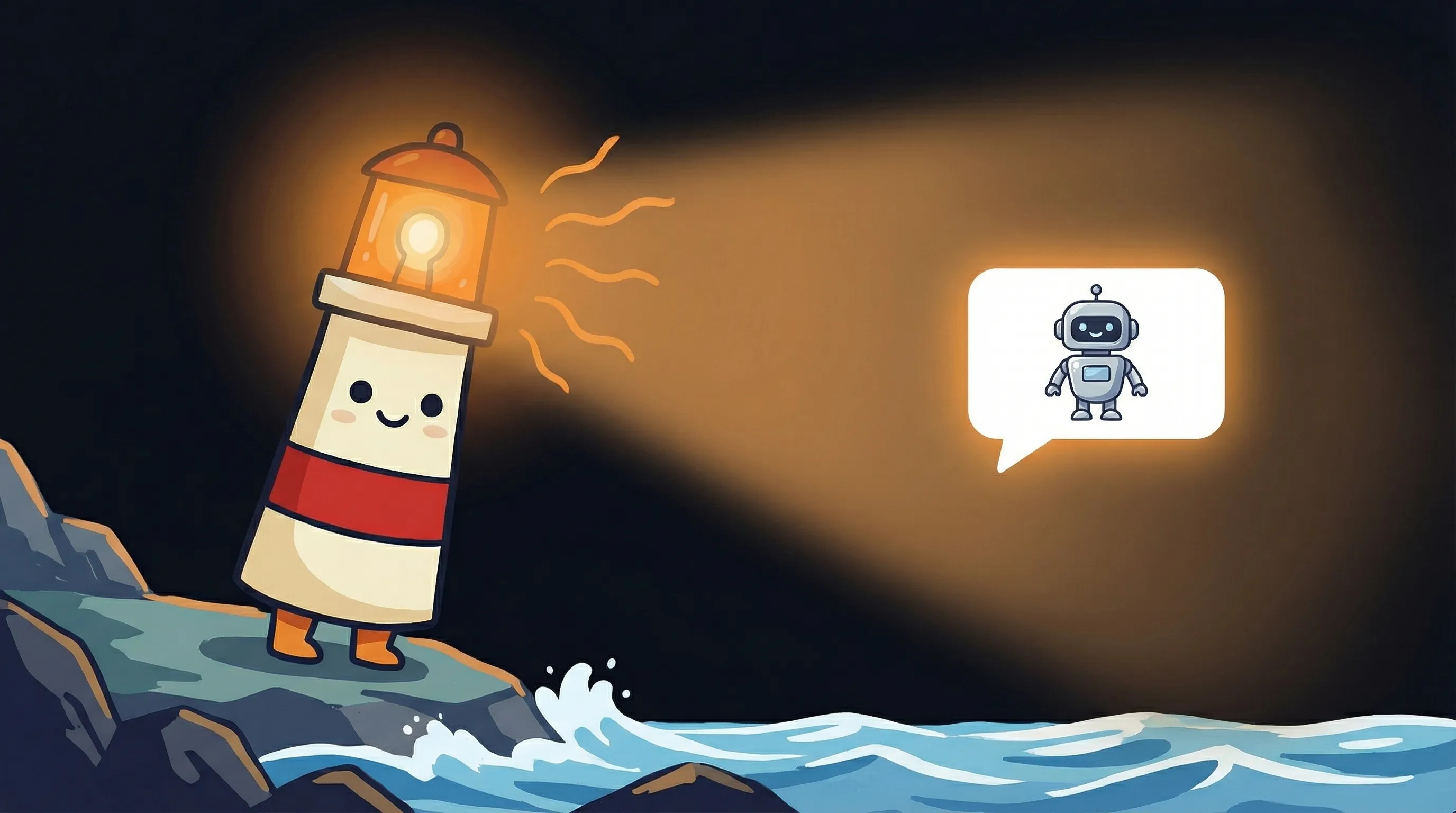 Some conversations flow better with a little guidance — Beacon knows AI chatbots can light the way to faster, friendlier customer support.
Two Ways to Deploy AI Customer Service Automation
Before picking a tool, you need to pick an approach. Modern AI customer support platforms split into two fundamentally different models. Most vendors blur this distinction in their marketing. It matters for what you’re trying to build.
AI Agents (Autonomous)
Handle complete conversations from start to finish — no human in the loop. The agent reads the query, decides what action to take, executes it, and closes the ticket. Best for high-volume, well-defined support categories: order tracking, returns, account access, FAQs. Zendesk’s AI agents, for example, autonomously resolve over 80% of customer interactions in their implementations.
AI Assistants (Human + AI)
Work alongside your support team rather than replacing them. The AI drafts the reply; the human reviews and sends. Or the AI surfaces relevant knowledge base articles while your agent is mid-conversation. Best for complex, high-stakes support where empathy and judgment matter — billing disputes, complaints, VIP accounts. The resolution rate is lower, but the customer experience ceiling is higher.
Most companies end up running both. Autonomous agents handle the routine volume. AI assistants support the human team on escalated or sensitive cases. The ratio depends on your support mix — but starting with autonomous agents on your most repetitive ticket types and expanding from there is the approach that consistently works.
The Numbers Look Great — Until You Read All of Them
Here’s what we’ve been sitting with since the opening. Eighty-five percent of all customer support interactions today involve AI. The business case looks airtight. Companies implementing AI customer service report 14% higher issue resolution rates. Over a third of companies in 2023 saw direct revenue growth from customer service automation. Small businesses save 20–30+ hours weekly on repetitive support tasks.
And yet: 64% of customers say they’d prefer companies didn’t use AI for customer service. Fifty-three percent would consider switching if they felt a company was leaning on it too heavily.
Both sets of numbers are real. They’re not contradictory — they’re telling you something specific about how to deploy.
Customers don’t hate fast answers. They hate feeling like they’re trapped in a system that can’t help them when things get complicated. The 51% who prefer bots for immediate answers and the 64% who’d prefer companies not use AI at all are largely the same people. They want speed when their question is simple. They want a human when it isn’t.
The implementation detail that resolves this tension: a clear, always-available escalation path. Customers who know they can reach a human any time they need one tolerate — and often appreciate — AI handling the routine stuff. Customers who feel stuck in an automated loop that won’t let them out are the ones who leave and don’t come back. PricewaterhouseCoopers found that over half of customers walk away from a brand after a single bad experience. One bad automated loop is enough.
The technology is not the differentiator. The handoff design is.
Where Customer Service Automation Breaks Down
It’s a Monday morning. A customer has a billing dispute — they were charged twice, they’re frustrated, and they’ve already tried to resolve it once before. They message your support chat. Your AI agent reads “billing” and “charge” and launches into its billing FAQ flow. The customer says they already tried that. The bot loops. The customer asks for a human. The bot offers more FAQ options.
That’s not a technology failure. That’s a configuration failure. But the customer doesn’t know the difference — and they don’t care.
- No escalation path: The bot can’t help, but also can’t hand off. This is the single most destructive failure mode — and the most common.
- Scope too broad: Deploying AI across every ticket type before training it on your specific products, policies, and edge cases. Start narrow.
- Stale knowledge base: The chatbot answers based on the information it was given. If your pricing changed in January and the bot still quotes the old price, you have a trust problem.
- No feedback loop: Without monitoring what the bot gets wrong and correcting it, resolution rates plateau or decline over time.
- Invisible seams: Customers who get transferred from bot to human and have to repeat their entire issue from scratch. The human agent should receive the full context.
How to Set Up AI Customer Support the Right Way
The consistent advice from teams who’ve done this well is the same everywhere: start with your most repetitive ticket category, get that right, then expand. Successful implementation requires defining clear support goals, testing AI response quality with sample conversations, and building complexity incrementally.
Audit your current ticket mix
Pull 90 days of support tickets and categorize by type and volume. You're looking for your top 3–5 categories by ticket count — these are your automation candidates. Common targets: order status, return requests, password resets, hours/location questions, product FAQs.
Pick one category to start
Not five. One. The category that's highest volume AND most clearly defined. Order status queries, for example, have a defined resolution path and low emotional stakes. Billing disputes do not — leave those for later.
Build your knowledge base first
The chatbot is only as good as the information it can access. Before deployment, compile accurate answers for every question type in your target category. Include edge cases. Date everything so you know when it needs updating.
Define the escalation rules
Before the bot goes live: decide exactly when it hands off to a human (repeated unresolved intent, billing keywords, customer requesting a human, emotional language) and make sure the handoff passes full conversation context.
Test with real sample conversations
Run 50–100 real past conversations through the bot before launch. Track where it gets the answer right, where it gets it wrong, and where it fails to recognize intent. Fix before going live.
Monitor and iterate weekly for 60 days
The first two months are where most of the learning happens. Review misrouted tickets, customer satisfaction scores on bot-handled conversations, and resolution rates. Expect to adjust escalation logic multiple times.
If you’re looking at how this connects to broader AI virtual assistant capabilities — the same principles apply. Narrow scope, clear escalation, human oversight for edge cases.
Your Monday Morning Customer Service Automation Checklist
If you’re starting this week, here’s the sequence that avoids the most common mistakes:
- Pull your last 90 days of support tickets. Sort by category and count. Your top 3 categories by volume are your automation candidates.
- For your highest-volume category: write out every question variant you’ve seen, plus the correct answer for each. This becomes your chatbot’s knowledge base.
- If your current support volume is under 50 tickets/day, start with an AI assistant (human + AI) model before moving to autonomous agents. The oversight is worth more than the speed at that scale.
- If you’re evaluating platforms: test each one with 10 real past tickets from your target category before committing. Resolution accuracy on your actual tickets matters more than vendor demo performance.
- Set a hard rule before launch: any customer who asks for a human gets transferred within 2 exchanges. No exceptions.
- Schedule a 30-minute weekly review for the first 8 weeks. Track: resolution rate, escalation rate, customer satisfaction score (CSAT) on bot-handled tickets. Your target resolution rate for a well-defined category is 60%+ by week 4.
- Don’t expand to a second ticket category until your first category hits 70%+ autonomous resolution with a CSAT score matching your human agents.
What This Means for Your Customer Support Strategy
- AI chatbots for customer service can resolve 60–83% of inquiries without human intervention — but only when scoped to categories they’re trained for. Broad deployment without focused training produces poor results.
- Response times drop from 5–10 minutes to 2–3 seconds for routine questions. For the 90% of customers who consider instant service crucial, this is a meaningful competitive advantage.
- The 64% of customers who prefer companies not use AI aren’t anti-technology — they’re anti-getting-stuck. A clear, frictionless escalation path to a human resolves this concern almost entirely.
- Start with one high-volume, well-defined ticket category. Get to 70%+ autonomous resolution before expanding. Teams that skip this step spend months fixing customer experience problems instead of scaling.
- The human-AI blend outperforms either approach alone. Autonomous agents handle volume; human agents handle complexity and relationship-critical moments. Design for both from the start.
Frequently Asked Questions
What percentage of customer service can AI chatbots handle automatically?
AI chatbots can autonomously resolve 60–83% of customer support inquiries without human intervention, depending on the ticket categories deployed and the quality of the knowledge base. Well-scoped implementations in specific categories (order tracking, FAQs, account access) tend to hit the higher end. Broad deployment across complex ticket types tends to land at the lower end — or below it.
What's the difference between an AI chatbot and a rule-based chatbot for customer service?
A rule-based chatbot follows a script: if the customer says X, respond with Y. It’s fast but brittle — say the wrong word and it fails. An AI-powered chatbot understands natural language, adapts based on context, and improves through learning and feedback. It can handle open-ended questions and conversations that don’t follow a predictable pattern.
Will customers know they're talking to a bot?
Often, yes — and that’s fine if the bot handles their question well. The data shows customers are comfortable with automated responses for simple queries. The problem isn’t the bot; it’s feeling stuck in a loop that won’t resolve their issue or let them reach a human. Transparency about AI involvement, combined with a frictionless escalation path, tends to produce better customer satisfaction outcomes than trying to pass the bot off as human.
How quickly can I set up AI customer service automation?
Platform setup for a basic implementation typically takes a few hours to a few days, depending on the tool and your existing knowledge base. The actual quality of the chatbot — how well it handles your specific tickets — depends on how much time you invest in training data and testing before launch. Rushing this step is the most common cause of poor post-launch performance.
What's the biggest mistake companies make with customer service chatbots?
Deploying too broadly too fast. Companies that deploy AI across every ticket category before training it on their specific products, policies, and edge cases consistently see poor resolution rates and customer complaints. Start with your highest-volume, most clearly defined ticket type. Get that right — 70%+ autonomous resolution with CSAT scores matching your human agents — before expanding.
Related BrainRoad guides
Related BrainRoad guides
Sources
- AI Customer Service Automation Guide for Small Business — SentiSight
- 13 Best Customer Service Chatbots for 2026 — Zendesk
- Customer Service Automation: Use Cases and Best Software — Voiceflow
- A Guide to AI Customer Service Chatbots — IBM
- A Step-by-Step Playbook for Customer Support Automation — EverHelp
- How to Choose a Chatbot Platform (2026 Guide) — Social Intents
- How to Build an AI Chatbot for My Website 2026 — Distk
- AI Customer Support Software: Complete 2026 Guide — Pylon
- Customer Service Automation Without Losing the Human Touch — The Hartford
- The Ultimate 2026 AI Chatbot Guide for Beginners — AIBotSimple


