AI Personal Assistant for Small Business: Drafts, Follow-Ups, and Approval
On this page
One business owner gets a customer inquiry on Tuesday at 7 PM. By Wednesday morning, she’s replied, followed up on two open quotes, and filed a summary of the conversation. She spent about four minutes on it.
Another owner gets the same inquiry. It sits until Thursday. He meant to reply sooner. By Friday, the customer had already gone with someone else. He found out when they emailed to say thanks but no thanks.
The difference isn’t work ethic. It’s whether AI is doing the drafting while the owner does the approving. If you’re exploring what a personal AI assistant can realistically do for your business — and where you still need to stay in the loop — this is the guide.
The full picture of what these tools can do is on our personal AI assistant overview page. Here we’re getting into the specifics: what to hand off, what to keep, and the one failure mode most guides skip entirely.
What an AI Personal Assistant Can Handle for Your Small Business
Start with what actually works. These are the categories where an AI personal assistant earns its keep — not in theory, but in the kind of weekly repetition that adds up to 15+ hours of admin time.
The practical target is not full autonomy. It is fewer blank-page replies, fewer missed follow-ups, and less time digging through old notes before you answer a customer.
Drafting customer replies
Your AI reads an incoming message, pulls context from your past conversations and files, and drafts a reply in your voice. You review, tweak if needed, and send. No staring at a blank reply window.
Follow-up reminders and drafts
Sent a quote last Tuesday and haven't heard back? Your AI flags it, drafts a check-in message, and waits for your go-ahead. Nothing falls through the cracks because you were busy with something else.
File and context recall
Upload your client notes, past proposals, onboarding docs, and pricing sheets. When a customer asks a question, your AI searches that material to answer it — accurately, without guessing. This is what separates a capable assistant from a generic chatbot.
Message triage and prioritization
Sort a pile of incoming messages by urgency before you open your inbox. Complaints, payment questions, and urgent requests rise to the top. Routine inquiries get drafted replies waiting for approval.
Daily summaries and briefings
At the start of your day, get a short summary: what needs replies, what follow-ups are due, what decisions are pending. Five minutes of reading replaces thirty minutes of inbox archaeology.
An AI personal assistant working on triage, drafts, and daily briefings can realistically reclaim hours every week — but only if the work is narrow enough to approve quickly. Start with one repeated message loop before you add scheduling, files, and summaries.
What Makes an AI Assistant Different From a Chatbot
This distinction matters for small business use, because most people have tried a chatbot and found it frustrating. A chatbot forgets you the moment you close the tab. You start over every session.
A personal AI assistant maintains memory across all your conversations. You tell it once that a specific client always wants short answers. You tell it once that you never discount below a certain rate. You upload your service menu, your pricing, your onboarding doc. It holds all of that permanently — across every future conversation, every draft, every follow-up.
That persistent memory is what makes it useful as a business tool rather than a novelty. When a returning customer emails and asks about adding a service, the AI already knows their history, their previous purchases, and your communication style with them. The draft it produces reflects that context — not a generic template.
The Draft-and-Approve Model: How AI Assistance Actually Works
Here’s the setup that actually works for small businesses — and the one that fails. The setup that fails: you connect an AI to your email and let it send replies autonomously. The setup that works: the AI drafts, you approve, then it sends.
It sounds like a small difference. It isn’t. The review step is what keeps your customer relationships intact when the AI gets something slightly wrong — and it will, especially early on.
The owner should not be writing every routine reply from scratch. She should be reading drafts, approving the good ones, and correcting the few that miss context or tone.
That’s the model. AI does the volume work. You do the quality control.
Message arrives
A customer inquiry lands in your inbox or messaging channel.
AI reads and drafts
Your assistant pulls context from your files, past conversations, and notes — then writes a reply in your voice.
Draft surfaces for review
You see the draft before it goes anywhere. One tap to approve, or quick edit if something's off.
You approve, then it sends
Nothing leaves your business without your say-so. The AI never has the send button on its own.
AI logs the outcome
Your assistant notes the conversation, updates context, and flags any follow-up needed. You don't have to remember anything.
The first few weeks, you’ll approve almost everything. That’s intentional. The AI is learning your voice, your exceptions, your preferences. The signal to expand is simple: most drafts need only light edits, and the mistakes are predictable enough to fix with better instructions.
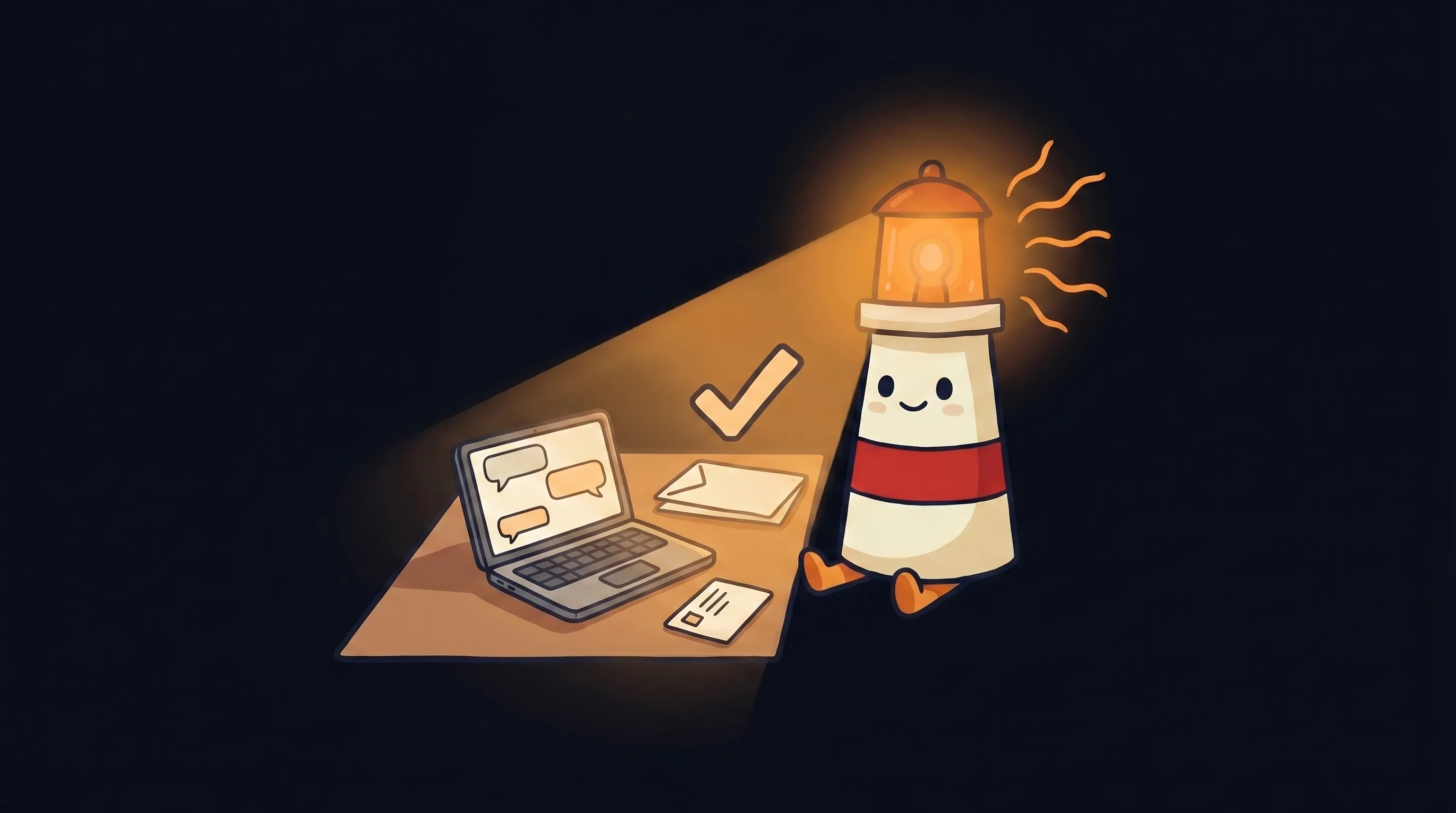 Beacon says: the right message, sent at the right time, is half the work done.
What Customers Notice Fast
Here’s the part most guides skip. And it’s the reason the draft-and-approve model matters more than any other single decision you make.
Customers notice AI-generated responses fast when the wrong signals are present. You know the signals: the slightly formal tone, the suspiciously complete sentences, the reply that answers the question but somehow doesn’t feel like it came from a person who cares.
Once a customer clocks that, the trust erodes. They start wondering what else is automated. They wonder if their complaint is being read by anyone. They wonder if you actually know who they are.
The fix isn’t avoiding AI. It’s reviewing the draft before it leaves. Your review catches the moments when the AI’s tone is slightly off, when it missed a nuance in the customer’s message, or when the situation calls for something more personal than a clean reply.
A 24-hour email delay loses you the sale to whoever replied in an hour. But an AI reply that sounds robotic loses you the customer’s trust for the next three purchases.
The review step is the difference between using AI to respond faster and using AI to respond better.
What to Always Keep in Your Hands as the Business Owner
Some categories should never be fully delegated to AI — not because the AI can’t draft something, but because the stakes are too high for anything less than your full attention.
- Upset customers — any message involving frustration, disappointment, or a complaint that could escalate. The AI can draft a starting point, but this one needs your read before it goes.
- Refund and dispute decisions — these affect trust directly, and the wrong wording can turn a resolvable problem into a public review.
- Pricing exceptions and one-off negotiations — your AI doesn’t know your margin situation or the history of a specific relationship the way you do.
- Any message where tone needs to be calibrated carefully — apologies, bad-news delivery, relationships you’re nurturing over time.
- Anything legal, financial, or contractual — quote approvals, payment arrangements, and scope changes deserve human eyes.
The pattern is consistent: AI handles high-volume routine work — drafting replies, answering FAQs, flagging what needs attention, summarizing context. You handle high-judgment work. That line doesn’t move.
Your First 30 Days With an AI Personal Assistant for Small Business
When you’re done with this setup, you’ll have an AI assistant that knows your business, drafts in your voice, and surfaces everything needing your attention in one place — with nothing going out until you approve it.
Start with one workflow. Buying broader AI tooling before you’ve validated a single use case is how small businesses waste budget and get frustrated. Pick the one thing that costs you the most time every week — usually customer replies or follow-ups — and run the first 30 days there.
- Week 1 (2–3 hours): Upload your context files. Client list, service descriptions, pricing sheet, any templated replies you already use, notes on customer preferences. The more specific, the better. This is what your AI draws from.
- Week 1 (1 hour): Set your review rules. Define which message types go to approval queue automatically. At minimum: any message mentioning money, complaints, or refunds. Everything else can default to draft-and-review too, until you’re comfortable.
- Week 2 (15 min/day): Approve drafts daily. Don’t skip the review step to save time early on — you’re calibrating the assistant to your voice. Note the edits you make. Patterns in your edits show you where the AI needs better instructions.
- Week 2–3 (30 min): Refine your instruction prompt based on what you’re correcting. If the AI keeps writing longer replies than you want, that’s a one-line fix in the settings. If it’s missing a specific piece of context, add that file.
- Week 4 (1 hour): Review what you’ve approved, what you’ve edited, and what you’ve rejected. If edit rate is below 20%, you’re ready to expand to a second workflow. If it’s higher, spend another week refining before adding scope.
- Days 30–45 (ongoing, 30 min/month): Do a maintenance pass. Add new files, update the instruction prompt for any changes in your services or pricing, review edge cases the AI handled poorly. This keeps the assistant aligned as your business evolves.
If you’re also thinking about automating follow-up sequences specifically, the setup process for that has its own nuances — we covered those in detail in our guide to AI customer follow-up automation for small business.
Where This Breaks Down: Honest Failure Modes
The setup above works. But there are three points where small business owners run into trouble, and they’re worth naming plainly.
- Skipping the review step to save time. It feels efficient at first. It costs you when the AI misreads an edge case and a customer gets a reply that doesn’t fit the situation. The review step is not optional — it’s the whole model.
- Uploading thin context and expecting strong outputs. If your AI only has a two-paragraph service description and a basic FAQ, it’ll draft generic replies. The quality of the output is directly proportional to the quality of the files you give it.
- Expanding too fast before calibration is done. If you add three new workflows in week one, you’re debugging all three at once. Start with one, get it right, then add.
- Not doing the 30–45 day maintenance pass. Your services change. Your pricing changes. Customers ask new kinds of questions. An assistant running on six-month-old context will start drifting — answers that used to be accurate become slightly off. A monthly maintenance check prevents this.
- Treating AI outputs as final for sensitive decisions. Any AI assistant output used for customer-facing communication or business decisions needs a human review layer. Using AI drafts directly without review is identified consistently as a primary failure mode.
How to Know Your AI Assistant Is Actually Working
- Your average reply time drops. Not because you’re working faster — because drafts are ready when you open your inbox, not after you’ve thought about what to write.
- Your edit rate on AI drafts falls below 20% by week 4–5. If you’re still editing most drafts at week 6, the context files or instruction prompt need work.
- Follow-ups stop slipping. Quotes you sent last week get a check-in drafted automatically. You’re approving those, not forgetting them.
- You’re spending less than 30 minutes a day on message management instead of the 90+ minutes it used to take.
- Customers aren’t noticing. If your AI is calibrated well and your review step is doing its job, replies feel like they came from you — because you’re the final checkpoint before anything goes out.
The gap between the business owner who replies in 90 minutes and the one who replies in 9 hours compounds every week. Faster response means more closed deals. Better context recall means fewer errors. Less time on admin means more time on the work that actually grows the business.
Start with one workflow this week. Upload your context files, set your review rules, and approve drafts for 14 days before you change anything. That’s the whole first step. Everything else follows from getting that one workflow right.
Try the draft-and-approve model in BrainRoad
Start with one follow-up or customer-message workflow. BrainRoad uses your business context to draft the next step, then keeps it in review until you approve it.
Create your AI helperWhat This Means for Your Business Right Now
- A personal AI assistant for small business earns its keep on three things: drafting customer replies, recalling context from your files, and keeping follow-ups from slipping — all before you approve anything going out.
- The draft-and-approve model is the correct setup. AI does the volume work; you handle the judgment calls.
- Customers can spot lazy AI replies quickly when they’re sent without review. The review step is what keeps your communication feeling personal — and it’s the single most important control in the setup.
- The gap between owners who have calibrated AI assistance and those still doing every admin loop manually will grow every quarter.
- Start with one low-stakes, high-repetition workflow. Get your edit rate below 20% before expanding. Run a maintenance pass every 30–45 days to keep the assistant aligned as your business changes.
Frequently Asked Questions
What can an AI personal assistant do for a small business?
An AI personal assistant for small business can draft customer replies, surface follow-up reminders, recall context from your files and notes, triage incoming messages by urgency, and produce daily summaries of what needs your attention. It works from the files and context you give it — client notes, service descriptions, pricing, past conversations — and produces drafts for your review before anything gets sent.
How do I make sure AI doesn't send something I didn't approve?
Set up a draft-and-approve workflow from the start. Your AI prepares replies and flags follow-ups, but nothing goes out until you review and approve it. Set explicit rules for which message types always route to your review queue — at minimum, anything involving money, complaints, or refunds. During the first few weeks especially, approve everything before it sends.
What's the difference between an AI personal assistant and a chatbot?
A chatbot forgets you the moment you close the tab. A personal AI assistant maintains memory across all conversations — client preferences, your communication style, context from past interactions, and the files you’ve uploaded. You tell it once how a specific client likes to communicate. It remembers that permanently, across every future draft.
Which tasks should I never let AI handle without review?
Upset customers, refund and dispute decisions, pricing exceptions, any negotiation, and anything legal, financial, or contractual. These are high-judgment situations where the wrong reply damages trust. Your AI can draft a starting point, but these always need your eyes before they go out.
How long does it take before an AI assistant is reliably useful?
Most small business owners see their AI draft edit rate drop below 20% by weeks four to five — meaning they’re approving most drafts with little or no changes. The calibration period is the first two to three weeks: upload good context files, review drafts daily, and refine the instruction settings based on what you’re correcting. Start with one workflow, not three.
Is an AI assistant better than hiring a virtual assistant for customer replies?
They solve different problems. A human virtual assistant handles nuance better on complex or emotional conversations. An AI assistant handles volume, works at 2 AM, and doesn’t need onboarding time after initial setup. Many small business owners use both: AI handles routine drafts and triage, a human VA handles escalations and relationship-sensitive conversations. If budget is the constraint, AI covers the repetitive volume at a fraction of the cost.
Sources
- Arahi AI — AI Personal Assistant for Small Business (2026 Guide)
- TheBizAI — AI for Customer Service: What Works, What Breaks
- Product Camps — How to Build AI Employees for Your Small Business (No-Code Guide, 2026)
- Vellum AI — What Can a Personal AI Assistant Actually Do? (2026)
- FlashCrafter — Email Reply Assistant AI
- alfred_ — 12 Best AI Personal Assistants in 2026 (Tested & Ranked)
- Flozic — AI Virtual Assistant
- Skywork AI — AI Assistants: The Ultimate Guide
- Tovren — Claude for Small Business: SMB AI Workflow Guide
- Layer3 Labs — ChatGPT vs Claude vs Gemini for Business
- SentiSight — How to Develop Your Own Personal AI Assistant (2026 Guide)
Related Articles

AI tools for small business: the owner-approved stack for emails, quotes, follow-ups, scheduling, and invoicing
Best AI Employee for Small Business: What to Automate First