AI Receptionist vs Personal AI Assistant: Which Should a Small Business Hire First?

On this page
Two businesses, same size, same week. One owner gets a text at 9 PM: ‘Your AI handled 14 calls today, booked 3 appointments, and messaged you the 2 that need a callback.’ The other owner opens their laptop at 9 PM and starts returning calls from a sticky note. Both looked at AI tools six months ago. One picked the right starting point.
Here’s the honest answer most comparison guides won’t give you: these are not competing products. AI receptionist software sits on your phone line. A personal AI assistant for small business sits inside your workflow - reading your notes, drafting your follow-ups, organizing what needs your attention. The question isn’t which is better. It’s which gap is costing you more right now.
There’s one question that cuts through the noise and tells you which to set up first. It has nothing to do with budget. I’ll get to it in a moment - but first, you need to understand exactly what each tool does so the answer lands correctly.
What AI Receptionist Software Actually Does
An AI receptionist lives on your phone number. It picks up calls, answers common questions, books appointments, takes messages, and routes anything complex to you. It does this 24 hours a day, including the calls that come in at 7 AM on a Saturday when you’re still asleep.
The case for it is blunt: 85% of people whose calls aren’t answered won’t call back. They move on to whoever picks up next. For a service business - HVAC, legal, dental, home repair, consulting - that’s not a minor inconvenience. That’s a direct revenue leak.
Cost-wise, AI receptionist software typically runs $9 to $150 per month depending on the plan and billing model. A part-time human answering service runs $500 to $1,500 per month. A full-time front desk employee in the US costs $35,000 to $48,000 in base salary - and closer to $60,000 once you add benefits, taxes, and paid time off. Off-the-shelf AI receptionist platforms cover 70–80% of legitimate small business use cases at $49–$500 per month, and most can be deployed in days.
What it doesn’t do: read your client notes, draft a follow-up email, update your CRM after the call, or remind you that the prospect from Tuesday hasn’t heard back. It handles the front door. Everything behind the front door is a different tool.
What a Personal AI Assistant for Small Business Actually Does
A small business AI assistant works across your internal tools. It reads your email, your notes, your client files, your calendar - and drafts the next step. Not ‘asks you what to do next.’ Drafts it. Then shows you the draft before anything gets sent, posted, or changed.
The problem it solves is different. Small business owners spend more than 36% of their workweek - over 15 hours - on administrative tasks. That’s not answering calls. That’s everything else: replying to client emails, following up on quotes, organizing meeting notes, updating project status, preparing for tomorrow’s calls. This is the work that pushes your actual client work to evenings.
If you’re exploring personal AI assistants more broadly, the full breakdown of how they work is at our personal AI assistant guide. The short version: useful ones start with your actual business context - your files, your notes, your rules - and draft from that context instead of blank prompts. The ones that feel like toys don’t have that context. The ones that feel like assistants do.
What it doesn’t do: answer your phone. It’s not on your phone line. It’s in your workflow.
The One Question That Tells You Which to Set Up First
Here’s the question: Where does the work stop before it reaches a customer?
If the answer is ‘at the phone - calls come in and nobody picks up, or I’m scrambling to return them’ - start with AI receptionist software. The missed calls are a visible, measurable revenue problem. Fix that first.
If the answer is ‘calls get answered, but the follow-up never happens - quotes sit unsent, leads go cold, client emails get buried’ - start with a personal AI assistant for small business. The phone isn’t the problem. The back-office is.
How to Set Up AI Receptionist Software for a Small Business
Here’s what you’ll have when done: a phone number (or your existing number) that answers calls 24/7, books appointments into your calendar, takes messages for anything that needs you, and sends you a summary of every call. Setup takes one afternoon for off-the-shelf tools.
- Choose your platform and billing model (30 minutes). Off-the-shelf options like Smith.ai, Goodcall, Synthflow, or Trillet cover most small business use cases. Before you pick: decide whether your call volume is high enough to make per-minute billing expensive. If you take fewer than 100 calls per month, per-minute plans are often fine. Above 200 calls per month, flat-rate plans almost always win. The billing model - not the AI quality - drives the biggest cost difference. Getting this wrong can mean a 10x difference in your monthly bill at the exact same call volume.
- Map your call scenarios (45 minutes). Write down the 5–10 questions callers ask most. Write down what action you want taken for each: book an appointment, take a message, transfer to you, or answer with a standard reply. This is the script your AI receptionist follows. Better input here = dramatically fewer ‘the AI said something weird’ problems later.
- Connect your calendar and any booking system (15–30 minutes). Most platforms integrate with Google Calendar or Calendly directly. Set your available booking windows, buffer times between appointments, and any blocked periods now - before callers start booking.
- Configure escalation rules (15 minutes). Decide which call types always reach you live versus go to voicemail versus get a message taken. Anything involving money disputes, legal questions, or distressed callers should escalate. Set a ‘send me a text immediately’ trigger for these.
- Run 10 test calls before going live (30 minutes). Call your own number from a personal phone. Try the common scenarios from step 2. Listen to the recordings. Fix anything that sounds robotic, vague, or confusing. Most issues surface in the first 5 calls.
- Monitor the first two weeks daily (10 minutes/day). Check transcripts every morning. Look for calls where the AI gave a wrong answer or failed to book. Adjust your script based on what you find. By week 3, you’ll rarely need to check daily.
How to Set Up a Small Business AI Assistant for Internal Work
Here’s what you’ll have when done: an AI helper that reads your client notes and files, drafts follow-up emails and replies for your review, organizes what needs your attention each day, and queues work for you to approve before anything goes out. Nothing gets sent without you checking it first.
- Collect your business context in one place (1–2 hours). Pull together the files your AI assistant will work from: your service descriptions, pricing, standard reply templates, frequently asked questions, follow-up rules, and any client-specific notes for active accounts. Think of this as the briefing document you’d hand a new assistant on day one. The more complete it is, the more useful the drafts will be from the start.
- Define the specific tasks you want drafted first (20 minutes). Don’t try to automate everything at once. Pick the 2–3 tasks that eat the most time: follow-up emails after calls, quote responses, appointment confirmations, or weekly client update summaries. Start there.
- Connect your email and calendar for context (15–30 minutes). The AI assistant’s drafts get dramatically better when it can read the actual thread it’s responding to - not just a blank prompt. Give it read access to your email and calendar. If the platform has a review step before anything gets sent, verify it’s enabled before connecting.
- Run a review-first trial for two weeks (ongoing). For the first two weeks, treat every draft as a first draft. Read each one. Edit what needs editing. Send when you’re satisfied. You’re not just approving - you’re teaching yourself what the AI is good at and where it needs more context from you.
- Add context as you find gaps (ongoing). When a draft misses something - wrong tone, missing detail, wrong price - add the correct version to your business context files. This is how the drafts get better over time. The AI works from what you give it. Better files mean better drafts.
- If the tool lets the AI take action without review - stop. Check your settings. The only external actions that should happen without your sign-off are ones you’ve explicitly pre-approved with specific rules. Everything else should queue for your review first.
The Billing Trap Most AI Receptionist Buyers Walk Into
Here’s the thing most buyers miss: the price difference between AI receptionist platforms isn’t about which AI model they run. It’s about how they charge you.
Per-minute billing versus flat-rate plans can produce a 10x difference in your monthly bill at the exact same call volume. A business taking 300 calls per month averaging 3 minutes each has 900 minutes. At $0.10/minute, that’s $90. At $0.20/minute - which some platforms charge during peak hours or for longer calls - that’s $180. A flat-rate plan at $99/month just became the obvious choice, but only if you did the math first.
Before signing up for any AI receptionist software, calculate your average monthly call volume and average call length. If you don’t know these numbers, your phone carrier’s log can tell you. Then price out both billing models before committing.
Our deeper look at AI receptionist software options and what to evaluate before you buy covers this in more detail, including how to compare billing units across specific platforms.
When You Should NOT Use an AI Receptionist
Some businesses should keep a human on the phone. This is not a hedge - it’s a specific category.
If your brand is built on a personal voice - estate planning, traditional wealth management, boutique law, or any business where the client skews toward older demographics - a bot-answered call can signal that something changed. For those clients, the question ‘did they sell the firm?’ is worse than a missed call. The cost of brand drift outweighs the labor savings.
Similarly, if your calls regularly involve complex emotional situations - a distressed client, a billing dispute, a complaint that needs empathy and judgment - AI receptionist software handles the easy 80% well and the hard 20% poorly. Know which category your calls fall into before automating.
Use AI receptionist software
High inbound call volume, appointment-based business, callers who expect fast answers to standard questions, businesses where a missed call means a lost lead.
Keep a human on the phone
Brand built on personal relationships, clientele that skews 60+, calls that frequently involve distress, grief, legal risk, or complex judgment that requires a real person.
Build a custom solution
Three or more systems need to talk to each other, HIPAA or FINRA compliance is required, call volume exceeds 2,000 per month, or multilingual needs go beyond English and Spanish.
Your First Week Setup: What to Do Monday Morning
Pick your starting point based on the decision question above, then follow these steps.
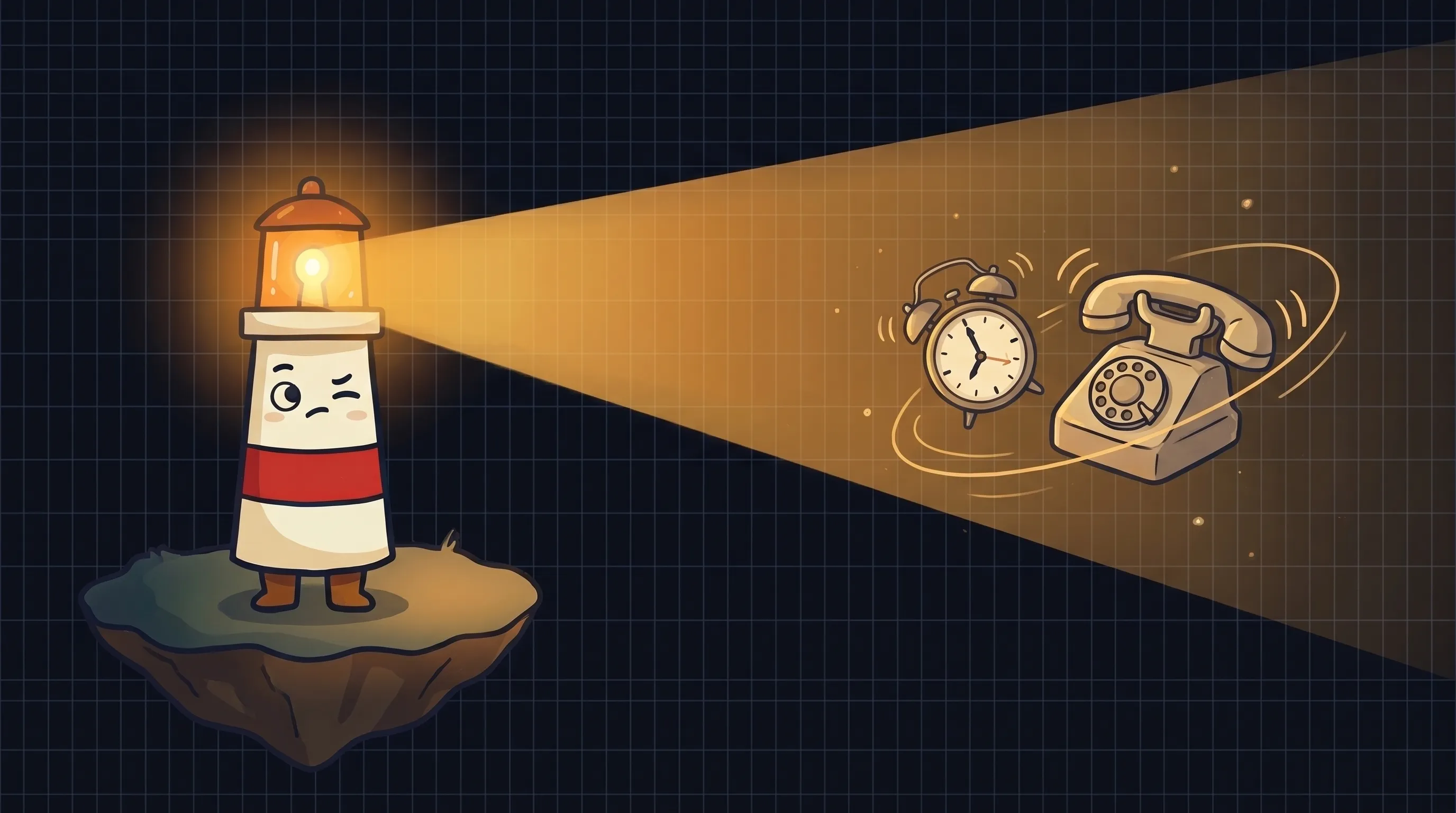 Not all help is the same kind of help - Beacon’s here to light up the difference.
- Day 1 - Audit last month’s missed opportunities (30 minutes). For AI receptionist: count missed calls from your call log. For personal AI assistant: count follow-ups that never went out, quotes that sat unsent, and emails that took more than 48 hours to answer. This number is your baseline.
- Day 1 - Choose one platform and sign up for a trial (30 minutes). Don’t evaluate five options. Pick one from the coverage range appropriate to your size: Smith.ai, Goodcall, or Synthflow for AI receptionist software; for personal AI assistant, look for tools that let you upload your own business files and show you drafts before anything gets sent.
- Day 2 - Complete setup using the steps in the relevant section above. Budget 2–3 hours and do it in a single sitting. Interrupted setup leads to half-configured tools that don’t work.
- Day 3 - Run your first 10 test interactions. Calls if you set up AI receptionist software. Draft reviews if you set up a personal AI assistant. Fix what sounds wrong before real clients see it.
- Day 5 - Set a 14-day review reminder. Pull your baseline number from Day 1 and compare. If the AI receptionist software is catching calls you were missing, the ROI is visible immediately. If the personal AI assistant is drafting follow-ups you’d otherwise skip, the number of unanswered threads will drop.
- If the tool requires you to check nothing before it sends - pause. Review your approval settings. Nothing should go to a client externally without a review step in place. If the platform doesn’t offer one, that’s a reason to switch platforms, not to accept the risk.
By the end of week one, you’ll know whether the tool is solving the right problem. Most people who set this up correctly spend less than 30 minutes per day managing it within two weeks. The work that used to require constant attention gets handled - and you review the summary instead of chasing the individual tasks.
What This Means for Your Business Right Now
- AI receptionist software and personal AI assistants serve different functions - one handles inbound calls, the other handles internal admin work. You need to know which gap is costing you more before choosing.
- 85% of people who don’t reach you by phone won’t call back. For call-dependent businesses, AI receptionist software is a direct revenue fix - not a convenience.
- Small business owners lose over 15 hours per week to admin work. A personal AI assistant for small business targets this time with drafted follow-ups, organized notes, and queued replies for review.
- The billing model for AI receptionist software matters more than the AI quality. Per-minute versus flat-rate plans can produce a 10x cost difference at the same call volume.
- Some businesses - estate planning, traditional wealth management, boutique law, older client bases - should not use AI receptionist software. The brand cost outweighs the savings.
- Start with one tool, one workflow, two weeks. The ROI of the right starting point is usually visible within a week.
Frequently Asked Questions
Can I use both AI receptionist software and a personal AI assistant at the same time?
Yes - and eventually most small businesses do. They serve completely different functions. The AI receptionist handles your phone line. The personal AI assistant handles your internal workflow. The only reason to choose one first is budget and setup time. Start with whichever gap is costing you more right now.
How much does AI receptionist software cost for a small business?
Off-the-shelf AI receptionist software runs from $9 to $150 per month depending on the platform and billing model. Most plans that cover real small business call volumes land between $49 and $500 per month. The critical decision is billing model: per-minute pricing can cost 10x more than flat-rate at the same call volume. Calculate your average monthly minutes before choosing a plan.
Will the AI send something to my clients without me reviewing it?
A properly configured personal AI assistant should not. The setup should include a review step - you see the draft before it goes out. This is non-negotiable for client-facing communications. AI receptionist software operates differently: it responds to inbound callers in real time, so the ‘review’ happens at the configuration stage, not call by call. That’s why testing your script with 10 calls before going live matters.
What kinds of small businesses benefit most from AI receptionist software?
Appointment-based businesses with steady inbound call volume: HVAC, plumbing, dental, legal intake, real estate, financial advisory, home services, and similar. Any business where a missed call is a missed booking. Businesses whose brand depends on a personal relationship with older clientele should be more cautious - the brand cost of bot-answered calls may outweigh the savings.
How long does it take to set up an AI receptionist for a small business?
Off-the-shelf AI receptionist platforms typically take one afternoon to configure - roughly 2 to 3 hours if you prepare your call scenarios in advance. Custom builds that connect multiple systems (scheduling, CRM, billing) take longer. Most small businesses should start with an off-the-shelf platform and upgrade to a custom build only if they exceed 2,000 calls per month or need compliance requirements like HIPAA.
What's the difference between a small business AI assistant and a chatbot?
A chatbot sits on your website and answers visitor questions from a fixed script. A personal AI assistant for small business works across your internal tools - reading your actual client notes, emails, and files - and drafts next steps based on your real business context. The difference is context: chatbots work from generic scripts, AI assistants work from your specific information.
Sources
- AI Receptionist vs. Virtual Assistant: Which Is Better for Solo Professionals? - BotChap
- AI Receptionist vs Human Receptionist: Complete Comparison for 2026 - Ringlii
- AI Receptionist for Small Business in 2026: Off-the-Shelf vs Custom - Automaton Agency
- AI Personal Assistant for Small Business (2026 Guide) - Arahi AI
- AI Assistant for Business: A Practical Guide for 2026 - Viktor Blog
- Best AI Receptionist 2026: 9 Ranked and the Per-Minute Tax - Omid Saffari
- How to Build AI Employees for Your Small Business - Product Camps
Related Articles

AI front desk software vs answering service for small business

Best AI Virtual Assistant for Small Business: Email, Follow-Ups, and Owner Approval Compared