Customer Service at Scale: How a 2-Person Startup Automated 10,000 Support Tickets a Month

On this page
RTR Vehicles had 4 full-time customer service reps. Then they automated their support. Now they have 1 part-time employee — and response times improved. Customer satisfaction went up. The team didn’t shrink because the business slowed down.
Meanwhile, somewhere else, a solo founder is spending 20 hours a week answering the same 12 questions about password resets, billing cycles, and onboarding steps. The same questions. Every week. They know they need to automate. They’ve tried one chatbot. It gave wrong answers. Customers got frustrated. They turned it off and went back to the inbox.
The difference between those two outcomes isn’t budget. It’s architecture. And there’s a specific reason the chatbot failed — one that most guides about AI support never explain. I’ll get to it after we look at the math that makes this urgent.
The Breaking Point Most Founders Hit Too Late
At 100 users, support takes 4–6 hours a week. You answer every question yourself. You know the customers. It’s fine.
At 500 users, support takes 15–20 hours a week. You’re spending half your time on tickets — while still expected to build the product, manage marketing, and close deals. Something breaks. Usually it’s the product roadmap, the sales pipeline, or your sleep schedule.
At 1,000 users, support is a full-time job. Except you don’t have a full-time support person. You have yourself — and you’re supposed to be doing five other things.
This is the math that’s been killing small teams for decades. More customers means more tickets, which means more staff. The traditional support scaling model created unsustainable cost structures, particularly for fast-growing companies that couldn’t afford to hire fast enough to keep up. You either burn out, hire people you can’t afford, or let support quality slide until customers notice.
If you’re exploring AI automation as the fix for this problem, you’re on the right track. But the way you set it up matters more than which tools you choose. That’s the part nobody explains clearly.
How the Small Teams That Got This Right Actually Operate
Otter.ai’s Head of Customer Experience, Allen, joined as a team of one. Zero engineering resources. No integrations built. Everything manual — every ticket triaged by hand, every response typed out individually. “Everything at the time was manual,” he said.
Three months after implementing AI-powered automation, Otter.ai had auto-solved over 1,000 tickets without a human touching them. Another 10,000+ tickets had been sorted, labeled, and prioritized automatically — using software that reads incoming tickets and tags them by topic and urgency before any agent sees them. The team’s effective capacity doubled. Not the headcount. The capacity.
Freshy — a web design company supporting over 2,800 active client sites — ran into a different version of the same problem. Their agents were drowning in prep work. Before they could answer a single question, they had to manually figure out the ticket’s urgency, look up the client’s account details, and flag high-value clients for priority treatment. “It felt like the dark ages,” their support lead Nick said.
They automated the prep work. Now, when a ticket arrives, the system automatically surfaces the client’s account status, flags urgency, and routes it to the right person — before any human reads it. Hours saved every week, per agent. And here’s the part that surprised them: the automation started generating new sales opportunities by surfacing patterns in support conversations, and the developer fixes started getting turned into blog posts automatically. Support became a revenue channel.
Both teams share a structural approach. They didn’t build one big chatbot that handles everything. They built a system where different automated processes own different jobs.
Why One Agent Isn’t Enough (The Ceiling Nobody Warns You About)
Here’s the thing that derails most small-team support automation projects: they start with a single AI system and try to train it on everything — billing policies, technical troubleshooting docs, onboarding guides, account FAQ, refund procedures. One agent. All the knowledge.
It works fine until about 500 users. Then it stops working.
When a single AI system tries to handle billing questions, technical issues, and onboarding simultaneously, the knowledge base becomes too broad and contradictory to navigate well. Confidence drops. The system starts giving hedged, generic answers. Escalation rates — the percentage of conversations that still need a human — climb above 30%. At that point, you’ve added complexity without reducing workload. It’s worse than before.
The fix is counterintuitive if you’ve been thinking about this as a single-tool problem. You need specialist agents — separate automated systems, each trained on one domain. A billing agent knows only billing. A technical agent knows only your product’s technical issues. An onboarding agent knows only the first 30 days of the customer journey.
Each one is smaller, more precise, and better at its specific job than any generalist system ever will be. And they behave differently by design. Billing agents need to be conservative — never promising refunds outside policy, escalating disputes immediately rather than trying to resolve them. Technical agents need room to explore, suggest workarounds, and ask clarifying questions. Onboarding agents need to be warm and directive. Same underlying technology, completely different behavior. You configure them separately because their jobs are fundamentally different.
What the Numbers Look Like When This Works
RTR Vehicles went from 4 full-time customer service representatives to 1 part-time employee. Not by cutting corners. Response times improved. Customer satisfaction scores went up. The reduction in headcount was a byproduct of the automation working — not a goal that compromised quality.
Across companies implementing this kind of automated support infrastructure, the reported outcomes include up to 92% increases in agent productivity, 50% reductions in cost per ticket, and nearly 46% headcount avoidance — meaning companies that adopted automation didn’t need to hire staff they would have otherwise needed.
That last number is the one to sit with. If your support load would normally require 3 new hires at, say, $50,000 each, headcount avoidance means you avoided $150,000 in annual salary costs — not counting benefits, onboarding, management overhead, or the risk of making a bad hire. The automation costs a fraction of that.
The market has noticed. In March 2026, TechCrunch reported on 14.ai — a company built specifically to replace customer support teams at startups, founded by a married duo who watched this pattern play out across dozens of early-stage companies. The demand is real enough that there’s now a category of companies whose entire product is automating what used to require a support team.
For more on how AI agents are handling the work of full teams across different business functions, the best AI agents page breaks down what’s currently deployable and what’s still hype.
Where This Approach Falls Apart
None of this works cleanly on day one. Here’s what actually breaks, and when.
- The knowledge gap problem. Your AI agents are only as good as the documentation you feed them. If your internal knowledge base is inconsistent, outdated, or missing key scenarios, the agents will give inconsistent answers. The automation doesn’t fix bad documentation — it amplifies it.
- Escalation routing that nobody owns. Multi-agent systems need a routing layer — something that decides which specialist handles which ticket. If that routing logic is wrong or misconfigured, tickets end up with the wrong agent. You find out when a customer gets a billing response to a technical question.
- The 30% that doesn’t automate cleanly. Even well-built systems escalate a meaningful percentage of tickets to humans. If your human fallback process is slow or unclear, the automated resolution of the other 70% doesn’t save you — it just changes where the bottleneck is.
- Conservative billing agents that frustrate customers. Billing agents configured to escalate disputes immediately are correct from a policy standpoint. But customers who just want a quick answer about a charge often find the escalation experience worse than just waiting for a human. Tune the threshold carefully.
- Volume spikes exposing weak routing. When a product update causes a surge in a specific ticket type, your routing layer needs to handle it. Systems that work fine at steady-state often break during spikes because the routing logic wasn’t built for unexpected volume in a single category.
Signs Your Automated Support Is Actually Working
Before you declare victory, check these.
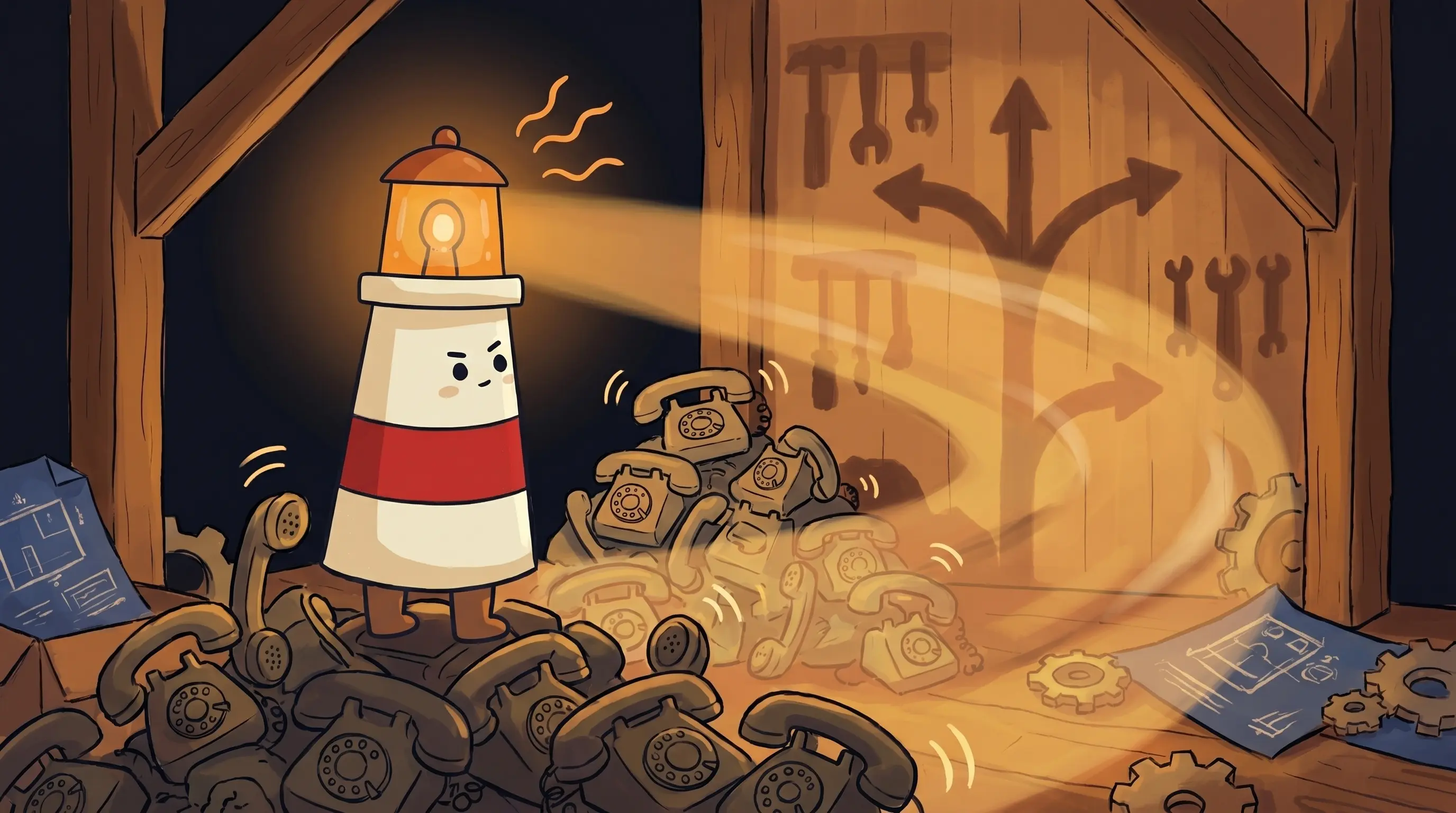
 Some things that once took a team of ten now only take the right tool — and a little light.
- Escalation rate is below 30% and trending down week over week — above 30% means your agents are struggling and customers are paying for it
- Resolution time for auto-handled tickets is faster than human-handled tickets in the same category (if it’s slower, the automation isn’t actually helping)
- Customer satisfaction scores for AI-resolved tickets are within 10% of human-resolved tickets — a larger gap means the quality isn’t there yet
- Your human agents are spending less time on repetitive tickets and more time on complex cases — if they’re still buried in simple questions, the routing isn’t working
- You can identify which ticket categories are being handled well and which are escalating frequently — you need that visibility to improve the system over time
Your First Week of Automated Support: Where to Start
Don’t try to automate everything at once. That’s how you end up with a system that does a little of everything badly. Start here.
- Audit your last 3 months of tickets. Categorize every ticket into 3–5 buckets (billing, technical, onboarding, account management, general). If one category represents more than 30% of volume, that’s your first automation target.
- Document that category completely. Every policy, every edge case, every common resolution path. The agent is only as good as what you give it. Budget at least 4–6 hours for this step — it’s not optional.
- Build one specialist agent for that single category. Configure it conservatively: if in doubt, escalate to a human. Start with a 50%+ auto-resolution target rather than trying to automate everything immediately.
- Run it in shadow mode for 48–72 hours. Let the agent draft responses without sending them. Review every draft. If accuracy is above 80%, you’re ready to go live with that category.
- Add a second category only after the first is stable. ‘Stable’ means escalation rate under 25% and customer satisfaction within 10% of human-handled tickets for that category. Don’t expand before this threshold.
- If you’re on a tight budget, start with ticket tagging and routing before auto-responses. Automating the triage step — having software read and label tickets before a human sees them — costs less and delivers immediate time savings with lower risk.
- Budget $100–300/month for the first 90 days of testing. This covers API costs and most SaaS automation tools. The ROI math becomes obvious fast: one avoided support hire at $50K/year means the tool pays for itself in about 2 weeks.
What This Means for Your Support Roadmap
- The traditional support scaling model — more customers means more staff — is no longer the only path. Companies like RTR Vehicles went from 4 full-time reps to 1 part-time employee while improving response times.
- A single AI system handling all support types hits a ceiling around 500–800 users, with escalation rates climbing above 30%. The fix is specialist agents, each owning one domain.
- Otter.ai auto-solved 1,000+ tickets in 3 months and doubled its CX team’s effective capacity without doubling headcount — starting from a team of one with zero engineering resources.
- Freshy scaled to support 2,800+ active client sites without growing its support team by automating the prep work that burdened agents before they could answer a single question.
- Start with your highest-volume ticket category, document it completely, build one specialist agent, and run it in shadow mode before going live. Add categories only after the first one is stable.
The teams that figure this out now aren’t just saving money — they’re building infrastructure that scales with their growth instead of against it. Every new customer generates a support ticket. Right now, that ticket is someone’s problem. The question isn’t whether to automate. It’s whether to start before the weight of the inbox makes the decision for you.
Frequently Asked Questions
How many tickets per month do you need before AI support automation makes sense?
There’s no universal threshold, but the pain tends to become undeniable around 500 users — where support typically consumes 15–20 hours per week for a solo founder. For teams, the economics usually work in automation’s favor when support load would otherwise require adding a full-time hire. Even at lower volumes, automating the triage and routing step — having software sort and label tickets before humans see them — pays off quickly in time saved.
Won't customers notice they're talking to AI and get frustrated?
Some will. The key metric to watch is customer satisfaction for AI-resolved tickets versus human-resolved tickets. The gap should stay within 10%. If it’s wider, the quality isn’t there yet. The companies with the best outcomes — like Otter.ai and RTR Vehicles — saw satisfaction scores hold or improve after automation, largely because response times dropped significantly. Speed often matters more to customers than who’s answering.
What's the difference between a chatbot and what these companies are actually using?
A chatbot responds to direct questions when a customer initiates a conversation. The systems described here are more proactive — they automatically read incoming support tickets, tag them by category and urgency, route them to the right specialist, surface relevant account context for the agent, and in some cases draft or send responses without human review. It’s less about the conversation interface and more about the automated workflow happening before any human gets involved.
What happens when the AI agent gets it wrong?
Every well-built system has a human escalation path. The goal isn’t 100% automation — it’s handling the 70%+ of tickets that follow predictable patterns automatically, while routing the complex, ambiguous, or high-stakes cases to humans quickly. The failure mode to watch for is escalation rates above 30%, which signals the agent is struggling. Conservative escalation rules are better than liberal auto-resolution for anything involving money, account security, or formal disputes.
Can a small team realistically set this up without engineering resources?
Yes — that’s actually the Otter.ai story. Allen started with zero engineering resources and built automated support workflows using tools like Zapier to connect their existing ticketing system. Freshy did the same thing for 2,800+ client sites. The no-code and low-code automation tools available in 2026 make this accessible to non-technical operators. The hard part isn’t the technical setup — it’s documenting your knowledge base and configuring the escalation rules correctly.
Sources
- How Otter.ai auto-solved 1K+ support tickets with AI — Zapier
- How Freshy scaled support for 2,800+ sites with AI — Zapier
- How RTR Vehicles Scaled Customer Support Without Adding a Single Employee — AI Genesis
- Scale Support to 1K Users: Solo AI Agent Stack — AI Shortcut Lab
- How AI and Automation Help Support Teams Handle 10x More Tickets — Pylon
- 14.ai is replacing customer support teams at startups — TechCrunch
Related Articles

AI front desk software for small business: missed calls, follow-ups, and owner approval
AI Phone Receptionist vs AI Follow-Up Assistant: Which Should a Small Business Hire First?