Multi-Agent Orchestration: How BrainRoad Paperclip Coordinates Your AI Team

On this page
One AI agent is impressive. A team of AI agents, left uncoordinated, is a disaster.
You’ve probably felt the single-agent ceiling already. Give one agent a large project — 200 files, 50 exchanges of conversation history, mixed instructions covering refactoring AND testing AND documentation — and watch it slowly fall apart. Responses start to drift. Costs spike. The agent starts making connections between unrelated parts of your project that don’t exist. That’s not a bug in your prompt. That’s physics. One context window can only hold so much before things break.
The obvious answer is more agents. Specialized ones. A research agent. A writing agent. A quality-check agent. Divide the work, multiply the output. Except — and this is what nobody warns you about — adding more agents doesn’t solve the problem. It just creates a new one. Now you have a coordination nightmare: agents duplicating each other’s work, burning through your API budget in minutes, and leaving you with zero accountability when something goes wrong. Nobody knows which agent broke what.
Paperclip exists to solve exactly this. And the way it solves it — treating agent coordination not as a software problem but as a management problem — is the insight worth understanding before you touch the config. I’ll explain what that means after we walk through what goes wrong without it.
If you’re exploring the broader world of agentic AI, the orchestration layer is where things either click into place or completely fall apart. This is that layer.
What Happens When One Agent Hits Its Ceiling
The failure mode is predictable once you’ve seen it. A single agent given a complex, multi-part task starts strong — it has clear context, coherent instructions, and a manageable scope. Then the conversation grows. The history accumulates. New instructions get added mid-session.
The agent’s ‘memory’ — the amount of text it can hold in one conversation — is finite. Think of it like a whiteboard that only holds so many notes. Add more notes than the board can fit and the oldest ones get erased. Except the agent doesn’t tell you it erased them. It keeps going, now working from an incomplete picture, filling in gaps with plausible-sounding but wrong connections.
The cost problem compounds this. More context means more processing. A task that costs $0.10 in the first few exchanges might cost $2.00 three hours later — same agent, same task, just with more accumulated history. There’s no circuit breaker. The meter keeps running.
The instinct is to split the work: a research agent handles discovery, a writing agent handles output, a review agent handles quality. And that instinct is right. But without an orchestration layer, you’ve just traded one problem for three.
By early 2026, tools like Claude Code, Cursor, and Google Antigravity all use multi-agent patterns under the hood — which tells you the industry already solved this for their own products. The question is how you solve it for yours.
How Paperclip Coordinates Your AI Agent Team
Paperclip is an open-source AI agent orchestrator. It hit 38,000 GitHub stars in under four weeks — faster adoption than most developer tools see in a year. The speed of adoption tells you something: this wasn’t a ‘nice to have.’ It was a problem people had been waiting for someone to solve.
The architecture is built around five components that work together:
Heartbeat Scheduler
Wakes agents on a cron schedule — like an alarm clock that fires each agent at the right time. Agents don't run continuously; they wake up, check the queue, do their work, and go back to sleep.
Agent Registry
Holds the org chart. Who reports to whom. What each agent's role is. Which agents can spawn sub-agents. This is the hierarchy that prevents agents from stepping on each other.
Atomic Task Queue
A shared ticket queue with 'checkout' logic — when one agent picks up a task, it's locked so no other agent can grab the same one. No duplicated work.
Task Executor with Budget Enforcement
Runs each agent's work while tracking spending against its monthly limit. When an agent hits its budget, it stops. No surprises on your invoice at the end of the month.
Immutable SQLite Audit Log
Every action, every decision, every ticket — logged and unchangeable. When something breaks at 2 AM, you can trace exactly which agent did what and when.
Paperclip currently supports OpenClaw, Claude Code, Codex, Cursor, Bash scripts, and any agent reachable via HTTP. If your agent can receive a heartbeat signal, Paperclip can coordinate it.
Why Paperclip Uses an Org Chart (The Insight Everyone Misses)
Here’s the thing most orchestration tools get wrong: they treat coordination as a routing problem. Traffic flows in, traffic flows out. The right agent gets the right task. Pipeline complete.
That works for simple workflows. It falls apart the moment you need accountability, budget control, or escalation — the messy real-world stuff that happens when agents run autonomously for days at a time.
Paperclip treats coordination as a management problem instead. Agents get assigned to positions in an org chart. They have reporting lines — they report to other agents, or to a supervisor agent that allocates work. They get monthly spending budgets that automatically cut them off when exceeded. They pull work from a shared ticket queue with atomic checkout, so two agents can never grab the same task.
Think about why this framing matters. The failure modes in a human organization — people duplicating each other’s work, departments blowing their budget, nobody accountable when a project fails — are exactly the failure modes you see in uncoordinated multi-agent systems. Paperclip’s answer is to apply the same structural fix: clear roles, spending limits, reporting lines, and a shared task board.
One of our early BrainRoad users set up a three-agent Paperclip org over a weekend — a research agent, a drafting agent, and a quality-review agent, all running on OpenClaw. By Monday morning, the research agent had pulled 14 sources, the drafting agent had produced a first pass on each, and the review agent had flagged 3 for revision. Total cost: under $4. Without the budget enforcement, the same workflow would have run until someone noticed the bill.
The Six Orchestration Patterns Worth Knowing
Not every multi-agent setup needs an org chart. The pattern you choose depends on the task structure. There are 11 recognized orchestration patterns — here are the six you’ll actually use:
- Pipeline (sequential) — Agent A’s output becomes Agent B’s input. Use for linear workflows where order matters: research → draft → edit.
- Supervisor (intelligent routing) — A manager agent receives the task and assigns it to the right specialist. Use when you have multiple specialized agents and need smart dispatch.
- Fan-out/Fan-in (parallelization) — One task splits into parallel subtasks handled by multiple agents simultaneously, then recombines. Use when speed matters and subtasks are independent.
- Evaluator/Critic (iterative quality) — One agent produces output; another agent critiques it; the first agent revises. Loop until quality threshold is met. Use for high-stakes outputs.
- Council (multi-expert decisions) — Multiple agents independently analyze the same problem and vote or synthesize. Use for decisions requiring diverse perspectives.
- Swarm (emergent behavior) — Agents self-organize around a shared goal with minimal central coordination. Use for exploratory research where the path isn’t known upfront.
Paperclip’s org chart model fits naturally onto the Supervisor pattern — but the heartbeat scheduler and task queue make Pipeline and Fan-out/Fan-in straightforward too. The audit log is what makes the Evaluator/Critic loop safe to run unsupervised.
The pattern nobody talks about enough: Fan-out/Fan-in is where budget enforcement matters most. Running 10 agents in parallel is powerful. Running 10 agents in parallel with no spending limits is how you get a surprise $800 bill.
Where Paperclip Falls Apart
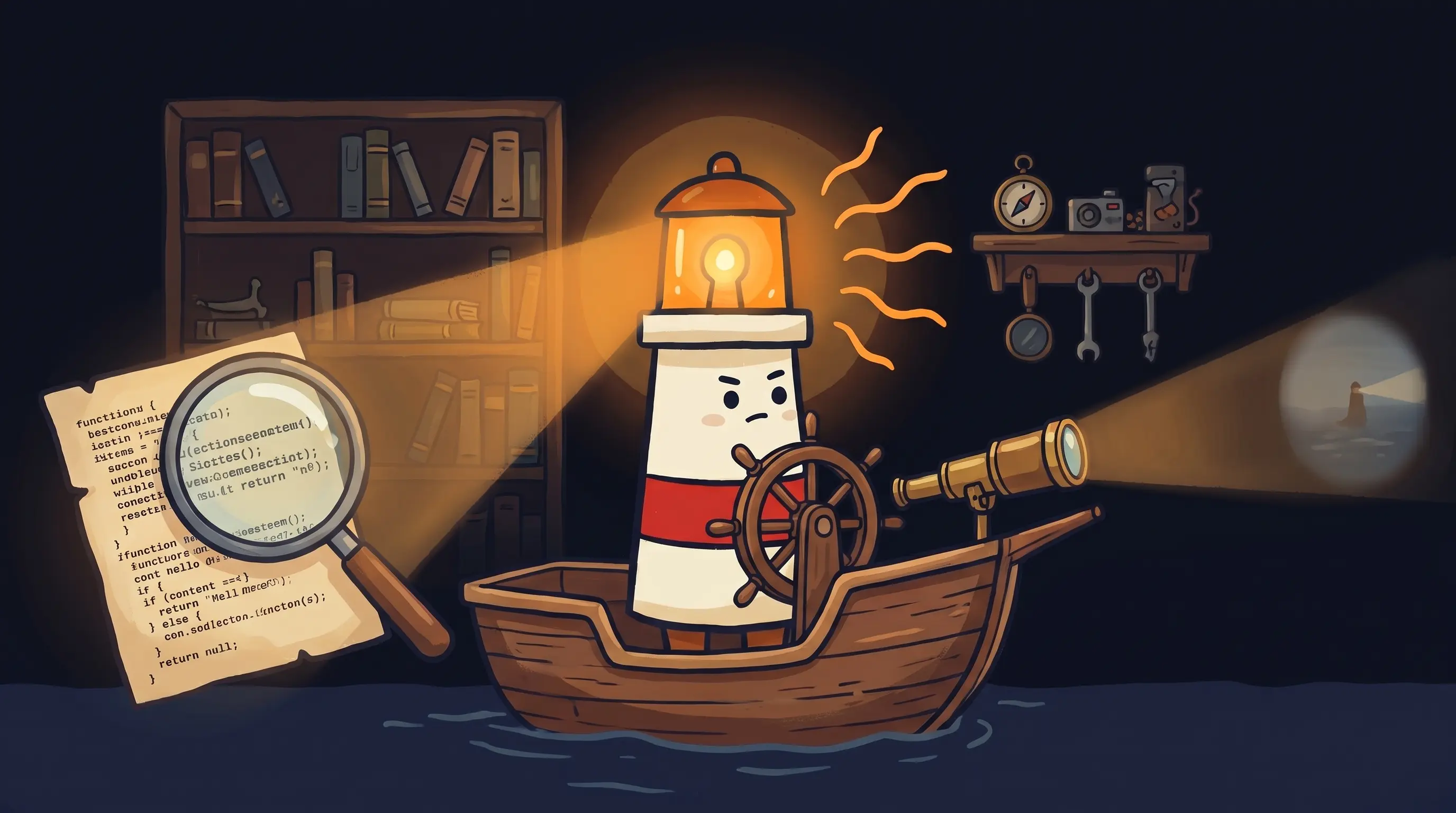
 Even the brightest light works better with a team behind it.
We’d be doing you a disservice not to name the failure modes. Paperclip solves real problems — but it creates its own if you’re not careful.
- Overhead without leverage. If your task doesn’t genuinely require coordinated multi-agent work, the org chart adds complexity without payoff. A task one agent can handle in 10 minutes shouldn’t require a three-tier hierarchy. The risk is what practitioners call ‘productivity theater’ — an impressive-looking architecture that just adds latency.
- Security gaps in agent skill ecosystems. When agents can call external tools and skills, the permissions model matters enormously. Paperclip’s audit log helps trace what happened — but it doesn’t prevent an agent from doing something it shouldn’t if the tool permissions aren’t locked down carefully. This is an unsolved problem in the broader agent skill ecosystem, not just Paperclip.
- Debugging across agent boundaries. The audit log is immutable and comprehensive — but reading it when 5 agents have all touched the same task is non-trivial. Plan time for this before you run complex multi-agent flows in production.
- No native failover (yet). Enterprise-grade orchestration should include re-routing tasks, triggering fallback agents, or escalating to a human when an agent fails. Paperclip’s budget enforcement and audit trail handle a subset of this — but native failover logic is something you’ll need to build yourself for mission-critical workflows.
- Cold-start latency. The heartbeat scheduler is efficient, but agents waking from sleep introduce latency. For time-sensitive workflows (sub-30-second response requirements), always-on agents or a different architecture may be more appropriate.
The honest take: Paperclip is the right architecture for complex, multi-step work that runs over hours or days. It’s overkill for simple task automation. If you’re unsure which category your use case falls into, check the AI automation guide — the decision tree there saves most people a detour.
How to Know It’s Working
- Your task queue shows checkout timestamps — confirming no two agents grabbed the same ticket simultaneously.
- Monthly spend per agent matches your configured budget ceiling, not a round number that suggests no enforcement is happening.
- The audit log has entries from multiple agent IDs on the same task, with distinct timestamps — showing hand-off is occurring rather than one agent doing all the work.
- Fan-out tasks complete faster than sequential equivalents — if parallel agents aren’t beating single-agent time, check whether the task is actually parallelizable.
- Zero duplicate deliverables in the output — the first and clearest sign that atomic checkout is working.
Your Monday Morning Paperclip Setup
If you’re running BrainRoad with OpenClaw already, you can have a working multi-agent org online in under an hour. Here’s the sequence that avoids the most common mistakes:
Start with two agents, not five
Pick your single most repetitive multi-step workflow. Map it to exactly two agents — one that does the work, one that reviews it. Resist the urge to build the full org on day one.
Set conservative budgets first
Assign each agent a monthly spending cap of $10-20 for the first two weeks. You can always raise it — you can't undo a $300 run that happened overnight while you slept.
Configure atomic checkout on your task queue
This is the step most people skip during setup and regret later. Without checkout locking, two agents WILL grab the same task eventually. It's a matter of when, not if.
Run a supervised test first
Watch the first full run in real time. Check the audit log during the run, not just after. You want to see task hand-offs happening correctly before you let this run unsupervised overnight.
Verify the audit log captures all agent IDs
Pull the log after your test run and confirm you see distinct agent identifiers for each action. If everything shows the same agent ID, your org chart hierarchy isn't routing correctly.
If your first agent's budget runs out in under 24 hours, don't just raise the limit
Investigate why first. Budget ceiling hits in the first day usually mean the agent is being woken too frequently by the heartbeat scheduler, or the task scope is larger than you scoped it. Fix the root cause, then adjust the budget.
The BrainRoad Console guide walks through the dashboard controls for monitoring agent spend and reviewing audit logs in real time — worth having open alongside this setup.
What This Means for Your Agent Architecture
- Paperclip reached 38,000 GitHub stars in under four weeks — faster than most developer infrastructure tools. That adoption speed reflects a genuine coordination gap, not hype.
- The core insight: multi-agent coordination fails for the same reasons human teams fail — no accountability, no budget control, duplicated work. Paperclip applies organizational structure (org charts, spending limits, ticket queues) to solve all three.
- The five architectural components that matter: heartbeat scheduler, agent registry, atomic task queue, budget-enforced executor, and immutable audit log. Each one targets a specific failure mode.
- The agentic AI market is projected to grow from $7.55 billion in 2025 to $199 billion by 2034. The teams building orchestration infrastructure now will have a significant head start as that market matures.
- Multi-agent orchestration adds genuine leverage for complex, multi-step work. For simple tasks a single agent can handle cleanly, it adds overhead without payoff. Knowing the difference is the real skill.
The teams that get orchestration right now aren’t just saving time on current workflows. They’re building infrastructure that gets more valuable as agents get more capable. Every complex task you hand off today is a workflow you’ve already automated for the next version of the model. The teams still doing this manually aren’t just slower — they’re falling further behind with every passing month.
Frequently Asked Questions
What's the difference between Paperclip and a simple workflow automation tool like Zapier?
Zapier connects apps and triggers actions when specific events happen — it’s linear and event-driven. Paperclip coordinates autonomous agents that make decisions, handle ambiguous tasks, and work asynchronously over hours or days. Zapier is a pipeline; Paperclip is an org chart. The distinction matters when your tasks require judgment, not just routing.
Do I need to know how to code to set up Paperclip?
Some familiarity with config files helps. Paperclip is open-source and requires you to define your org chart, agent roles, and budget limits in configuration. BrainRoad’s onboarding wizard handles the OpenClaw agent setup underneath — but the Paperclip orchestration layer itself involves more hands-on configuration than a pure GUI tool. The Paperclip troubleshooting guide covers the most common setup errors.
How does Paperclip handle it when an agent fails mid-task?
The immutable audit log captures the failure state, so you can trace exactly what happened. Budget enforcement stops runaway retries. However, native failover — automatically re-routing the task to a backup agent — is something you need to build into your own workflow logic for now. It’s one of the areas where Paperclip is still maturing compared to enterprise-grade orchestration platforms.
Can Paperclip work with agents from different AI providers?
Yes. Paperclip supports any agent that can receive a heartbeat signal, including OpenClaw, Claude Code, Codex, Cursor, Bash scripts, and any HTTP-reachable agent. You’re not locked into one AI provider’s ecosystem — which matters when you want a research agent running on one model and a code-review agent running on another.
Is multi-agent orchestration worth the complexity for a solo operator or small team?
For most solo operators: start with one well-configured agent first. Multi-agent orchestration pays off when the work is genuinely parallel or requires specialist agents — content research plus writing plus SEO review, for example. If your current bottleneck is a single workflow a solo agent could handle, add the orchestration layer after you’ve validated the single-agent approach. See the personal AI assistant guide for the right starting point.
Sources
- Paperclip AI Agent Orchestrator — WebSearchAPI
- Tutorial: AI Agent Orchestration With Paperclip — Marketing Agent Blog
- Paperclip: Building AI Organizations with Org Charts, Budgets, and Zero Humans — Starlog
- Open-Source AI Agent Orchestration for AI Companies — ScriptByAI
- Multi-Agent Orchestration: 4 Patterns That Actually Work — heyuan110
- 11 Multi-Agent Orchestration Patterns — AiBrain
- Multi-Agent Orchestration — Kore.ai Agent Platform