
AI Assistant vs Virtual Assistant for Small Business: What to Hand Off and What to Approve

On this page
You’ve probably tried ChatGPT. You opened a tab, typed a prompt, got a decent email draft, copied it into Gmail, edited it anyway, and closed the tab. Three days later, you forgot the whole thing existed.
That’s not a you problem. Every AI tool you’ve tried made you do all the work. Open the app. Type the prompt. Copy the answer. Paste it somewhere. Close the tab. Forget about it. That’s not an assistant — that’s a search engine with extra steps. The tool failed you, not the other way around.
Meanwhile, you’re wondering whether to just hire a virtual assistant. The math feels off — $2,000 a month feels steep when you’re still doing the work of coordinating them. But letting software send emails without checking feels reckless. So you stay in the middle: buried in follow-ups, customer messages, scattered notes, and the quiet dread of the leads you forgot to reply to.
There’s a specific reason most AI follow-up tools feel either useless or spammy — and it has nothing to do with the quality of the writing. I’ll get to it after we lay out what each option actually costs you. But it’s the thing that explains why the safer pattern works better than both extremes.
If you’re evaluating your options for handling business admin — whether that’s a human VA, ChatGPT, or a more connected AI assistant for small business — here’s the honest comparison.
What Each Option Actually Costs You
The numbers here are real, and they matter before you make any decision.
A human virtual assistant runs $1,500–$4,000 a month for part-time help. A US-based executive assistant runs $55,000–$75,000 a year before benefits. The Bureau of Labor Statistics puts the median wage for administrative assistants at $47,460 in May 2024 — or about $22.82 an hour. That’s the floor. Good ones cost more.
ChatGPT costs $20 a month. But the actual cost isn’t the subscription — it’s your time. Every output requires you to manually move it somewhere. It can draft an email but cannot send it. It can suggest a meeting time but cannot book it. And each conversation starts completely fresh. It doesn’t remember your clients, your context, or what you talked about last week. Memory features exist but are limited and inconsistent.
BrainRoad Pro is $29 a month with $5 of managed model use included each calendar month. Optional $10 prepaid top-ups add $11 and never expire. Against a part-time human assistant, that is a different cost and responsibility model—not a promise that software replaces human judgment.
Cost alone doesn’t make the decision. What matters is what each option can actually do — and where it needs you.
The Decision Rule That Simplifies This
There’s a clean test for figuring out whether a task belongs to AI or a human. It sounds simple. It actually holds up.
Write out every step of the task in a numbered list. If each step has exactly one right answer, automate it. If any step requires you to write “it depends,” delegate it to a person.
Following up with a lead who submitted a form? Every step has one right answer. Draft a reply using the form data. Wait 48 hours. Send a second message if no reply. Stop after the third. That’s AI territory.
Deciding how to handle a client who’s been with you three years and just sent a frustrated message? That’s “it depends” territory at every step. What’s their history? What’s the relationship worth? Are they about to leave or just venting? That belongs to you — or to a good VA who knows the context.
McKinsey estimates AI can handle 60–70% of administrative tasks currently done by human assistants. That’s a big number. But it’s exactly the structured, repeatable 60–70% — intake, follow-up, CRM notes, after-hours responses. The judgment-heavy 30–40% still needs a person.
AI Assistant for Small Business: What to Hand Off and What to Approve
Here’s how the split actually looks in practice for a small business owner handling their own follow-ups, customer messages, and files.
Hand off to AI: First-touch lead replies
When someone fills out a form or sends an inquiry, AI can draft a personalized reply using the information they provided. You review and approve before it goes anywhere.
Hand off to AI: Follow-up sequences
Structured follow-up — day 2, day 5, day 10 — based on rules you set. AI drafts each message. You set the rules once; AI follows them.
Hand off to AI: Summarizing files and notes
Upload your client notes, meeting notes, or scattered documents. AI reads them and gives you the summary or the next step you need. No more hunting through folders.
Hand off to AI: Routine customer message drafts
Receipts, confirmations, status updates, FAQs. Anything with one right answer per step. AI drafts; you glance and approve.
Keep for human approval: Anything that goes outside
Sending, posting, charging, updating a record — anything that affects someone outside your workspace needs a review step before it happens. This is non-negotiable.
Keep for human or VA: Relationship judgment calls
A long-term client is upset. A deal is going sideways. A message needs the right tone for someone you know personally. AI can draft; a human needs to decide.
Keep for human or VA: Compliance-sensitive commitments
Anything involving money, contracts, regulatory requirements, or sensitive data should have a human approval gate before it moves forward.
The pattern that works: AI reads the context, drafts the next step, and surfaces it for your approval before anything gets sent, posted, or changed outside your workspace. You’re not rubber-stamping everything — you’re staying in the loop on what matters.
AI vs Virtual Assistant vs ChatGPT: Side-by-Side
Here’s how the three options stack up across the dimensions that actually matter for a small business owner.
Human Virtual Assistant
💰 $1,500–$4,000/mo
✅ Handles judgment calls ✅ Remembers context and relationships ✅ Can take action without your review ✅ Nuanced communication
❌ Turnover risk ❌ Only available certain hours ❌ Expensive for repetitive tasks ❌ Requires coordination overhead
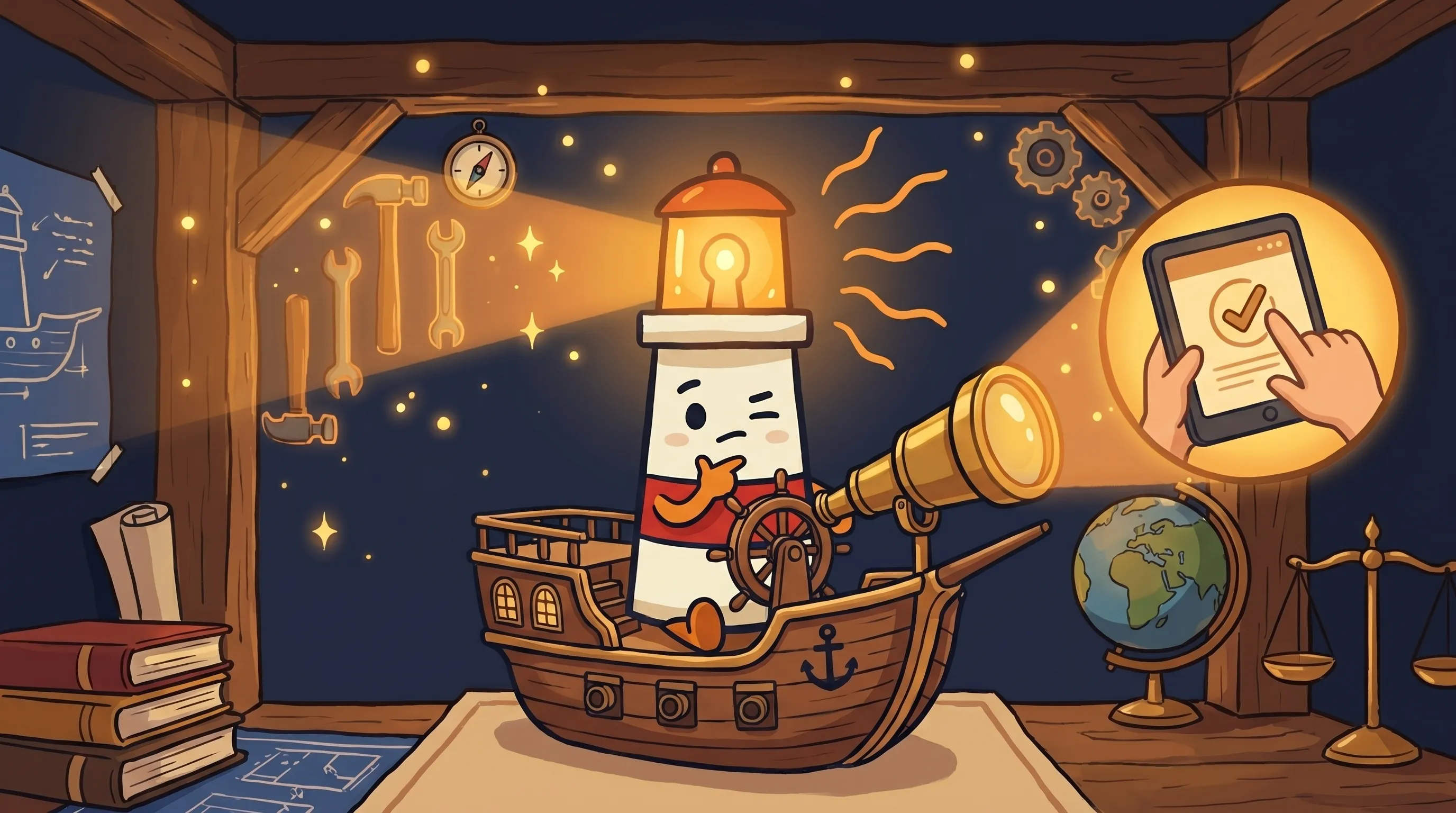 Some tasks are worth a second look — and some are worth letting go. Beacon’s got the light; you’ve got the final say.
ChatGPT (manual)
💰 $20/mo
✅ Good at drafting ✅ Flexible, handles many topics
❌ Can’t take any action ❌ No memory between sessions ❌ You copy-paste everything manually ❌ No business context unless you re-explain every time ❌ Requires your attention to be useful
AI Assistant (BrainRoad-style)
💰 $34–$49/mo
✅ Reads your files and notes ✅ Drafts follow-ups and replies ✅ Proposes next steps ✅ Checks before anything is sent ✅ Always available ✅ No turnover
❌ Needs your approval for external action ❌ Not suited for complex relationship judgment ❌ Requires initial context setup
Why AI Follow-Up Feels Spammy (And How to Fix It)
Here’s the thing most guides on AI follow-up won’t tell you.
The problem with spammy AI follow-up is almost never the writing. The emails are fine. The copy is decent. The issue is that the sending decision got automated before the judgment did.
Think about what actually makes follow-up feel bad: firing a third email to someone who already bought. Messaging a client who opted out. Sending a chirpy check-in to someone who just complained. These aren’t writing failures. They’re rules failures. The system didn’t know to stop — or slow down — because nobody built that into it.
The safer pattern runs the logic first: Has the customer replied? Have they opted out? Are they already in a manual conversation? If any of those are true, the system slows down or stops — it doesn’t fire another generic nudge. Only after those rules are satisfied does AI draft a message. And that draft comes to you for review before it goes anywhere.
There’s a second version of this problem that’s subtler. AI drafts an email to a client you’ve had for three years and it sounds like you just met them. Technically correct, tonally wrong. The fix is feeding the AI a short client brief — three sentences covering the relationship history, their communication style, any recent context — before it generates anything. Without that, you’re getting generic. With it, the draft actually sounds like you.
This is exactly why the draft-first, approve-second model matters. It’s not just about legal caution or compliance. It’s about catching the thing the AI got right on paper but wrong in tone — before it lands in someone’s inbox.
Where Each Approach Falls Apart
No option is clean. Here’s what breaks.
- Human VA: Turnover risk is real. When a good VA leaves, they take context with them. Setup and coordination overhead can consume hours you didn’t plan to spend. And they’re not available at 2am when an urgent client message comes in.
- ChatGPT: The copy-paste loop is the tax. Every useful output requires manual action. There’s no memory, which means every conversation is a cold start. If you’re not disciplined about using it daily, the tab gets buried within a week.
- AI assistant (approval-gated): Needs you to set it up with the right context — your files, your client notes, your follow-up rules. If the context is thin, the drafts are generic. It’s also not suited for the emotional or judgment-heavy conversations where tone matters most. And it absolutely requires a human approval step before anything external happens — which is a feature, but it does mean you’re still in the loop.
Gartner projects that 40% of small and mid-size businesses will deploy at least one AI agent by the end of 2026, up from roughly 8% at the start of 2025. The gap between those two numbers is businesses figuring this out in real time. The ones who get there first aren’t going to have magic AI employees — they’re going to have figured out which tasks follow a script and which ones need judgment, and they’ll have stopped doing the script tasks manually.
The advantage isn’t dramatic. It’s cumulative. Faster follow-up. Fewer dropped leads. Less time hunting through old email threads to remember where a client conversation left off. The AI for entrepreneurs angle isn’t about replacing judgment — it’s about not wasting your judgment on tasks that have one right answer.
48% of US workers are already using AI at work in some form. A year from now, the unusual thing won’t be using AI to help with drafts and follow-ups. It’ll be still doing every admin loop manually while other business owners have software handling the repetitive parts.
Your Monday Morning Action Plan
Don’t try to automate everything at once. Start with the tasks that have one right answer per step — the ones that are currently eating time without requiring judgment.
- List your five most repetitive admin tasks this week. These are the candidates for AI — first-touch lead replies, follow-up sequences, note summaries, status updates. If you can write out every step with one right answer each, it belongs in the AI column.
- Write a one-paragraph client brief for your top 5 clients. Name, relationship length, communication style, any live context. This is the context your AI needs to stop drafting generic messages. Takes 10 minutes; pays off every time you generate a draft.
- Set your stop rules before you set your follow-up sequence. Decide: how many messages before you stop? What triggers a pause (reply, opt-out, existing conversation)? If you can’t answer these before you start, you’ll create a spam machine, not a follow-up system.
- Run every draft through a review step for the first 30 days. Don’t approve automatically. Read each draft. This is how you calibrate — you’ll see quickly what needs better context, what rules need adjusting, and what the AI consistently gets right.
- If the task involves money, a contract, or a long-term relationship decision, keep a human in the loop. No exceptions. Compliance and auditability requirements in regulated areas often require human approval gates. Even outside regulated sectors, anything with financial or relationship consequences should clear a review step before it goes out.
- Budget $50–$70/month for the AI tooling layer. If you’re currently spending more than 5 hours a week on tasks that have one right answer per step, you’re spending more in your own time than the tool costs. At $100/hour of your effective rate, that’s a payback inside the first week.
What This Means for How You Run Your Business
- The median annual wage for human administrative assistants was $47,460 in May 2024 — a full-time AI assistant layer costs under $50/month. The math favors AI for structured, repeatable work.
- ChatGPT’s core limitation isn’t capability — it’s that every output requires manual action and every session starts from zero. It’s a drafting tool, not an assistant.
- The split that works: hand off anything where every step has one right answer. Keep human judgment for relationship calls, sensitive commitments, and anything involving financial or compliance decisions.
- Spammy AI follow-up is almost always a rules problem, not a writing problem. Automate the judgment rules before you automate the sending.
- The safer pattern — AI drafts, owner approves, nothing goes out without review — protects both the relationship and the business while still removing the manual drafting load.
Frequently Asked Questions
What's the difference between an AI assistant and a virtual assistant for small business?
A human virtual assistant can handle judgment-heavy tasks — relationship management, nuanced communication, exception handling — but costs $1,500–$4,000/month for part-time work and comes with turnover risk. An AI assistant handles structured, repeatable tasks (follow-ups, note summaries, draft replies) at $50–$70/month, works around the clock, and never leaves. Most small businesses end up using both: AI for the tasks with one right answer, a human (or just the owner) for the calls that require judgment.
Is ChatGPT good enough as an AI assistant for customer follow-ups?
ChatGPT is a useful drafting tool, but it’s not an assistant in the functional sense. It can’t send emails, can’t take action in other tools, and starts each conversation fresh with no memory of your clients or business context. For customer follow-ups specifically, you’d need to manually copy each draft into your email client every time — and re-explain your client relationships from scratch. For occasional drafting, it works. For systematic follow-up, you’ll burn more time managing it than it saves.
What tasks should I never let AI send or post without my approval?
Anything that goes outside your workspace — emails, social posts, payment requests, contract language, CRM updates visible to clients — should have a human review step before it happens. Especially: anything involving money or billing, messages to long-term clients where tone matters, commitments that could be misread as binding, and any communication in a regulated context. The draft-first, approve-second pattern isn’t overcautious — it’s how you catch the message that was correct on paper but wrong in tone.
How do I stop AI follow-up from feeling spammy?
Build the stop rules before you build the sequence. Decide in advance: how many messages before you stop? What triggers a pause — a reply, an opt-out, an existing conversation? Most spammy AI follow-up is a rules failure, not a writing failure. The system sent a fourth email because nobody told it to stop after the third. Get the judgment rules right first. Then use AI to draft context-aware messages once those rules are satisfied.
Do I need a human VA if I'm using an AI assistant?
Depends on your business. For structured, repeatable work — intake, follow-up, summaries, after-hours responses — an AI assistant handles these faster, cheaper, and without turnover. For judgment-heavy work — complex client relationships, sales nuance, exception handling — a VA or your own attention still wins. Many small business owners find that AI handles the repetitive 60–70% and they handle the rest themselves, without needing to hire a VA at all. Others use a VA for a specific skill (bookkeeping, design, outreach) and AI for the administrative layer around it.
Related BrainRoad guides
Sources
- Bureau of Labor Statistics — Secretaries and Administrative Assistants
- BrainRoad — AI Virtual Assistant
- BrainRoad — BrainRoad vs ChatGPT
- Wishup — VA vs AI Assistant: What to Delegate to Each (2026)
- AI Reviews Lab — AI Tools That Replace a VA in 2026
- idarb.com — Automate Customer Follow-Up Without Spamming Guide
- Gray Group Intl — How to Build AI Agents for Your Small Business (2026)
- Michael Heredia — Virtual Assistant or Workflow Agent: What to Hire For
- Skywork AI — AI Agents vs Virtual Assistants 2026
- Consul.so — Virtual Assistant vs AI Assistant: 2026 Cost Comparison
- BrainRoad — AI Receptionist


