AI Chatbot for Small Business: Why a Personal AI Agent Does It Better
On this page
The Chatbot That Stops Working When Your Customer Leaves the Page
You installed a chatbot on your website. It answers questions about your hours. It handles basic inquiries. It even captures a few email addresses. Good.
Now think about what happens when that visitor closes the browser tab. The chatbot stops existing. The lead you just captured sits in a spreadsheet nobody checks until Thursday. The follow-up email you meant to send never gets sent. And when that same prospect emails you a question at 9 PM, nobody’s home.
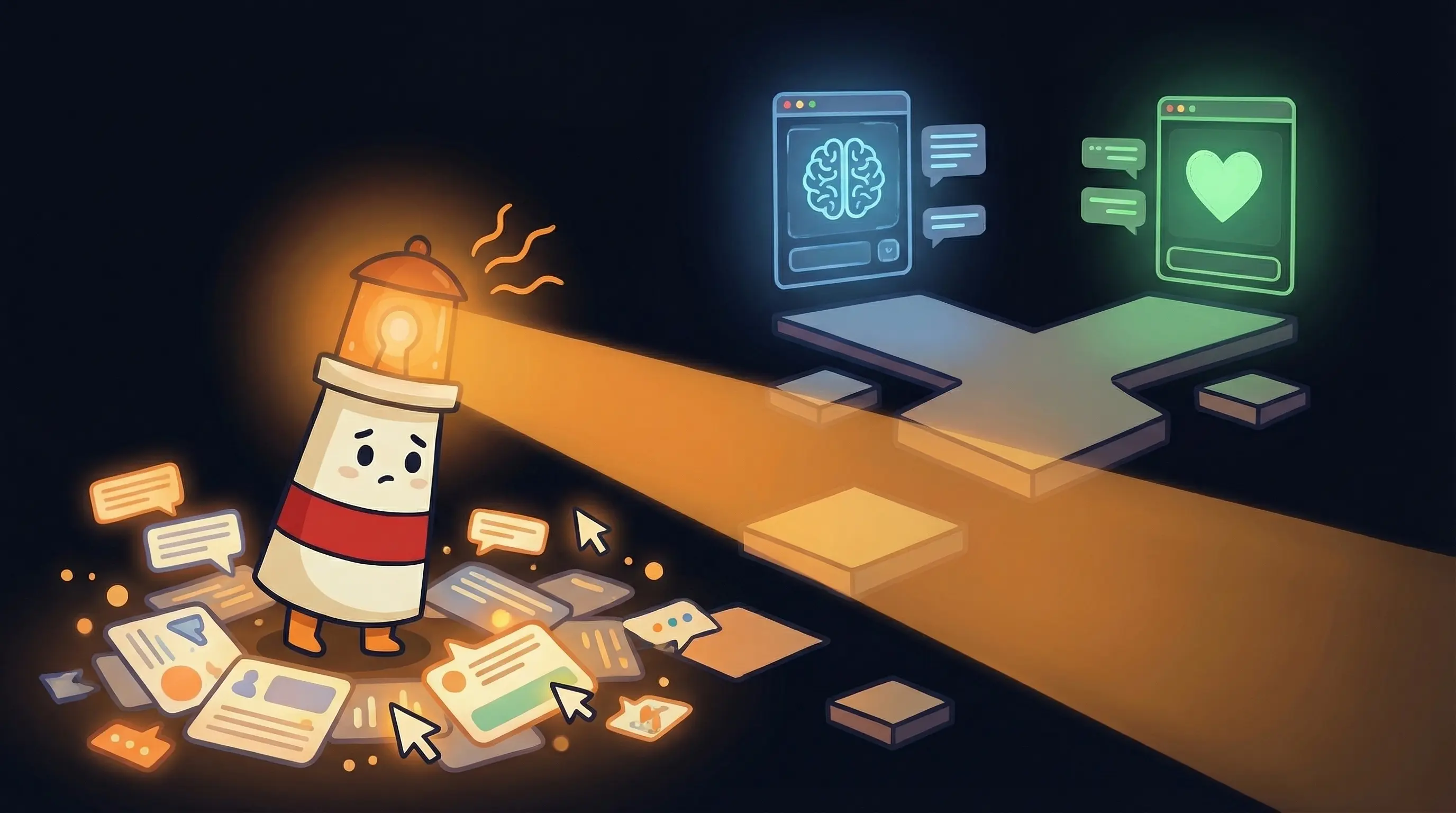
This is the fundamental limitation of standalone chatbots that nobody talks about. They work on your website. They don’t work anywhere else. They answer questions. They don’t take action. They capture leads. They don’t follow up.
There’s a different approach that costs roughly the same but covers ten times more ground. I’ll explain why most businesses end up with the wrong solution in a moment. First, let me show you what a chatbot that actually follows through looks like.
What a Website Chatbot Actually Does (And Where It Stops)
Standalone chatbots solve a real problem. A visitor lands on your site at 11 PM, wants to know if you serve their area, and gets an instant answer instead of bouncing to your competitor. That’s valuable.
The technology is straightforward. You pick a platform (Tidio, Chatfuel, ChatBot Builder), feed it your website content, paste an embed code, and the chatbot starts answering visitor questions. Setup takes under two hours. Monthly cost runs $50-200.
But here’s where the value ceiling hits. A website chatbot can only do four things:
- Answer questions on your website using information you’ve loaded
- Capture contact info from visitors (name, email, phone)
- Hand off to a human when it can’t answer something
- Exist on your website and nowhere else
It cannot send a follow-up email three days later. It cannot manage your inbox. It cannot schedule appointments without a separate calendar tool. It cannot respond to client messages on WhatsApp. It cannot work while you sleep — except on your website.
For most businesses, the website chatbot is solving 20% of the problem while 80% of the problem lives in email, scheduling, and follow-ups.
Why Standalone Chatbots Create More Overhead Than They Solve
Here’s the pattern I keep seeing. A business owner sets up a chatbot to save time. Then they realize they need a separate tool for email. And a separate tool for scheduling. And a separate tool for follow-ups. And a separate tool for lead nurturing.
Now they have four tools, four subscriptions, four sets of notifications, and four different systems to maintain. The chatbot captured a lead at 10 PM — great. But the email follow-up tool didn’t know about it because the chatbot doesn’t talk to the email tool. The scheduling link in the auto-response uses a different system than the calendar the chatbot checks. The lead falls through four cracks instead of one.
The total cost of the chatbot ($100/month) plus the email assistant ($25/month) plus the scheduling tool ($15/month) plus the automation platform ($50/month) adds up to $190/month. And you’re still manually stitching the gaps between them.
This is the integration trap. Each tool works fine in isolation. Together, they create a new category of busywork: managing the tools that were supposed to eliminate busywork.
The Shift: From Chatbot to Personal AI Agent
A personal AI agent doesn’t just answer questions on your website. It handles customer communication across every channel — email, messaging, scheduling, follow-ups — from a single platform, running 24/7.
Here’s what changes when you deploy an agent instead of a chatbot:
The 11 PM website visitor? Your agent answers their question. If they leave an email, the agent sends a personalized follow-up the next morning. If they want to book a meeting, the agent checks your calendar and proposes times. All without you touching anything.
The 7 AM email from a prospect? Your agent drafts a response in your voice, based on rules you’ve set. Routine inquiries get handled autonomously. Complex questions get flagged to your WhatsApp with a draft for you to review.
The follow-up you keep forgetting? Your agent sends it automatically three days after the initial conversation, referencing the specific context of what was discussed.
The scheduling back-and-forth? Your agent handles it end-to-end — checking your availability, proposing times, sending confirmations, rescheduling when conflicts arise.
One agent. Every channel. Every hour of the day. That’s the difference between a chatbot and a personal AI agent.
Chatbot vs. Personal AI Agent: The Real Comparison
The question isn’t whether chatbots work. They do. The question is whether they work well enough for the problem you’re actually trying to solve.
Coverage: A chatbot covers your website during business hours (and technically after hours, but with no follow-through). A personal AI agent covers email, messaging apps, scheduling, and follow-ups — 24/7/365.
Action: A chatbot answers questions and captures contact info. A personal AI agent answers questions, sends emails, schedules meetings, follows up with leads, and messages you on WhatsApp when something needs your attention.
Integration: A chatbot is one tool in a stack of disconnected tools. A personal AI agent connects to your email, calendar, and messaging apps from a single platform. No stitching required.
Cost: A chatbot runs $50-200/month for website-only coverage. A personal AI agent on BrainRoad runs $29/month and covers every channel. You pay less for more.
Maintenance: A chatbot needs embed code management, knowledge base updates, and platform-specific configuration. A personal AI agent learns from your communication patterns and improves over time with minimal manual tuning.
What Actually Goes Wrong With Chatbots (And How Agents Avoid It)
The three failure modes of standalone chatbots are predictable. They’re also the exact problems a personal AI agent is designed to solve.
Problem 1: The bot invents information. When your website content is thin, chatbots fill gaps with guesses. A personal AI agent has access to your email history, client conversations, and business documents — giving it far richer context to answer accurately.
Problem 2: Nobody monitors the handoffs. Chatbot handoff notifications go to email. Email gets buried. Leads die waiting. A personal AI agent sends urgent items directly to your phone via WhatsApp or Signal — the one place you actually check.
Problem 3: Captured leads get no follow-up. The chatbot captures an email address. It sits in a dashboard nobody checks. A personal AI agent automatically sends a follow-up, references the original conversation, and tracks the relationship over time.
How to Deploy a Personal AI Agent (Instead of Just a Chatbot)
The setup is simpler than configuring a standalone chatbot — because there’s no embed code to manage and no third-party integrations to stitch together.
-
Sign up for BrainRoad (5 minutes). 30-day trial available. The onboarding wizard handles the technical setup.
-
Connect your email account (5 minutes). OAuth connection — the agent never stores your password. Your data runs in an isolated Kubernetes container, separate from every other user.
-
Feed it your business context (20 minutes). Hours, services, pricing, FAQ answers. The same information you’d load into a chatbot, but the agent uses it across every channel — not just your website.
-
Set your handling rules (10 minutes). What to handle autonomously (meeting confirmations, routine inquiries, newsletter archives). What to draft for your review (client communications, pricing questions). What to flag immediately (urgent items, VIP contacts).
-
Configure notifications (5 minutes). Connect WhatsApp or Signal. Set urgency thresholds so you get 3-5 notifications per day, not 30.
-
Run shadow mode for 5-7 days. The agent drafts all actions but waits for your approval. Review everything, correct mistakes, provide feedback. Most users hit 70%+ accuracy by day five and 90%+ by week two.
Total setup: 45 minutes plus a week of 10-minute daily reviews. Compare that to a chatbot setup (2 hours) plus configuring a separate email tool (1 hour) plus setting up a scheduling tool (30 minutes) plus building automation workflows to connect them (3+ hours).
Your Monday Morning Decision
Stop thinking about chatbots. Start thinking about coverage.
- Count your customer touchpoints. Website, email, phone, messaging apps, scheduling requests. If your chatbot only covers one of those, you’re solving 20% of the problem.
- Calculate your real tool cost. Add up every tool you use for customer communication — chatbot, email assistant, scheduling tool, automation platform, follow-up tracker. If the total exceeds $50/month, a personal AI agent consolidates it all for less.
- Sign up for a personal AI agent platform. BrainRoad’s 30-day trial is enough to start. Connect your email first — it’s usually the biggest time sink.
- Set 5 handling rules. Auto-handle meeting confirmations. Auto-archive newsletters. Draft responses to routine inquiries. Flag urgent items to WhatsApp. Send 3-day follow-up reminders to new contacts.
- Run shadow mode for 5 days. Review the agent’s drafts every morning. Correct tone. Provide feedback. This is the training period that makes everything else work.
- After 2 weeks, measure your coverage. Compare how many customer inquiries get handled versus before. The number should be dramatically higher — because the agent works across every channel, not just your website.
The chatbot era was a step forward. Having an AI that only works on your website when someone happens to visit was better than nothing. But a personal AI agent that handles email, scheduling, follow-ups, and messaging — 24/7 — is the step that actually reclaims your time.
Frequently Asked Questions
What is the best AI chatbot for small business?
For website-only chat, standalone tools like Tidio and Drift work fine. But if you want an AI that also handles email, scheduling, and follow-ups autonomously, a personal AI agent on a platform like BrainRoad gives you far more value at a similar price point. The best chatbot is the one that doesn’t stop working when someone leaves your website.
How much does an AI chatbot cost for a small business?
Standalone chatbot platforms run $50-200/month. A personal AI agent that includes chatbot functionality plus email, calendar, and messaging automation costs $29/month on BrainRoad. You get more coverage for less money because one agent replaces multiple tools.
Can I set up an AI chatbot without coding skills?
Yes. Platforms like BrainRoad handle the technical setup through a guided onboarding wizard. You connect your accounts, set your preferences, and the agent starts working. No command line, no embed codes, no developer required.
What happens when the AI can't answer a question?
A personal AI agent flags items it can’t handle and sends you a WhatsApp or Signal notification. You review and respond to the edge cases while the agent handles the 80% of routine inquiries autonomously. This is more reliable than traditional chatbot handoffs that often go unmonitored.
Will customers know they're talking to a bot?
They might, and transparency builds trust. The more important question is whether they get a fast, accurate answer. A personal AI agent that responds in seconds — at 2 AM on a Saturday — beats a human who doesn’t reply until Monday morning.