Perplexity Opens Up Its Personal Computer AI Assistant To All Mac Users

On this page
Yesterday your AI agent cost $200 a month. Today it costs whatever your Pro subscription runs. That’s the headline. But the part worth understanding — the part that affects every choice you make about personal AI infrastructure — is buried in how Personal Computer actually works.
Perplexity just opened its Personal Computer AI assistant to all Mac users, dropping the paywall that had restricted it to Max plan subscribers. The move is significant. But the architecture behind it tells a bigger story about where the personal AI market is heading — and it’s not the story the press release is leading with.
What Perplexity Personal Computer Actually Does
Personal Computer is Perplexity’s on-Mac AI agent. You activate it by pressing both Command keys simultaneously. From there, it accepts text or voice commands and gets to work across your local files, other apps, the web, and Perplexity’s own servers — all without you switching between tabs or copying outputs manually.
According to MacRumors, the agent can complete every item on a to-do list, sort a messy downloads folder, and compare local files against live web information — all autonomously. It requires macOS 14 Sonoma or later and works on any Mac that runs it.
The integration depth is real. Yahoo Tech reports the system ships with over 400 connectors — email, cloud storage, calendars, and more — without requiring Perplexity’s Comet browser for most tasks. Pair it with Comet and it can operate web-based tools without needing a dedicated connector for each service.
For specialized work, it routes to the right model automatically: Gemini handles deep research, Nano Banana takes images, and ChatGPT handles long-context recall and wide search. You don’t pick. The agent decides.
Why the Cloud Architecture Is the Real Story
Here’s what most coverage is glossing over. Unlike tools that run entirely on-device, Personal Computer offloads the heavy compute to Perplexity’s servers. Engadget notes this is a deliberate design choice — explicitly to reduce strain on the Mac hardware. Your M1 MacBook Air doesn’t need to sweat.
That’s a fundamentally different bet than tools like OpenClaw, which drew significant criticism for the elevated system permissions it required to run locally. Yahoo Tech observes that Personal Computer is “meant to offer users a safer AI-enabled computing environment” — with sandboxed execution, an audit trail, reversible actions, and a kill switch. Files are created in a secure sandbox. Nothing irreversible happens without you knowing.
The tradeoff is real though. Cloud-heavy execution means you’re dependent on Perplexity’s server infrastructure for intensive tasks. If Perplexity has an outage, your agent’s compute goes with it. Fully local agents don’t share that vulnerability. That’s not a dealbreaker for most users — but it’s worth knowing before you hand your agent your downloads folder.
What This Means for the Personal AI Agent Market
We’ve been tracking the agentic AI space closely, and this move fits a pattern we’ve seen accelerating in 2026: capable personal AI agents are shedding their enterprise price tags. Six months ago, a tool with 400+ connectors, multi-model routing, and autonomous task execution cost $200/month or required significant technical setup. Now it’s accessible to anyone with a Perplexity Pro subscription.
Winners in this shift: Mac users who’ve wanted a capable personal AI agent but weren’t willing to pay $200/month or manage their own infrastructure. The barrier just dropped substantially. Perplexity also frames this as stage three of a deliberate evolution — from search engine, to Comet browser for web agents, to a persistent on-device agent. That’s a coherent product strategy, not just a price change.
Who this doesn’t solve for: Windows and Linux users (Personal Computer is Mac-only), anyone who needs their agent data to stay entirely local for compliance reasons, and users who want an agent that lives in their existing messaging apps — WhatsApp, Signal, or iMessage — rather than a desktop app they have to open. That’s a real gap. An agent you have to remember to activate is a different animal than one that messages you when something needs attention.
For a broader look at how personal AI assistants are evolving across platforms, our personal AI assistant guide covers the key differences between desktop-bound agents and always-on alternatives. The choice of where your agent lives — on a Mac app, on a server, or in your phone — shapes what it can actually do for you.
Perplexity’s existing Mac app will be deprecated in the coming weeks, per MacRumors. If you’re currently using the old app, the migration is coming whether you plan for it or not.
The Mac Mini Setup Worth Paying Attention To
Perplexity recommends running Personal Computer on a Mac mini for the best experience. The reason: it allows the agent to run continuously around the clock, controlled remotely from an iPhone. Engadget notes that some users are already doing this — running the agent on a dedicated Mac mini the same way others run OpenClaw on a home server.
That’s the setup closest to what we think of as a true personal AI agent: always-on, always accessible, not waiting for you to open a laptop. If you have a Mac mini sitting around — or you’re considering one — this gives that hardware a genuinely useful second job.
What to Do About It This Week
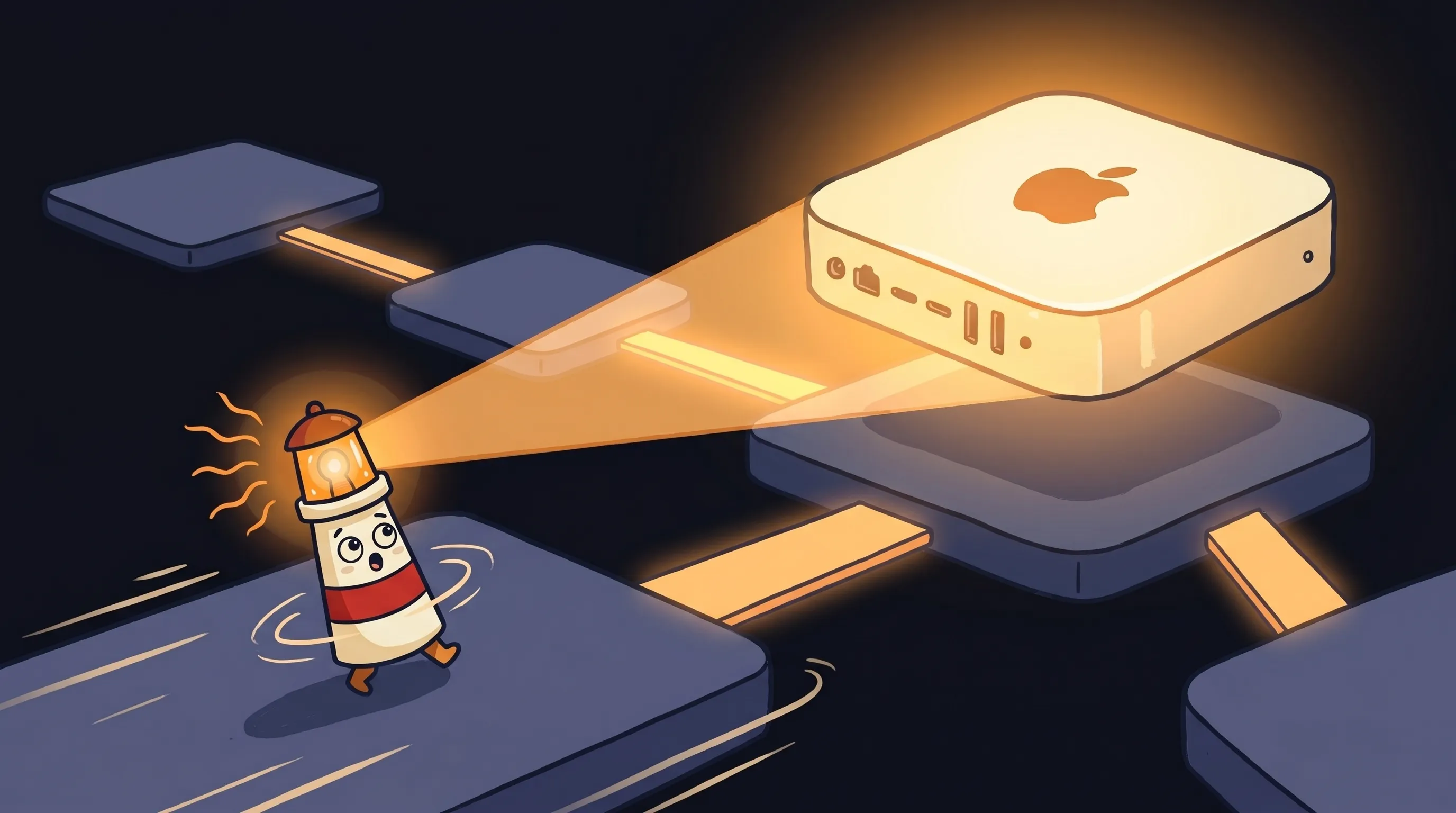 Some things are worth shining a light on — and having an AI that truly knows your Mac might just be one of them.
- If you’re on Perplexity Pro or Max: Download the new macOS app now. Activation is double-Command. Start with low-stakes tasks — sorting your downloads folder, running a research query against local files — before giving it access to anything sensitive.
- If you’re on the old Perplexity Mac app: Update soon. Deprecation is coming in weeks. The new app replaces it entirely.
- If you’re on the free tier: Personal Computer requires Pro or Max. You can download the app, but the agent features are gated. Evaluate whether the Pro subscription math works for your use case.
- If you care about data locality: Understand that heavy compute runs on Perplexity’s servers, not your machine. For personal productivity tasks this is fine. For anything touching sensitive client data or compliance-regulated files, review Perplexity’s privacy terms before connecting those folders.
- If you’re comparing agent setups: Personal Computer is Mac-only and desktop-bound. If you want an agent that works cross-platform, integrates with your phone’s messaging apps natively, or runs without a Mac being on — that’s a different category of tool. Worth understanding the distinction before committing.
What This Signals for Personal AI in 2026
The teams that understand the distinction between a desktop AI app and a true always-on agent are making better infrastructure decisions right now. Personal Computer is a serious, capable tool — and the paywall drop makes it accessible to a much larger audience. But it’s one flavor of personal AI, not the whole menu.
The broader shift: capable agentic AI is no longer a $200/month proposition. That changes the competitive calculus for everyone in this space — including the platforms that host agents, the tools that connect them, and the users trying to figure out which setup actually fits their life. We’re watching this closely. The next 90 days will tell us a lot about whether cloud-based personal agents can hold their ground against the always-on, messaging-native alternatives.
For context on the companies building in this space right now, our look at agentic AI companies in 2026 covers who’s betting on what architecture — and why it matters for the tools you’ll be using six months from now.
Perplexity Personal Computer: What You Need to Know
- Perplexity’s Personal Computer AI agent dropped from $200/month (Max-only) to available on all Pro and Max Mac subscriptions as of May 7, 2026.
- The agent ships with 400+ connectors and routes tasks automatically across Gemini (research), Nano Banana (images), and ChatGPT (long-context search) — no manual model selection required.
- Heavy compute runs on Perplexity’s servers, not your Mac — a deliberate tradeoff for hardware performance and security, but one that introduces cloud dependency.
- Actions are auditable, reversible, and sandboxed. A kill switch exists. This is a direct architectural response to OpenClaw’s permission controversy.
- For always-on use, Perplexity recommends a dedicated Mac mini controlled remotely via iPhone — the closest this setup gets to a true 24/7 personal agent.
- Personal Computer is Mac-only and requires macOS 14 Sonoma or later. Usage is subject to Pro/Max credit limits, not unlimited.