AI Personal Assistant vs Virtual Assistant: Which One Should a Small Business Owner Use?

On this page
You’re losing 21.8 hours every week to admin work. Scheduling. Chasing invoices. Drafting the same follow-up email for the 40th time. Copying information between tabs. That number comes from Verizon Digital Ready’s 2024 research across small business owners — and if you’re honest with yourself, it probably sounds about right.
So you start looking at options. Hire a virtual assistant. Get an AI personal assistant. Maybe both. The problem is every article you find either sells you on AI being magic or warns you that AI can’t replace human judgment. Neither answer helps you decide what to actually do on Monday.
We’ve watched hundreds of small business owners work through this choice. The answer depends almost entirely on what kind of work is piling up — and there’s one hidden cost on the human VA side that almost nobody mentions until after the first six months. We’ll get to that. First, the numbers.
What a Personal AI Assistant Actually Costs vs. a Human VA
This is the number that stops most conversations cold. If you’re exploring personal AI assistants for your business, the cost gap is larger than you probably assume.
Those figures come from ClawAgora’s 2026 analysis of the market. Part-time VA support — roughly 20 hours a week — runs $1,500 to $5,000 a month. Full-time arrangements run $4,000 to $8,000. AI assistants start under $30 a month. In Canada specifically, a dedicated VA costs $2,000 to $4,000 a month, or $25 to $50 an hour for part-time help.
Gartner’s 2025 analysis puts the cost reduction from switching to AI assistance at 40 to 60 percent compared to human equivalents. For specific tasks like customer inquiries, the math is starker: AI handles a conversation at roughly $0.50 versus $6 to $12 for a human agent, and responds in under two seconds.
That’s not an argument to skip hiring humans. It’s context. The question isn’t which is cheaper — AI obviously wins on price. The question is which delivers the outcome you actually need.
What an AI Assistant for Small Business Handles Well
AI assistants are good at one specific category of work: tasks that follow a pattern. If you can describe the job clearly — same steps, same rules, same format every time — AI can do it faster and more consistently than any person.
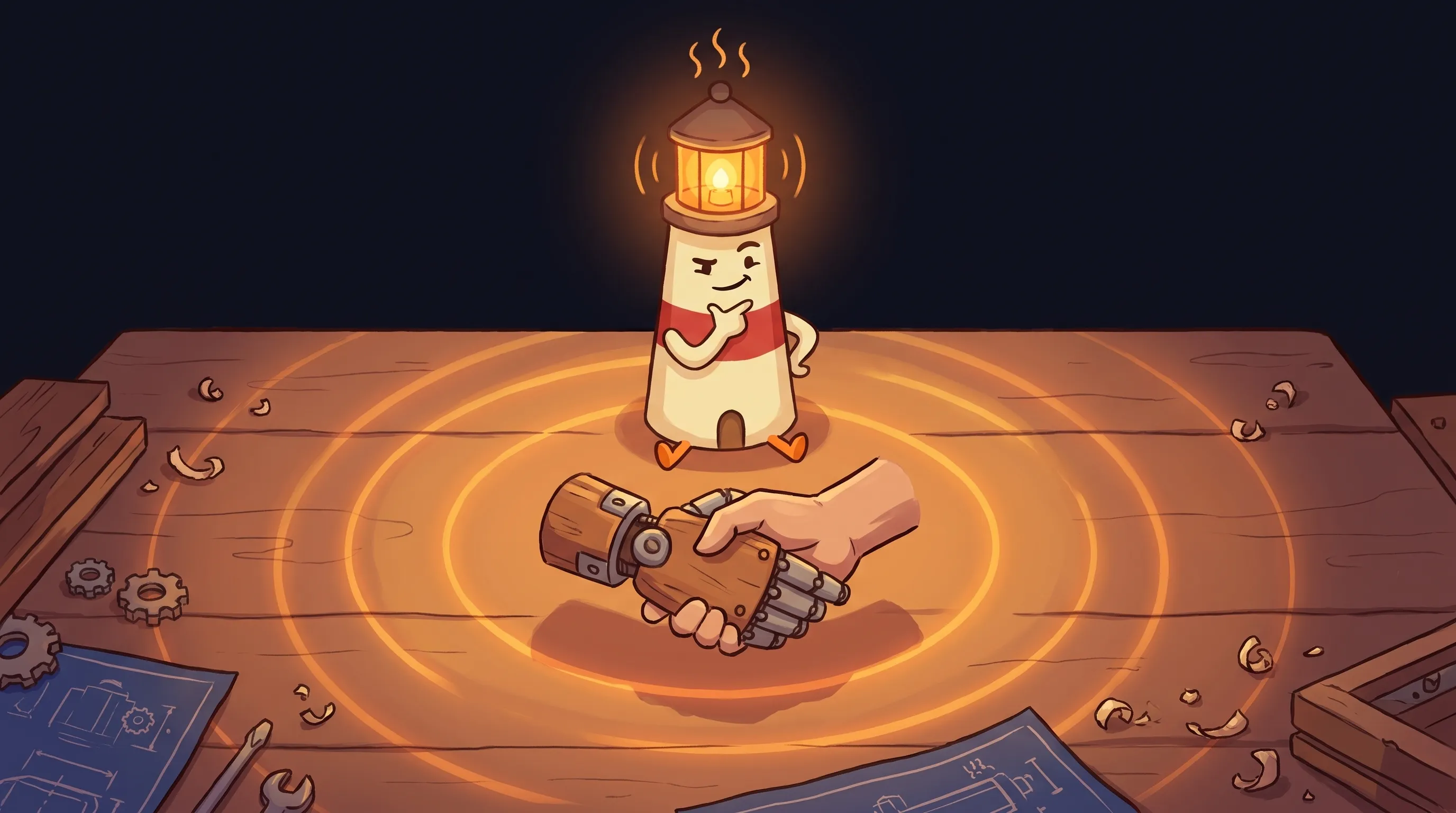 Not all help is created equal — and Beacon knows exactly which light to shine for your business.
Email triage and draft replies
Reads incoming messages, categorizes them, and prepares draft responses from your templates and tone. You review before anything gets sent.
Follow-up sequences
Tracks which leads or clients haven't heard from you and prepares the next follow-up message on schedule. No dropped balls.
Quote and proposal prep
Pulls together draft quotes from your pricing rules, service descriptions, and past examples — ready for your review before they go out.
Data entry and file organization
Moves information between your tools, labels files correctly, and keeps your records current without you babysitting the process.
Appointment and scheduling logistics
Coordinates availability, sends reminders, and handles the back-and-forth that eats a surprising amount of time each week.
Summarizing and research
Reads documents, contracts, or long email threads and gives you the key points — so you walk into a conversation knowing what matters.
A well-deployed AI assistant can save a small business 20 or more hours a month on a specific, repetitive workflow. That figure is consistent across multiple analyses we’ve reviewed. The caveat, which we’ll come back to, is that the wrong AI on the wrong workflow quietly wastes money instead.
One thing worth flagging for anyone comparing options across ai virtual assistant platforms: the quality of your AI’s answers depends almost entirely on what information it has to work from. An AI working from your actual customer notes, pricing rules, service descriptions, and follow-up templates will produce usable drafts. An AI working from scratch will produce generic text you’ll rewrite anyway.
Where a Human Virtual Assistant Still Has the Edge
There’s a category of work where human judgment isn’t just helpful — it’s irreplaceable. Arahi AI’s 2026 analysis puts it plainly: for tasks requiring nuance, creativity, or complex human judgment, human VAs still win.
Specifically:
- Client relationship management — The conversations where reading between the lines matters. When a client is frustrated but hasn’t said so directly. When a long-term relationship needs careful handling.
- Vendor negotiations — Knowing when to push, when to concede, when to go quiet. This is still human territory.
- Event planning with custom requirements — Anything that involves real-world logistics, preferences, and stakeholders who’ll have opinions not captured in any document.
- High-stakes communications — Legal notices, conflict resolution, partnership conversations. These deserve a human eye and human accountability.
- Work that requires your business reputation on the line — A human VA can be held accountable in ways AI currently cannot.
48% of US workers now use AI at work, according to 2026 data. But the consistent finding across all serious analyses is the same: AI handles volume and repetition; humans handle judgment and follow-through on things that matter.
The Hidden Cost of a Human VA Nobody Mentions in Month One
Here’s the thing most comparisons skip. The obvious cost of a human VA is the invoice. The hidden cost shows up around month six.
You hired a VA to save time. Six months later, you’re spending time managing them. Onboarding. Answering their questions. Reviewing their work. Following up when something slips. Explaining context you assumed was obvious. Handling the interpersonal dynamics that come with any working relationship.
This isn’t a knock on VAs. Good ones are genuinely valuable. It’s a pattern — one that catches solo business owners off guard because managing staff is a different skill than doing the work. If you’ve never managed someone before, that learning curve is real.
AI assistants don’t require management in that sense. They require setup and good instructions — which is one-time work, not ongoing coordination. That distinction changes the math considerably for a solo operator.
The 80/20 Hybrid Model: AI Virtual Assistant Plus Human VA
The best answer in 2026 isn’t AI versus human. It’s using each where it actually wins.
The analysis from Arahi AI that we keep coming back to: use AI for roughly 80% of tasks — the systematic ones — and a human VA for the 20% that require genuine human touch. In practice, this means your AI handles the daily grind while your human VA handles the relationships and judgment calls.
AI Handles (the 80%)
Email drafts and triage Follow-up sequences Quote preparation Data entry and file organization Scheduling logistics Summarizing documents and threads Repetitive customer inquiries
Human VA Handles (the 20%)
Client relationship conversations Vendor negotiations Custom event coordination High-stakes communications Anything requiring business judgment Tasks where accountability to a person matters
One important note on how the AI side of this works: the draft-first, review-second model matters here. A solid AI assistant prepares the work — drafts the email, queues the follow-up, preps the quote — and checks with you before anything gets sent, posted, or changed outside your system. That review step is what keeps the AI useful without letting it run unsupervised.
If you want to see how this plays out for a specific workflow, our guide on AI customer follow-up automation covers exactly how to set this up without handing the AI a send button.
How to Decide: A Practical Decision Framework
Run through these questions about your actual workload. The answers point to a clear path.
List what's actually piling up
Write down the 5 tasks eating your time this week. Be specific: 'replying to new lead emails' not 'email.' You need the actual work, not the category.
Sort by pattern vs. judgment
For each task: does it follow consistent rules you could write down? If yes — same steps, same format, predictable inputs — that's AI territory. If it requires reading a room, a relationship, or an unexpected situation, that's human territory.
Check your management bandwidth
Do you have time to onboard and manage a person? If you're already stretched thin and have never managed a remote worker before, a VA may create more work before it reduces it. Budget at least 3–5 hours a week for management in month one.
Start with AI for the systematic pile
Pick the single most repetitive task from your list — follow-ups, quote prep, or email drafts are common starting points. Set up an AI assistant with your actual business context: your templates, rules, and examples. Run it for 30 days.
If AI hits its limit, add a human VA
After 30 days, identify what the AI still can't do well. If that category is substantial — client calls, negotiations, complex logistics — add a part-time VA for those specific tasks. $25–$50/hour for targeted work is very different from a $4,000/month full-time arrangement.
Review the time math at 60 days
Track two numbers: hours saved by AI per week, hours spent managing VA per week. If the management cost is approaching the time savings, you've set up the wrong split. Shift more systematic tasks to AI.
What This Means for How You Run Your Business
- Small business owners lose an average of 21.8 hours per week to repetitive admin tasks — the equivalent of more than half a full-time work week, every week.
- AI assistants cost $20–$500/month and handle systematic work 24/7. Human VAs cost $1,500–$8,000/month and handle work requiring judgment, relationships, and accountability.
- The cost difference is 50–170x — but price isn’t the right lens. Match the tool to the task type.
- The hidden cost of a human VA is management overhead, which typically appears around month six and often surprises solo operators who’ve never managed a remote worker.
- The 80/20 hybrid model — AI for pattern-based tasks, human VA for judgment-based tasks — is the framework that consistently produces the best outcome for small business owners in 2026.
- For any AI-assisted workflow involving external communication, the draft-first, review-second model is non-negotiable: the AI prepares the work, you approve before it goes out.
Frequently Asked Questions
What's the difference between a personal AI assistant and an AI virtual assistant?
The terms are used interchangeably in most discussions, but there’s a practical distinction worth knowing. A ‘personal AI assistant’ typically refers to AI that helps one person — you — stay organized, draft communications, and prepare next steps across your business. An ‘AI virtual assistant’ often refers to AI deployed specifically to handle customer-facing tasks like inquiry responses or scheduling. For small business owners, the overlap is almost total — both refer to AI that handles systematic tasks so you can focus on work requiring judgment.
Can an AI assistant replace a human VA entirely?
For systematic, repeatable work — yes, often completely. For tasks requiring nuanced judgment, client relationship management, vendor negotiations, or anything where a human being needs to be accountable, no. The honest answer is that AI replaces the majority of what a general-purpose VA does, but the 20% it can’t handle well tends to be high-stakes. That’s why the hybrid model — AI for the volume, human VA for the judgment calls — outperforms going all-in on either option.
How much does an AI assistant for small business actually cost?
Most AI assistant tools for small businesses run $20–$500 per month, depending on the platform and usage. Some have usage-based pricing on top of a base fee. Compare that to $1,500–$5,000 per month for a part-time human VA. Gartner’s 2025 analysis puts the cost reduction from AI assistance at 40–60% versus human equivalents. The right question isn’t just the monthly fee — it’s what setup and ongoing configuration time the platform requires.
What tasks should I never hand to an AI assistant?
High-stakes client relationship conversations. Vendor negotiations where reading tone and timing matters. Any communication where being wrong has real business consequences and you need a person accountable for the outcome. Legal or compliance-related communications. And anything emotionally sensitive — frustrated customers, partnership conflicts, terminations. These aren’t limitations to work around; they’re the 20% that justify keeping a skilled human in the mix.
How do I make sure AI doesn't send something I haven't approved?
Choose an AI tool that operates on a draft-first, review-second model. This means the AI prepares the email, follow-up, or reply — and surfaces it to you before anything goes out. You approve, edit, or discard. Nothing reaches a client, customer, or vendor without passing through your eyes first. If a platform doesn’t have a clear review step built in before sending external communications, that’s a meaningful risk for a small business.
Related BrainRoad guides
Sources
- Aide: AI Assistant vs Virtual Assistant — Which Does Your Small Business Actually Need?
- Articsledge: AI Virtual Assistant for Small Business — 2026 Cost & Tool Guide
- ClawAgora: AI Agent vs Virtual Assistant — Cost, Capabilities, and Which to Hire in 2026
- Arahi AI: AI Personal Assistant vs Virtual Assistant (2026)
- AInstein: AI Agents for Small Business — The 2026 Buyer’s Guide
- Like2Byte: AI vs Virtual Assistant in 2026 — Automate vs Delegate