Claude Cowork vs OpenClaw: Which Work Agent Fits Your Business?
On this page
Claude Cowork and OpenClaw are different kinds of products. Cowork is Anthropic’s paid, managed work agent. OpenClaw is an open-source runtime that you operate yourself or through a host. Choose based on who should run the infrastructure, where you want to interact with the agent, and which security boundary you can manage.
Cowork is a managed product. Anthropic runs the service and Claude performs multi-step work from its servers. OpenClaw is a runtime. You choose the host, model provider, tools, and channels. That changes the setup work, the access model, and who is responsible when something is misconfigured.
Neither is universally better. Cowork trades control for convenience. OpenClaw trades convenience for control. The decision table below makes that concrete.
If you’re exploring AI agent platforms more broadly before making this call, the guide at the AI agent platform pillar covers the full landscape.
Claude Cowork: What It Is and How It Runs
Cowork brings Claude Code’s multi-step execution architecture to knowledge work - documents, research, spreadsheets, presentations - without requiring a terminal. You describe a goal, Claude plans and executes it, and you can monitor or steer mid-task.
The runtime is entirely Anthropic’s. Sessions run in an isolated, temporary environment on Anthropic’s servers. That environment is created for one session, can’t reach your home or company network, and is removed when the session ends. When a task needs a local file or your browser, Claude reaches your computer through the Claude Desktop app - but only for the folders you’ve connected. If the app is offline, that path closes.
Cowork is available on paid Pro, Max, Team, and Enterprise plans. It runs on Anthropic’s Claude models. OpenClaw, by contrast, supports multiple model providers and compatible endpoints.
Cowork’s approval modes
Cowork offers three approval modes. Manual asks before actions. Auto lets Claude review actions and block ones it considers unsafe. Skip removes action-level review. Anthropic says these modes do not replace your own judgment.
Cowork’s prompt injection model is worth understanding. An attack requires two things at once: Claude must be able to read content outside your trusted boundary, and Claude must be allowed to act on that content. Anthropic builds in model training, content classifiers, and isolated execution to reduce this risk - but they’re explicit that the probability is non-zero.
For scheduled tasks, Anthropic’s guidance is conservative: start with low-risk, read-only work before automating anything consequential. Specifically, they advise against scheduling tasks that send messages, make purchases, or access sensitive files - because scheduled tasks run unattended even when your computer is off.
OpenClaw: What It Is and How It Runs
OpenClaw is a self-hosted, MIT-licensed open-source agent runtime. You run a single Gateway process on your own machine or a server. That Gateway becomes the bridge between your AI provider and the messaging channels you already use.
It supports over 25 channels: WhatsApp, Telegram, Slack, Discord, Signal, iMessage, Microsoft Teams, Google Chat, Matrix, and more via installable channel plugins. One Gateway serves all of them simultaneously. Send a message on any connected channel, get an AI response.
You bring your own AI provider: Anthropic, OpenAI, Google Gemini, xAI Grok, OpenRouter, GitHub Copilot, or any OpenAI- or Anthropic-compatible endpoint. You can also sign in via OAuth for Anthropic (Claude Pro/Max), OpenAI, and GitHub Copilot rather than using API keys. Local models work too.
OpenClaw’s security posture
The security model is designed for a single user or single trust boundary per gateway. Running one shared Gateway for mutually untrusted users is explicitly not supported. If you need multi-user isolation, the documented approach is separate gateways on separate OS users or hosts.
The default for the main session is broad: host-level tool execution without approval prompts (what OpenClaw’s docs describe as security=‘full’, ask=‘off’). That’s intentional for a trusted single-operator setup. For remote exposure or multi-user scenarios, the docs recommend tightening tool policy and sandboxing before you open anything to the network. A built-in openclaw security audit command surfaces risky configurations and can auto-fix some of them.
Claude Cowork vs OpenClaw: Decision Table
The table below maps the dimensions that actually change your decision. No filler.
| Dimension | Claude Cowork | OpenClaw |
|---|---|---|
| Who runs the runtime | Anthropic (their servers) | You (your machine or server) |
| AI model choice | Claude only | Anthropic, OpenAI, Gemini, Grok, OpenRouter, local models, and more |
| Messaging channels | Claude.ai, Desktop, Mobile | WhatsApp, Telegram, Slack, Discord, Signal, iMessage, Teams, Matrix, 25+ total |
| Cost to access | Paid Anthropic plan (Pro/Max/Team/Enterprise) | Free to self-host; API provider costs apply |
| Setup burden | Near-zero; Anthropic handles infrastructure | Moderate; you install, configure, and maintain the Gateway |
| File access | Local files via Claude Desktop app (connected folders only) | Files on your host or connected paths |
| Browser/computer use | Yes, via Claude in Chrome + computer use tools | Yes, via browser tools (requires configuration) |
| Scheduled tasks | Yes; run unattended on Anthropic’s servers | Yes, via cron jobs in Gateway |
| Multi-agent coordination | Yes; Claude breaks tasks into sub-agents | Yes; multi-agent routing and isolated sessions per agent |
| Approval/review controls | Three modes: Manual, Auto, Skip | Configurable per tool/session/sender; default is broad for main session |
| Audit trails | Not in Compliance API; OpenTelemetry for Team/Enterprise | Gateway logs; operator-controlled |
| Security model | Anthropic-managed; isolated per session | Self-managed; single trust boundary per Gateway |
| Open source | No | Yes, MIT licensed |
| Extensibility | MCP integrations, plugins via Anthropic ecosystem | Channel plugins, skills, webhooks, custom tools |
| Runtime location | Sessions run on Anthropic’s servers | Gateway runs on your chosen host; model-provider data handling still applies |
| Multi-user support | Team and Enterprise plans | Separate Gateways per trust boundary (not one shared Gateway) |
Where Each Approach Has Real Limits
Cowork sessions run on Anthropic’s servers, and connected files may be processed there. That matters if your business has data-location or vendor requirements. Cowork also keeps you within Anthropic’s model ecosystem.
Cowork is operated from Claude’s web, desktop, and mobile interfaces. It can use connected apps such as Slack, but it is not a Slack, WhatsApp, or Telegram bot that customers message directly. OpenClaw is designed around those channel surfaces.
OpenClaw’s limits are operational. You own installation, updates, uptime, and security policy. Its main-session defaults assume one trusted operator and broad tool access. Tighten that policy before remote exposure or business-critical use. The security audit command helps, but the responsibility remains with the operator.
A runtime is not the same thing as a structured source of business truth. OpenClaw has memory and skills, and Cowork can reach connected files. Neither automatically turns scattered client history, templates, and service rules into a maintained Business Brain. That distinction is covered in why managed OpenClaw hosting is not enough.
Claude Cowork Alternative: Choose This If
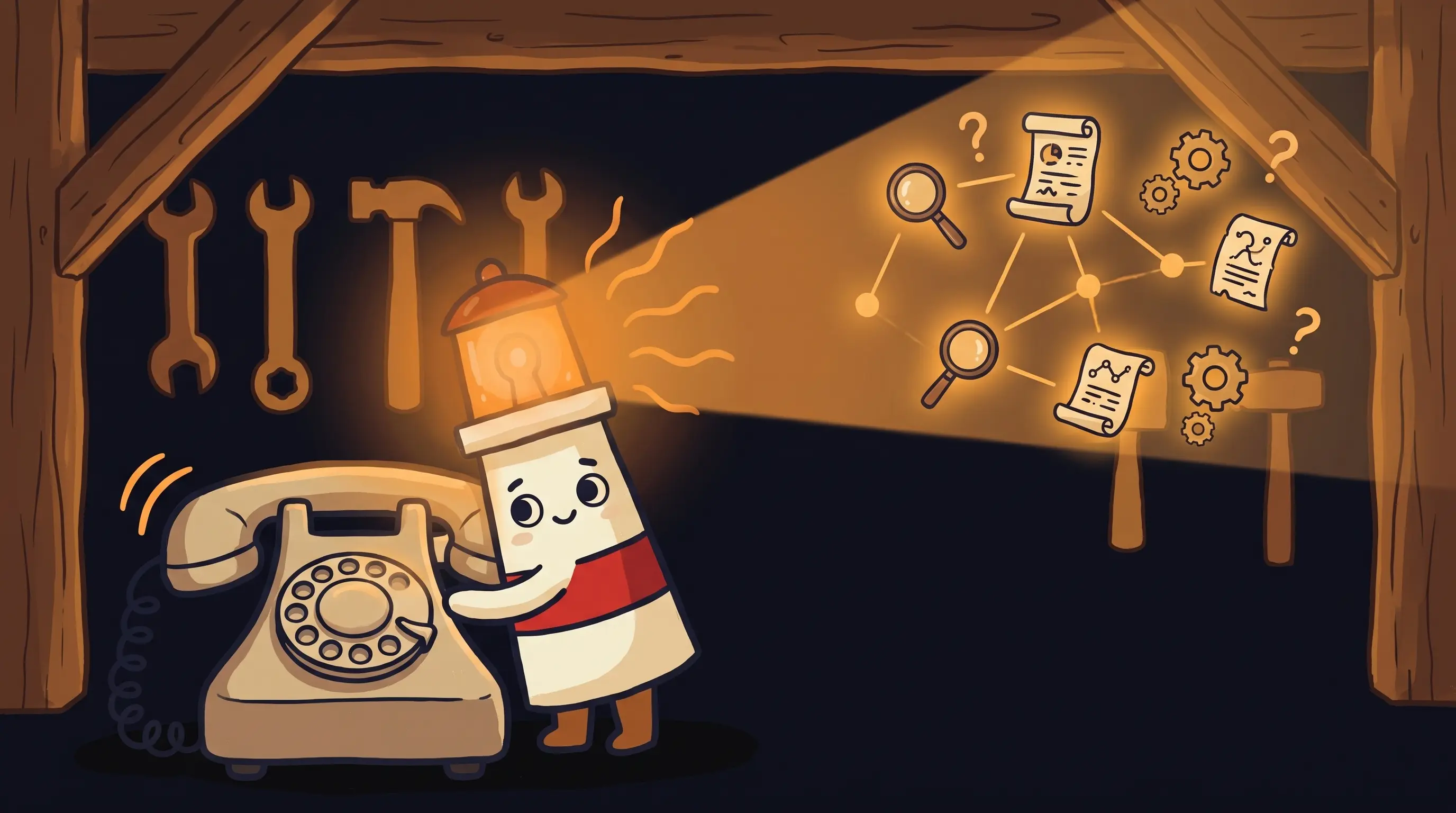
 Choosing between AI work agents involves weighing factors like workflow flexibility, decision logic, and task routing—each represented here by the gears, scales, and branching arrows illuminated by Beacon’s light.
Rather than declaring a winner, here’s the honest breakdown.
Choose Claude Cowork if:
- You’re already on a paid Anthropic plan and want the fastest path to multi-step task execution with no infrastructure work.
- Your work lives in files, documents, spreadsheets, and presentations - and you want Claude to produce polished deliverables from them.
- You’re comfortable with Anthropic processing your files on their servers and the model lock to Claude.
- You want scheduled tasks that run unattended without a server of your own, and you’re starting with low-risk, read-only work first.
- You don’t need the agent to live inside WhatsApp, Telegram, Slack, or other messaging channels.
- You prefer Anthropic managing the security surface rather than configuring it yourself.
Choose OpenClaw if:
- You want the agent to live where your business conversations already happen: Telegram, WhatsApp, Slack, Discord, Signal, Teams, or another channel on the supported list.
- You need flexibility to use multiple AI providers - or you want to switch providers without changing platforms.
- You need the runtime on infrastructure you control and have separately accepted your model provider’s data-handling terms.
- You or someone on your team is comfortable with Gateway installation, configuration, and ongoing maintenance.
- You want an open-source foundation you can extend with custom tools, channel plugins, or skills.
- You’re a developer or technical user building a personal assistant setup that you control end-to-end.
Where BrainRoad Fits in the OpenClaw Decision
BrainRoad hosts OpenClaw and Hermes, so customers do not manage the runtime installation or host. Each customer runtime is isolated and connected to that customer’s Business Brain.
BrainRoad adds a Business Brain made from files, notes, client history, templates, and rules. Actions proposed through BrainRoad’s managed Triage path enter a server-owned review queue before execution. Native OpenClaw or Hermes channels keep their own runtime and provider rules, so connecting a channel does not automatically put every message through BrainRoad review.
If you’re evaluating personal AI assistants for business use and want organized context plus a review layer - not just a hosted runtime - that’s the lane BrainRoad is designed for.
What This Comparison Means for Your Agent Decision
- Claude Cowork and OpenClaw are not interchangeable products. Cowork is a managed, Anthropic-hosted work agent. OpenClaw is a self-hosted, open-source runtime that connects AI to your messaging channels.
- Cowork’s main advantage is low infrastructure burden. Its main constraints are Claude-only models, server-side file processing, and interaction through Claude’s own surfaces rather than a customer-facing bot in every messaging channel.
- OpenClaw’s main advantage is broad channel support, provider flexibility, and control over where the runtime runs. Model-provider data handling still applies. Its main constraint is that you own the operational and security work.
- Cowork’s Auto approval mode reviews each action for safety before executing - but Anthropic is explicit that no mode is a guarantee. Start with low-risk, read-only scheduled tasks before automating consequential actions.
- OpenClaw’s default main-session permission surface is broad by design for a trusted single user. Harden it with the built-in security audit before exposing the Gateway remotely or beyond one trust boundary.
- Runtime memory is not the same as a maintained business source of truth. Decide how the agent will retrieve current client notes, templates, and rules before it does real work.
Frequently Asked Questions
Can OpenClaw use Claude as its AI model?
Yes. OpenClaw supports Anthropic as one of its AI providers, and you can sign in with a Claude Pro or Max subscription via OAuth rather than using an API key. The difference from Cowork is that you’re running the runtime yourself - Anthropic provides the model, but OpenClaw provides the Gateway, session management, and channel routing on your infrastructure.
Is Claude Cowork available on the free plan?
No. Cowork is available only on paid Anthropic plans: Pro, Max, Team, and Enterprise. As of this writing, the rollout started with Max plan users and is expanding to other paid plans.
Does OpenClaw require coding skills to set up?
It requires more technical comfort than Cowork. The docs describe a guided onboarding CLI and a browser dashboard, and the GitHub README shows installation via npm or a shell script. That said, you’re still installing and running a server process, configuring channel integrations, and managing updates. A developer or technically comfortable user can get through it. A non-technical business owner will likely want a managed hosting option.
What happens to my files in Claude Cowork?
Files you work with in Cowork are processed on Anthropic’s servers during the session. The session runs in an isolated, temporary environment that is removed when it ends, but Anthropic notes that any local files opened through the Desktop app are processed on their servers rather than staying on your computer. If data residency is a requirement for your business, that’s a meaningful constraint.
Can OpenClaw send messages without my review?
By default for the main session, OpenClaw runs with broad tool permissions and does not require approval before acting. The security documentation describes this as intentional for a trusted single-operator setup. You can configure tighter tool policies, approval requirements, and sandboxing per agent or session - but that configuration is your responsibility. It is not set up by default.
Is there a Claude Cowork alternative that adds a review step before sending?
BrainRoad-managed actions proposed through Triage wait in a server-owned review queue. That is narrower than claiming every native channel message is blocked. Cowork’s Manual mode and OpenClaw’s configurable tool policy solve different parts of the same authority problem.
Keep the runtime flexible and the business rules clear
Run a hosted helper from a Business Brain, then review actions proposed through BrainRoad before they execute.
Build Your Business Brain