
Your AI Agent's Data Never Leaves Your Container
On this page
I’ve been watching the AI agent security space for two years now. The pattern is always the same: a company deploys an AI agent, gives it access to customer data and internal systems, then acts surprised when something goes wrong.
The research on this is surprisingly clear. Identity-based attacks targeting AI agents represent the fastest-growing threat vector right now. Compromised API keys and tokens are how attackers get in. And here’s what keeps me up at night — AI agents can be socially engineered through prompt injection to reveal their own credentials. When an attacker convinces an agent to ‘help debug authentication issues’ by printing environment variables, hardcoded API keys become directly accessible through conversation.
Container isolation is the first real defense against this. But most people don’t understand what it actually protects — or where it falls short. I’ll show you the real boundaries in a moment. First, let me explain why your current setup is probably more exposed than you think.
Why Your AI Agent Is a Security Liability Right Now
Traditional security controls were designed around a human operator. Someone sits at a keyboard, initiates actions deliberately, and operates within organizational and social constraints. Reviews worked because there was time between intent and execution.
AI agents broke that model completely.
An autonomous agent doesn’t wait for approval. It doesn’t get tired and make mistakes at 3 AM because it’s always running at the same speed. And it doesn’t understand organizational politics — it just follows instructions, including malicious ones hidden in documents it processes.
The numbers tell the story. In a Kiteworks survey of 225 security, IT, and risk leaders, 100% said agentic AI is on their roadmap. But only 37-40% of organizations have true containment controls like purpose binding and kill-switch capability. Meanwhile, 58-59% report having monitoring and human oversight — which means they can watch the breach happen but can’t stop it.
The Container Isolation Model Explained
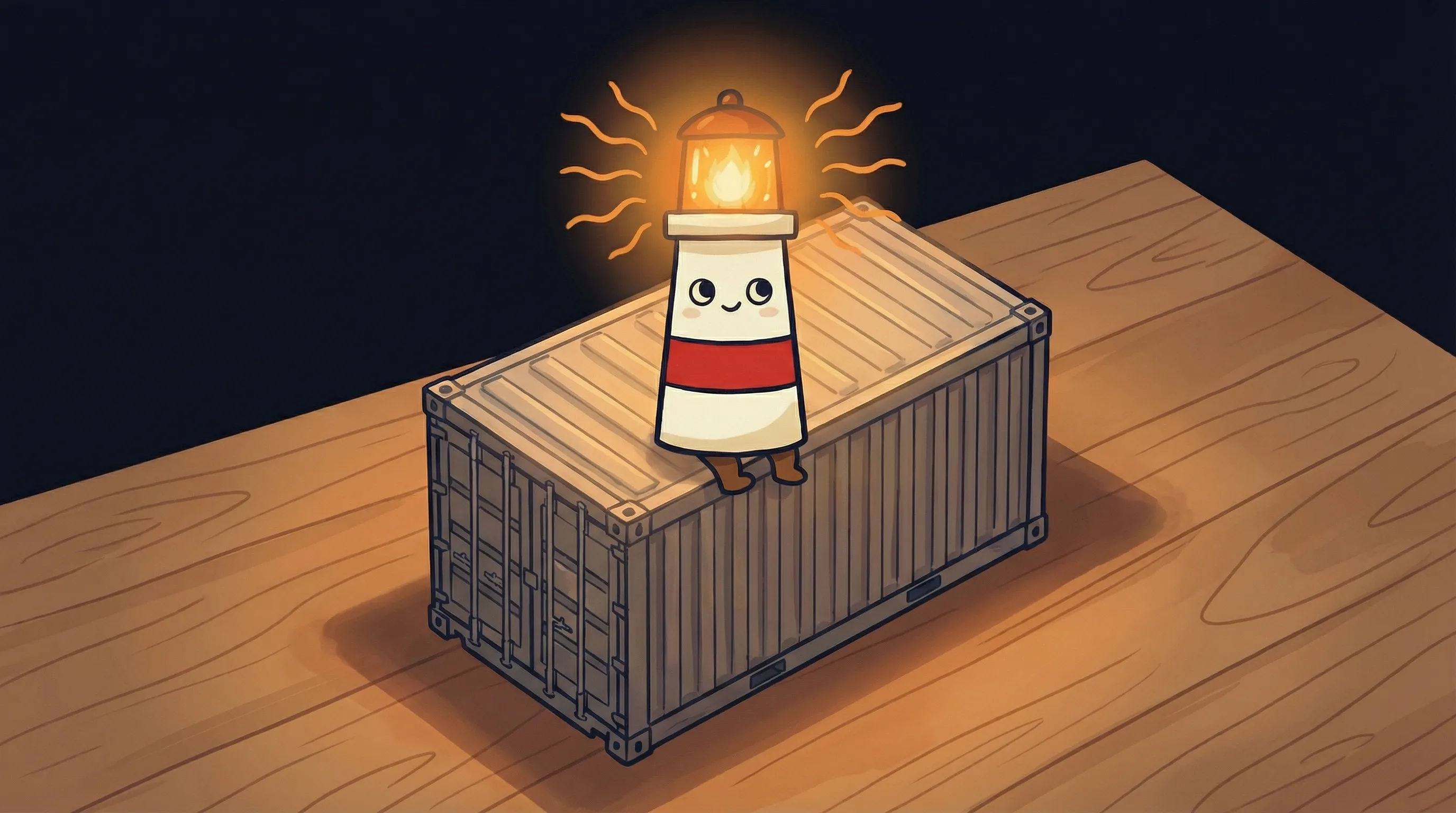
Think of container isolation like giving your AI agent its own apartment in a building. It has its own front door, its own storage, its own utilities — but it shares the building’s foundation and structure with other apartments. The walls between apartments are the isolation boundary.
In technical terms, your agent runs inside a container — a lightweight, isolated environment with its own filesystem, network namespace, and process space. Your API keys live only in that container. Your conversation history stays in that container. Your connected tools and data sources connect only to that container.
When someone else’s agent gets compromised — through prompt injection, credential theft, or any other attack — it happens in their container. The walls between containers mean their breach doesn’t touch your data.
- Process isolation: Your agent’s processes can’t see or interact with other agents’ processes
- Filesystem isolation: Your documents, configs, and logs exist only in your container’s storage
- Network isolation: Your agent’s API connections and webhooks are segmented from other users
- Memory isolation: Your agent’s working memory — including processed data — stays within its namespace
This is the foundation of AI agent security in any serious AI agent platform. Without container isolation, you’re sharing infrastructure with every other user on the platform — and trusting that none of them will be compromised.
What Container Isolation Actually Protects
 Beacon says: the safest harbor is the one you build yourself—your data stays right where you can see it.
Let me be specific about what container isolation does and doesn’t do. This matters because I’ve seen vendors oversell isolation as a complete security solution when it’s really just one layer.
What container isolation protects:
- Cross-tenant data leakage: Another user’s compromised agent can’t access your files, credentials, or conversation history
- Lateral movement: An attacker who gets into one container can’t pivot to other containers on the same host
- Resource exhaustion attacks: One agent going haywire (intentionally or accidentally) can’t starve your agent of CPU, memory, or network bandwidth
- API key exposure: Your keys exist only in your container’s environment — they’re not sitting in a shared config file
A Stanford study on AI agents in cybersecurity found that certain AI agent variants for penetration testing cost $18/hour versus $60/hour for professional penetration testers. That cost efficiency works both ways — attackers can automate their attempts at scale. Container isolation ensures that automated attacks against one target don’t automatically cascade to every user on the platform.
The Part Most Vendors Won’t Tell You About AI Agent Security
Here’s where I need to be honest about what container isolation doesn’t solve. This is the payoff I promised earlier — the non-obvious truth that changes how you should think about AI agent privacy.
Container isolation protects you from other users. It doesn’t protect you from the AI model itself.
When your agent sends a query to Claude or GPT-4 or any hosted LLM, that data leaves your container. It travels over the network to the model provider’s servers. What happens there depends entirely on the provider’s data handling policies — not your container’s isolation.
Most AI agent platforms use API calls to external model providers. Your container isolates your data from other platform users, but the model provider sees everything you send. This is why self-hosted vs managed AI agent decisions matter so much for sensitive workloads — running your own model inside your container keeps data truly contained.
The other thing vendors won’t mention: manual approval for every action slows execution back down to human speed and eliminates the value of agents entirely. And consent fatigue is real. You can’t review every API call, every file access, every tool invocation. Container isolation lets agents operate autonomously within safe boundaries instead of requiring constant human approval.
Where Container Isolation Falls Short
I spent a weekend testing edge cases in containerized AI agent setups. The results were educational.
- Prompt injection still works: Container isolation doesn’t prevent malicious prompts from manipulating your agent — it just ensures the damage stays within your container
- Shared model context: If you’re using a fine-tuned model shared across users, other users’ data may have influenced its behavior
- Logging and telemetry: Some platforms log agent interactions for debugging or improvement — check where those logs live
- Backup and snapshot exposure: Container backups might be stored in shared storage systems with different access controls
AI agents exhibit higher false-positive rates and struggle with complex tasks compared to human cybersecurity professionals, despite advantages in systematic enumeration. This means your agent might flag legitimate actions as suspicious or miss actual threats. Container isolation won’t fix bad agent judgment — it just limits the blast radius when judgment fails.
Organizations with evidence-quality audit trails are 20-32 points ahead on every AI maturity metric compared to those without. Container isolation makes good audit trails possible — every action your agent takes happens in a defined, observable boundary. But you have to actually set up the logging.
How to Verify Your Agent’s Data Stays Contained
Don’t trust vendor claims about isolation. Test it yourself.
- Check process visibility: From inside your agent’s environment, can you see other processes running on the host? You shouldn’t be able to.
- Test filesystem boundaries: Try to access paths outside your designated storage. A properly isolated container will deny access.
- Verify network segmentation: Your agent should only be able to reach its configured endpoints, not scan the internal network.
- Review API key storage: Where are your credentials stored? Environment variables inside the container are good. Shared config files are bad.
- Audit data egress: Where does your conversation data actually go? Check the network logs.
AI-assisted SOC analysts completed investigations 45-61% faster with 22-29% higher accuracy compared to analysts without AI assistance. That’s the upside of AI agents in security work. But 94% of SOC analysts said their view of AI in cybersecurity became more positive after hands-on use — which tells you that most people start skeptical and need to verify things work before they trust them.
The same approach applies to your AI agent’s containment. Trust but verify.
Your Monday Morning AI Agent Security Checklist
Here’s exactly what to do this week to verify and improve your AI agent’s data isolation.
- Inventory your agent’s API keys — list every credential your agent has access to. If there are more than 5, you’ve probably over-provisioned.
- Check your platform’s isolation documentation — look for specific technical details (Kubernetes namespaces, Docker container boundaries, VM isolation). If the vendor only says ‘enterprise-grade security,’ that’s not enough.
- Test outbound network access — try to reach an external endpoint that shouldn’t be accessible. Document what your agent can and can’t reach.
- Review your model provider’s data policy — if using OpenAI, Anthropic, or similar, check whether your data is used for training. Most enterprise tiers offer opt-outs.
- Enable audit logging — if your platform supports it, turn on detailed logging for the next 48 hours and review what your agent actually accesses.
- Set a data retention limit — configure conversation history to auto-delete after 30-90 days. Shorter is safer if you don’t need the history.
If you’re running a personal AI assistant that handles sensitive data — email, calendar, client communications — these checks should happen monthly, not just once.
What This Means for Your AI Agent Privacy Strategy
- Container isolation is table stakes — any serious AI agent platform should offer it. If yours doesn’t, switch platforms.
- Isolation protects against other users, not against the model provider — for truly sensitive data, consider platforms that support self-hosted models inside your container.
- Board-level engagement on AI governance correlates with 26-28 point advantages in implementation maturity — if leadership isn’t asking about AI agent security, start that conversation.
- The governance-containment gap is real — most organizations can monitor but can’t contain. Audit trails matter more than dashboards.
- Test your isolation quarterly — container boundaries can drift with updates and configuration changes. Verify they still work.
Frequently Asked Questions
Does container isolation protect my data from the AI model provider?
No. Container isolation protects your data from other users on the same platform. When your agent sends queries to an external model (OpenAI, Anthropic, etc.), that data leaves your container. For complete data isolation, you need a platform that runs models inside your container or on your own infrastructure.
Can my AI agent be hacked through prompt injection even with container isolation?
Yes. Prompt injection attacks work by manipulating what your agent does, not by breaking container boundaries. Container isolation limits the damage — the attacker can only affect your container, not others — but it doesn’t prevent the initial compromise. You need input validation and careful prompt engineering as additional defenses.
How do I know if my AI agent platform actually uses container isolation?
Ask for specifics. Look for technical details like Kubernetes pod isolation, Docker container boundaries, or VM-level separation. If the vendor only provides marketing language like ‘enterprise security’ without technical details, be skeptical. You can also test isolation yourself by trying to access resources outside your designated environment.
Is container isolation enough for handling customer PII with an AI agent?
Container isolation is necessary but not sufficient. You also need encryption at rest and in transit, proper access controls, audit logging, and a clear data retention policy. For regulated industries (healthcare, finance), you’ll likely need additional compliance controls and may need to run everything on your own infrastructure.
What's the difference between container isolation and VM isolation for AI agents?
VM isolation is stronger — each user gets a completely separate virtual machine with its own kernel. Container isolation shares the host kernel but separates process spaces, filesystems, and networks. VM isolation is more secure but more expensive and slower to provision. For most AI agent workloads, container isolation provides adequate security at lower cost.
Sources
- Aembit - Securing AI Agents and LLM Workflows Without Secrets
- Docker - The 3Cs: A Framework for AI Agent Security
- MintMCP - AI Agent Security: The Complete Enterprise Guide for 2026
- Snyk - How AI Agents Still Break Security When Nothing Is Broken
- Stanford ARTEMIS Study - Comparing AI Agents to Cybersecurity Professionals
- Cloud Security Alliance - A Benchmark Study of AI Agents in the SOC
- Obsidian Security - Top AI Agent Security Risks and How to Mitigate Them


