
What Is BrainRoad? Your First 15 Minutes
On this page
It’s not your fault the last three AI tools didn’t stick. ChatGPT is brilliant — for ten minutes at a time. But you open it, type a question, copy the answer, paste it somewhere else, close the tab, and repeat tomorrow. That’s not an assistant. That’s a smarter search engine. The problem was never you. It was that every tool you tried made you do all the driving.
BrainRoad is built on a different premise: your AI agent should show up like a real employee. It should have a name, a mailbox, a phone path where applicable, memory that survives the week, and a clear chain of command for risky actions. It should text you when something needs attention without forcing you to babysit another tab. The infrastructure is what makes that possible. It is not the product story by itself.
If you’re exploring what a personal AI assistant can actually do for you, this is where it starts. Let me give you the honest version.
Why the Self-Hosted Path Fails Most People
OpenClaw is the engine under the hood. It’s the dominant open-source AI agent framework right now — 154,500 GitHub stars and 2 million weekly visitors as of early 2026. When people say they want to ‘build their own AI agent,’ OpenClaw is usually what they’re building on.
The problem isn’t the software. It’s the path to a working installation.
We counted. A self-hosted OpenClaw setup involves at least 12 discrete steps and takes 84 minutes minimum when nothing goes wrong. Something always goes wrong. The guides don’t show you what’s waiting on the other side of that install: a default configuration that exposes port 3000 with no authentication, stores your credentials in a plaintext file, and binds its gateway to every network interface on your machine. That’s fine for a local experiment. It’s a liability for anything real.
Securing that install properly — egress controls, audit logging, encrypted credentials, a reverse proxy — takes closer to three days. And if you run multiple agents simultaneously, you hit a memory isolation problem: each agent is unaware of what the others are doing. Eight agents on Telegram, eight agents with amnesia about the other seven.
None of this means OpenClaw is bad. It means self-hosting is genuinely hard, and most people aren’t doing it because they want to manage servers. They’re doing it because they want a personal AI agent, and that was the only path available.
Until now.
What BrainRoad Actually Is
BrainRoad is a governed AI-employee product with managed execution underneath it. Your first agent is not just “a container running OpenClaw.” It is a worker inside a governed system: an agent with a private Business Brain to draft from, a verified managed mailbox path, credential storage, approval checkpoints before anything goes out, and a shared Team room where the other people on your account can see and steer the work.
Your agent lives in its own isolated environment with persistent storage. It remembers what it learned across sessions. It can operate through the channels you already use. And when the stakes are higher than “draft this reply,” BrainRoad can route those actions through approvals instead of hoping your prompt was perfectly precise.
The AI market is splitting into two categories right now. This distinction matters more than most people realize.
Conversational Assistants
Good at answering when you are present. No durable identity, no chain of command, no governed action path by default.
Verified AI Employees on BrainRoad
An agent with its own context, identity surface, credentials, and approval boundaries. It can operate while you're away and still hand consequential decisions back to you.
The personal AI assistant market is growing fast — $3.35 billion in 2025, projected at $21.11 billion by 2030. That’s a 44.5% annual growth rate. Y Combinator had already funded 149 AI assistant startups as of early 2026. The category is real. The question is which kind of assistant you’re actually getting.
BrainRoad puts you in the second category without requiring the technical background the first category demands.
Your First 15 Minutes: The BrainRoad Setup Path
The self-hosted path is 84 minutes and 12 steps. Here’s ours. We’ve distilled the entire setup — including the order-of-operations traps that kill first installs — into a guided wizard.
Create your account and launch your first agent
You land in the BrainRoad console with a managed first-run path. This is where your first agent becomes an actual working system, not a blank chat box.
Give the agent an identity
Name it, confirm its role, and understand its communication surface. On BrainRoad, agent identity is part of the product: mailbox, phone path where applicable, and a durable operating context.
Load the minimum useful context
Before you test fancy workflows, tell the agent who you are, how you work, and what good output looks like. This is the fastest way to avoid generic responses.
Connect one channel you already use
Pick WhatsApp, Telegram, Signal, Slack, Discord, Google Chat, Teams, or another supported path. The goal is to put the agent where real work already reaches you.
Set approval boundaries before autonomy
Decide what the agent can do on its own versus what must stop and ask. Start with governed execution for emails, money, new contacts, and anything hard to reverse.
The whole thing runs about 15 minutes. After that, your agent is live, persistent, and waiting.
What the Setup Guides Won’t Tell You
Here’s the thing that doesn’t get said enough: the hard part of getting a personal AI agent was never the AI. The models are good. OpenClaw is solid. The hard part was always the infrastructure around it.
The self-hosted path requires 12 steps, 84 minutes, and a working knowledge of servers, security, and credential management — before you’ve done anything useful. And even after you get through that, you’re maintaining it. Patches, updates, the memory isolation bug when you scale to multiple agents. These aren’t hypothetical problems. They’re the reason most self-hosted setups get abandoned in week two.
The apps aren’t the problem. The switching is. Most productivity setups today have email in one tab, calendar in another, Slack in a third. None of them talk to each other. You become the router — copying context from one tool to the next, manually bridging the gaps. The cognitive cost of that switching is where the hours go. An agent that lives in your messaging app and touches all those tools simultaneously is a fundamentally different thing than another tab you have to visit.
That’s the gap we built to close. Not a smarter model — a navigable path to the same agent the 12-step install gets you, without the three-day security configuration afterward.
Where BrainRoad Falls Short (Honest Take)
We’d rather tell you this than have you find out later.
- No dedicated mobile app. The BrainRoad dashboard works in a mobile browser. Managed email is ready in BrainRoad; OpenClaw and Hermes retain their other channel capabilities for owner configuration.
- Less configuration granularity than self-hosting. If you need hyper-specific control over tool permissions, egress rules, or custom network topology, self-hosting with OpenClaw directly gives you more knobs. Most people don’t need those knobs. But if you do, know that tradeoff exists.
- You’re trusting us with your agent’s persistent memory. Your agent runs on our infrastructure. We take isolation seriously — Kubernetes-grade container separation — but if data sovereignty is a hard requirement for your use case, self-hosted is the right call.
- Multi-agent coordination is early. If you’re planning to run eight specialized agents simultaneously, the memory isolation that breaks self-hosted installs is a challenge we’re actively working on. Single-agent setups are rock-solid. Complex multi-agent orchestration is still maturing across the category.
- API costs are separate. BrainRoad covers the hosting. Your AI model costs (Anthropic, OpenAI, etc.) are billed directly to you. Budget $8–15/month for typical personal use. This is actually good — you control the model and the spend — but it’s a two-invoice reality to plan for.
How to Know Your Agent Is Actually Working
First-time agent setups often feel uncertain. Here’s what a healthy install looks like:
- Your agent responds to a direct message in under 30 seconds after setup completes
- It greets you with a context-aware message — not a generic ‘How can I help?’ — based on the persona you configured
- The BrainRoad console shows the agent status as ‘Active’ with a green indicator and a timestamp of its last activity
- When you ask it to draft an email, it asks clarifying questions rather than just generating something generic — this means memory and persona are loading correctly
- After your first real task (scheduling a meeting, drafting a follow-up), you get a completion confirmation in your messaging app without needing to open any other tool
If any of these aren’t happening, the BrainRoad Console Guide walks through the diagnostic steps. The most common issue is a messaging channel connection that didn’t fully authenticate — a one-minute fix.
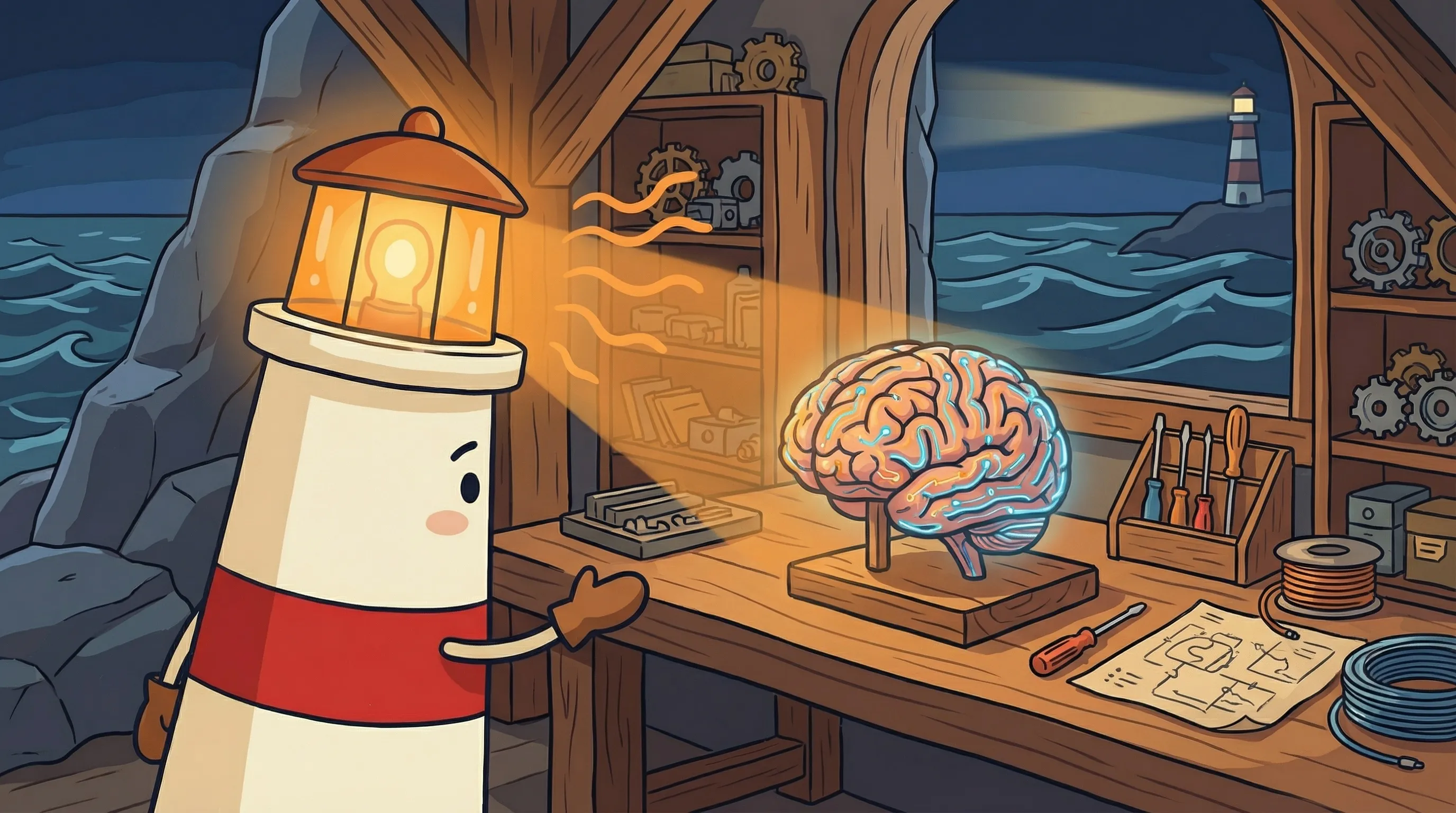
 Beacon says: every big journey starts with a single beam of light — welcome, we’re glad you’re here.
Your Monday Morning BrainRoad Checklist
You’ve read enough. Here’s exactly what to do in the next 15 minutes.
- Create your BrainRoad account and launch your first agent.
- Treat the agent like a new hire, not a toy. Give it a name, a job, and a clear definition of what “good” looks like.
- Load two short context blocks immediately. One for who you are and one for how the agent should operate.
- Connect one channel you already check. WhatsApp for personal responsiveness, Slack or Teams for company workflows.
- Set governed execution rules before broad access. Draft first, ask before sending, and require review for money, contracts, deletions, or outreach.
- Give it one real task today. Something with stakes, not a novelty prompt.
- Review the first approvals and outputs after 48 hours. Expand autonomy only after the agent has earned it.
For a deeper look at what this costs across the full stack, The Real Monthly Cost of Running a Personal AI Agent breaks down every line item.
Follow the working hosted path, not the self-hosted scavenger hunt.
Start on the trial-first launch page, then use the first-agent guide to provision the same verified AI employee with identity, memory, and governed execution.
Start the Hosted PathWhat This Means for How You Work
- BrainRoad should be understood as a verified AI employee model with managed execution underneath it, not just as hosted setup.
- The first-run job is identity, context, channel, and approval boundaries. Infrastructure is supporting machinery.
- The reason this beats a chat tab is not just action-taking. It is durable context plus governed action when the work matters.
- Self-hosted setup still carries the usual traps. BrainRoad’s product value is that you skip those traps and start at the point where the agent can do useful work.
- Start with review-heavy operation for the first 48 hours. Trust comes from observed outputs, not from optimistic prompts.
The question stopped being ‘does this technology work?’ a while ago. It works. The question now is whether you can afford to keep routing context manually between tools while your competitors have something doing that for them. The math on that stopped making sense months ago.
Frequently Asked Questions
Do I need any technical skills to set up BrainRoad?
No. The setup wizard handles the OpenClaw installation, Node.js configuration, and security setup automatically. You connect a messaging app, set your permissions, and you’re done. Windows users don’t need to touch WSL2 (required for self-hosted installs) — the wizard runs everything on our infrastructure.
What does BrainRoad cost?
BrainRoad covers the hosting. Your AI model costs — through Anthropic, OpenAI, or your preferred provider — are billed directly to you. For typical personal use, expect $8–15 per month in API costs on top of BrainRoad’s hosting fee. The trial requires no credit card. See our pricing page for current hosting tiers.
Can I run multiple AI agents on BrainRoad?
Yes. BrainRoad supports multiple agents in isolated containers. Single-agent setups are production-ready. Multi-agent coordination — where agents collaborate on tasks — is actively developing across the category. If your use case is a single personal agent handling email, scheduling, and research, you’re in the fully-supported zone.
Which messaging apps does my agent support?
BrainRoad hosts OpenClaw with its channel capabilities intact, and Hermes provides its own integrations alongside it. Managed email is built in; channels the owner configures keep their own authority model unless they route through a BrainRoad executor.
What's the difference between BrainRoad and self-hosting OpenClaw?
Same agent, different path. Self-hosting requires 12 setup steps, 84+ minutes, a working knowledge of server security, and ongoing maintenance. A properly secured self-hosted install — with egress controls, audit logging, and a reverse proxy — takes closer to three days. BrainRoad does all of that for you. If you need granular control over network topology or data sovereignty is a hard requirement, self-hosted is the right call. For everyone else, BrainRoad is the faster, safer path to the same outcome. For a full comparison, see How to Set Up OpenClaw: The Easy Way vs The Hard Way.


