What I help with
- Documents, photos and personal folders
- Bookmarks and account setup
- Email, printer and scanner setup
- Windows, Mac and Linux
- Backup setup and wiping the old computer
$199 setup and transfer

Bryan Leasure30 years in IT. I do the work.
Nothing gets erased until it’s checked.
Hardware at cost, or buy it anywhere.
Calls: 10:00 a.m.–9:00 p.m. Central, Monday–Saturday.
The new computer is ready. You’re not sure you are. Your files, email and familiar programs are still on the old one, and you don’t want to discover what’s missing after it’s gone.
Let’s make the new computer ready for your actual day. I move your files, set up email, programs and the printer, then check the tasks you rely on. We check the transfer before anything gets erased from the old computer.
Full setup and transfer are $199 flat. Nothing gets erased until it’s checked.
Choosing and ordering included if you want. Buy the computer anywhere; I never mark up hardware.
You don’t need the technical words. Tell me which of these sounds like your computer, or just describe what it’s doing.
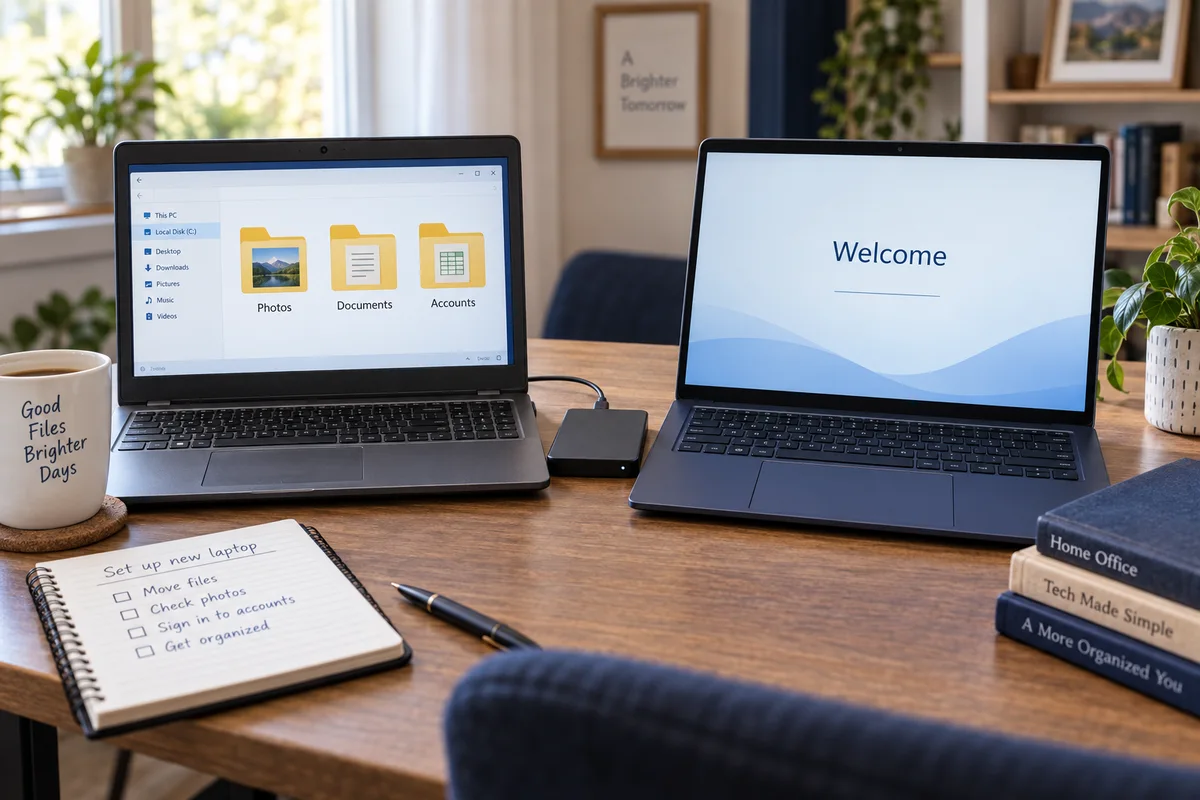
We start with what you don’t want to lose: your folders, your programs, your email, your bookmarks and your printer.
I recommend two or three specific computers for your budget and what you do. I can order it at cost with the receipt (I never mark up hardware), or you buy it anywhere. Choosing, ordering, setup and transfer are $199 flat.
Files, programs, email, bookmarks, printers and special settings: we find where they all live before anything moves.
Updates, privacy choices, accounts and backups, with the junk software removed, before it becomes your everyday computer.
Files are copied and opened in their new home, instead of trusting one “transfer everything” button.
Email opens, bookmarks are there, the printer prints, and your important programs launch before the old computer is retired.
The free diagnosis tells us what kind of help you need before you spend anything. If it needs someone other than me, I’ll say so.
Still deciding whether to buy? Get a free second opinionTell me what needs moving. Complete setup and transfer are $199, remote or hands-on, and nothing on the old computer gets erased until the transfer is checked.
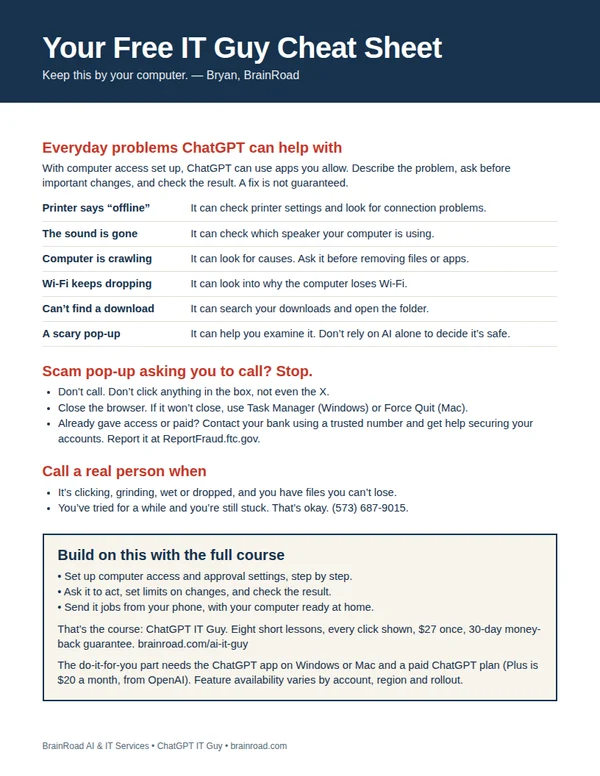
The next time the computer acts up, have somewhere to start. My one-page cheat sheet gives you ideas for what to ask ChatGPT, the scam pop-up rule, and when to bring me in. I’ll email it to you, plus a few short tips over the next week.
A setting you can’t find. A folder that needs sorting. Once your computer is working and online, ChatGPT can do the clicking in the apps you allow. I’ll show you the setup, what to ask and how to stay in charge. You can even send jobs from your phone while your computer stays awake and connected.
Show me how · $27 Want me to set it up for you?
The course is one payment. A paid ChatGPT plan is separate. Personal setup is a separate service, quoted first.