What I help with
- “Offline” and connection problems
- Printer and scanner setup
- Drivers and scanning apps
- Stuck print queues
- Printers lost after new Wi-Fi or a new computer
$99 per problem, fixed remotely

Bryan Leasure30 years in IT. I do the work.
Remote access only with your approval. You can disconnect.
Free diagnosis. Not fixed? You don’t pay.
Calls: 10:00 a.m.–9:00 p.m. Central, Monday–Saturday.
It has to print tonight: the boarding passes, the tax form, the permission slip. You’ve restarted the printer, the computer and the router. You watched a video for a different printer. It still says “offline.”
Don’t buy a new printer yet: “offline” is often a problem on the computer, not the printer. The job isn’t finished because a settings screen says “ready.” It’s finished when the page prints or the scan reaches its destination. I trace the connection, driver and queue with you, then we test the thing you needed to do. The diagnosis is free.
Free diagnosis. $99 flat remote fix. Not fixed? You don’t pay.
Anywhere in the U.S. You watch every click, and you can disconnect any time.
You don’t need the technical words. Tell me which of these sounds like your computer, or just describe what it’s doing.
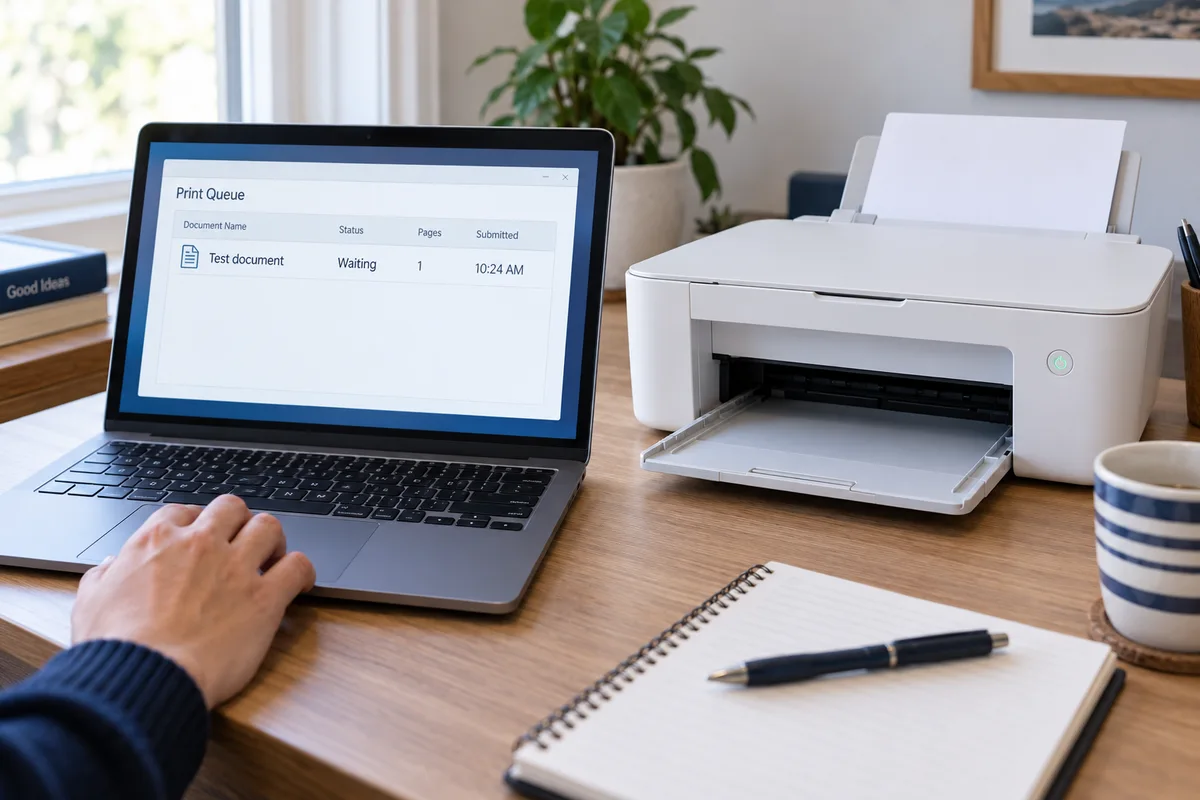
The printer, computer and connection all have a part to play. I check that path, find where the job stops and work on the cause.
Get the printer and the computer on the same network and talking again.
Repair or reinstall the printer and scanning software without leaving duplicate printers behind.
Clear the stuck jobs, set the right default printer, and print a clean test page.
Get scan-to-computer or scan-to-email working again when your printer supports it.
I work on the computer side while you stay with the printer. If the printer itself is broken, I’ll tell you whether it’s worth repairing.
See exactly how a remote session worksCall and tell me what the printer is doing. The diagnosis is free, a remote fix is $99 flat, and if I can’t fix it, you don’t pay.
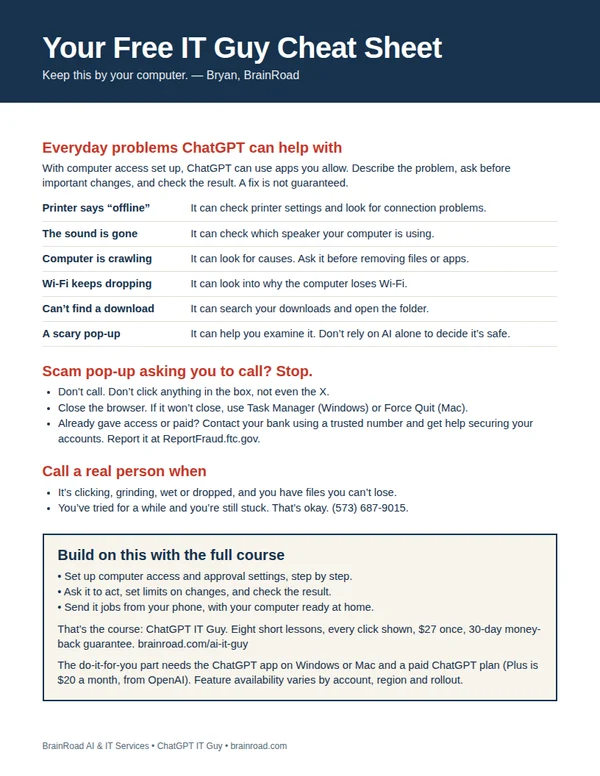
The next time the computer acts up, have somewhere to start. My one-page cheat sheet gives you ideas for what to ask ChatGPT, the scam pop-up rule, and when to bring me in. I’ll email it to you, plus a few short tips over the next week.
A setting you can’t find. A folder that needs sorting. Once your computer is working and online, ChatGPT can do the clicking in the apps you allow. I’ll show you the setup, what to ask and how to stay in charge. You can even send jobs from your phone while your computer stays awake and connected.
Show me how · $27 Want me to set it up for you?
The course is one payment. A paid ChatGPT plan is separate. Personal setup is a separate service, quoted first.